RMA Tracking for Transfers — Transparent & Tamper-Safe
RMA MANAGEMENT SYSTEM
RMA Tracking for Transfers — Transparent & Tamper-Safe
Log missing, damaged, or rejected items per transfer and per variant. Recover inventory safely, lock records automatically, and keep Shopify aligned.
RMA MANAGEMENT SYSTEM
When inventory doesn’t arrive right — RMA keeps it honest.
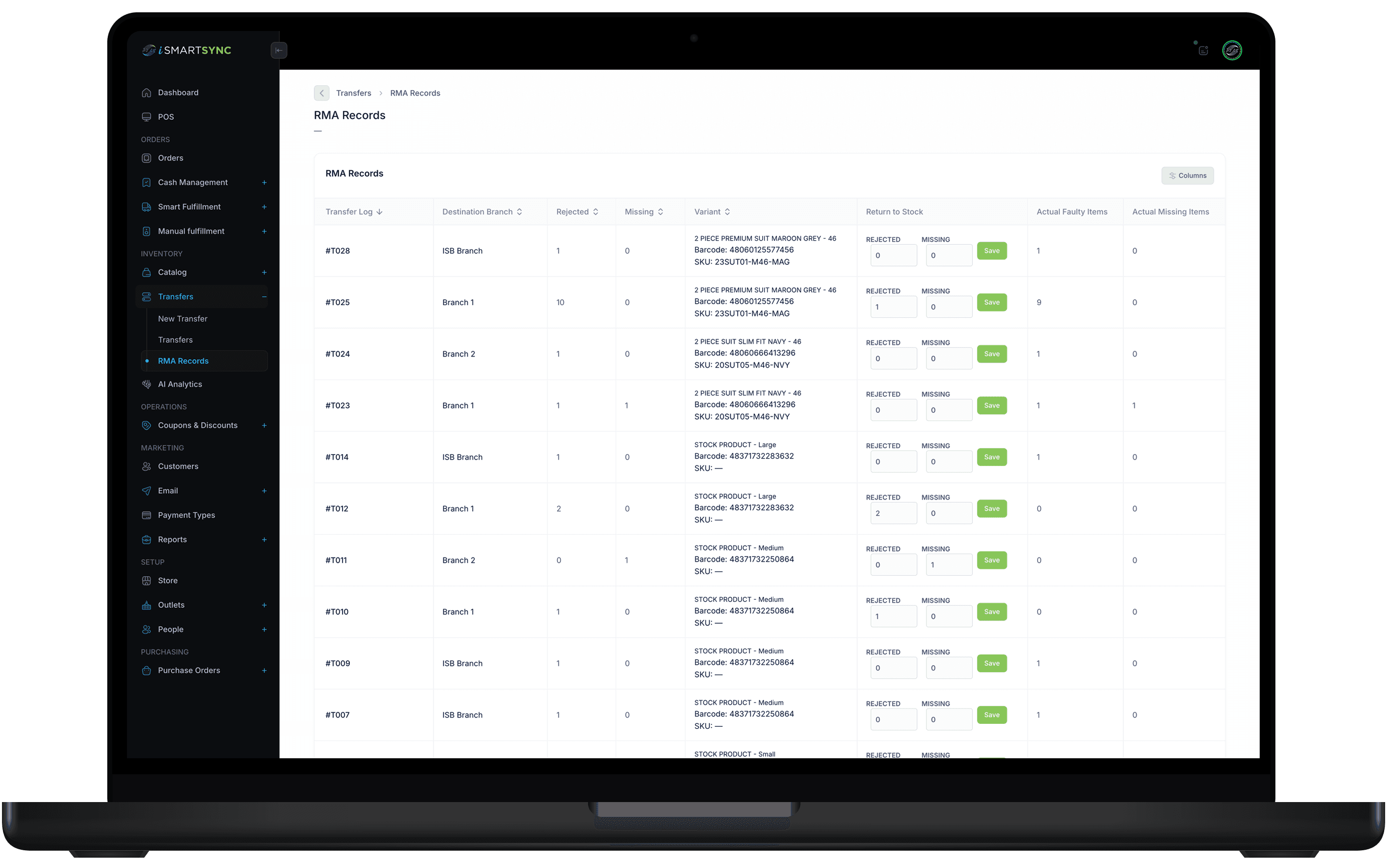
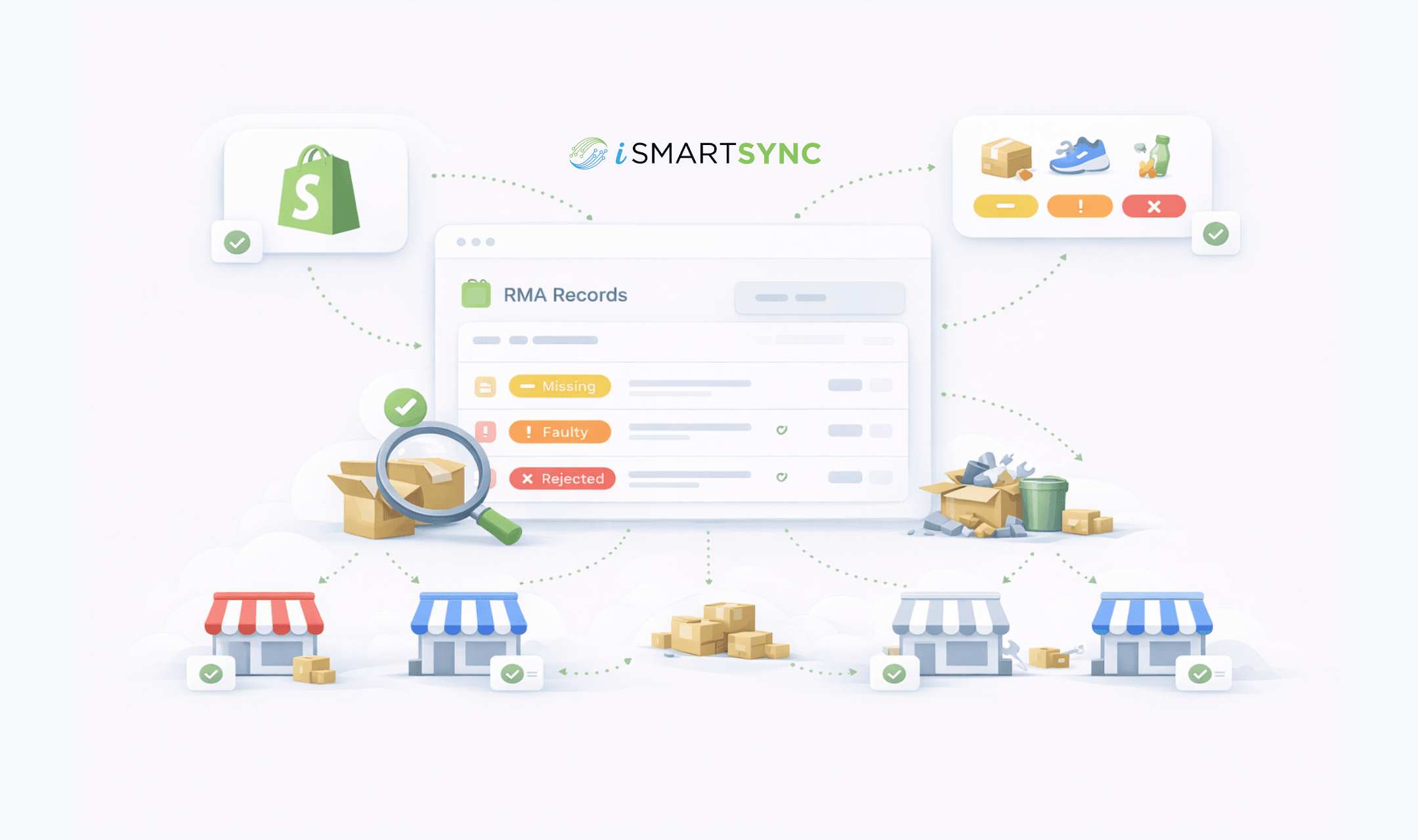
iSmartSync’s RMA system records missing, faulty, or rejected items per transfer and per variant — with safe constraints that protect inventory accuracy.
Per-variant RMA tracking for transfers
3 Types
Missing • Faulty • Rejected
Log exactly what went wrong during a transfer — nothing hidden.
No double-restocking. No silent edits.
Once stock is returned via RMA, the system locks fields to prevent tampering or over-counting.
Synced
Shopify-aware recovery
Recovered items can restore Shopify unassigned stock cleanly.
Traceable
Audit-safe history
Every RMA records who, when, why, and what changed.
“RMA principle”
“Discrepancies should be recorded — not fixed silently.”
— iSmartSync inventory logic
RMA built for real inventory problems
RMA in iSmartSync exists to handle what actually happens during transfers — shortages, damage, and rejections. Every discrepancy is logged, traceable, and recoverable with built-in protections that prevent inventory corruption.
Designed for accuracy, not shortcuts
A cloud-based RMA management system tightly integrated with transfers, branches, locations, and Shopify.
Transfer discrepancy tracking
Built specifically for inventory movement issues.
- Missing items
- Faulty or damaged items
- Rejected quantities
Safe constraints & locks
Accuracy over flexibility — always.
- No double-restocking
- Fields lock after recovery
- Audit-safe corrections
Shopify-aware inventory recovery
Designed for Shopify-connected retail.
- Restore unassigned stock
- Keep online counts accurate
- No manual Shopify edits
WHY RMA MATTERS
Because inventory mistakes compound.
RMA stops small discrepancies from becoming big reporting problems.
Precision
No bulk adjustments or guesswork.
After recovery
Prevents tampering or accidental edits.
With Shopify
Online and offline stay consistent.
How to connect Shopify with iSmartSync POS
Authorize once. iSmartSync stays connected to Shopify across inventory, orders, and stores.
Authorize Shopify
Securely connect your Shopify store. Products, variants, customers, and orders sync automatically.
Book a demoImport locations & create branches
Fetch your Shopify locations and map them to physical branches. Each branch maintains its own stock.
See location setupImport products & prepare inventory
Bring products directly from Shopify — variants, pricing, and stock — without spreadsheets. Conflict-aware imports keep inventory clean and aligned.
See product importFAQ
RMA Management FAQs
Common questions about RMA, transfers, and inventory recovery.
RMA MANAGEMENT SYSTEM
Make discrepancies visible — and inventory accurate
tamper-safe RMA
See how iSmartSync handles transfer discrepancies with per-variant RMA records, safe locks, and Shopify-aware recovery.
