POS Shift Management for branch-based teams
iSmartSync • Workforce
POS Shift Management for branch-based teams
Create branch-based shifts, set open/close times, and assign members so everyone knows when and where they’re working. Note: cash drawer open/close is handled separately in Shift Register / Cash Management.
HOW IT WORKS
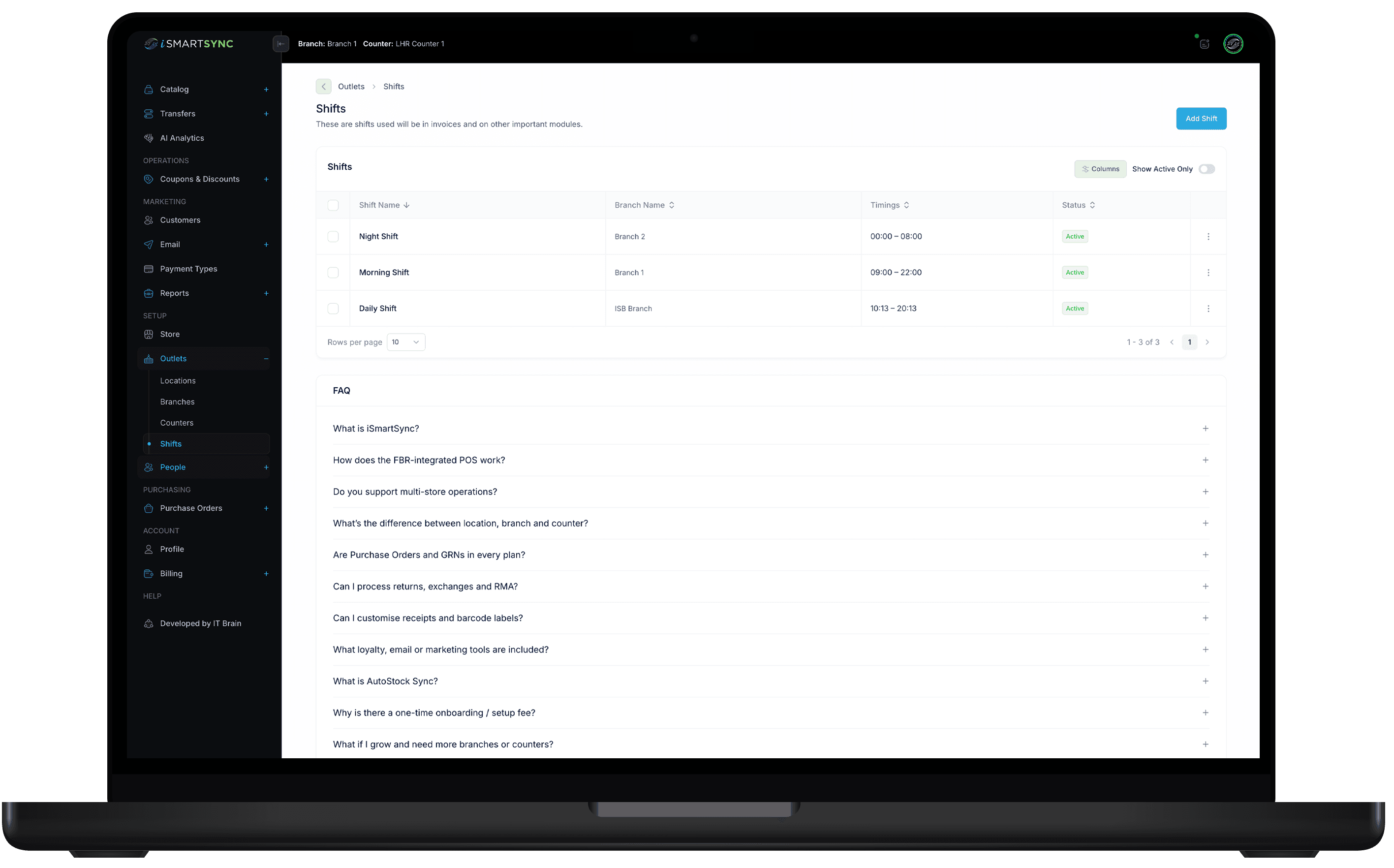
Create Shift → Assign Members → Stay in sync with operations
Shifts are for staffing schedules. They help you assign members and keep branch coverage organized. Shift Register remains the cash-drawer open/close process.
SHIFT MANAGEMENT
Plan working shifts by branch—keep teams aligned
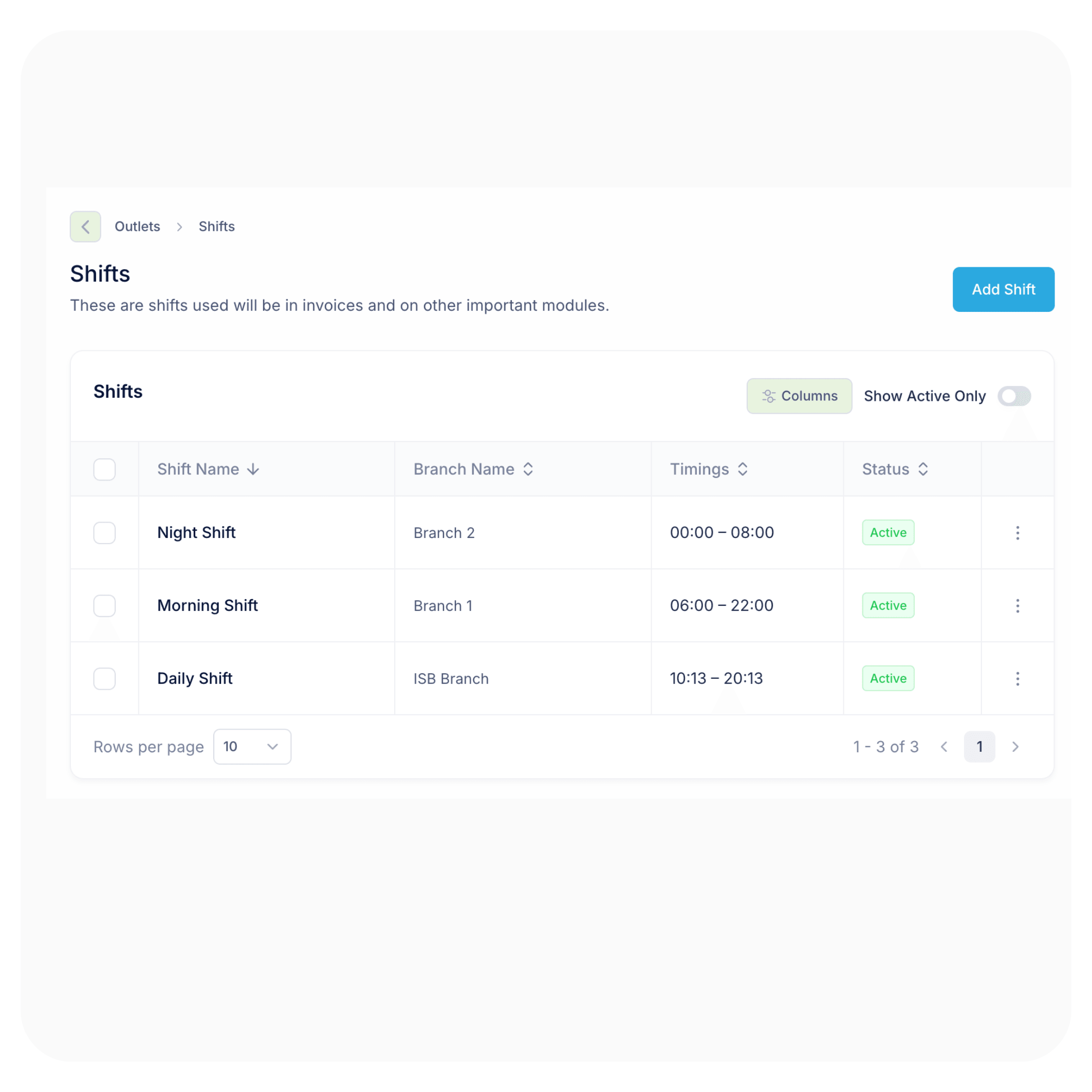
After you add a counter, create shifts for that branch (Morning/Evening/Weekend), assign members, and keep schedules visible. Note: cash drawer open/close is handled separately in Shift Register.
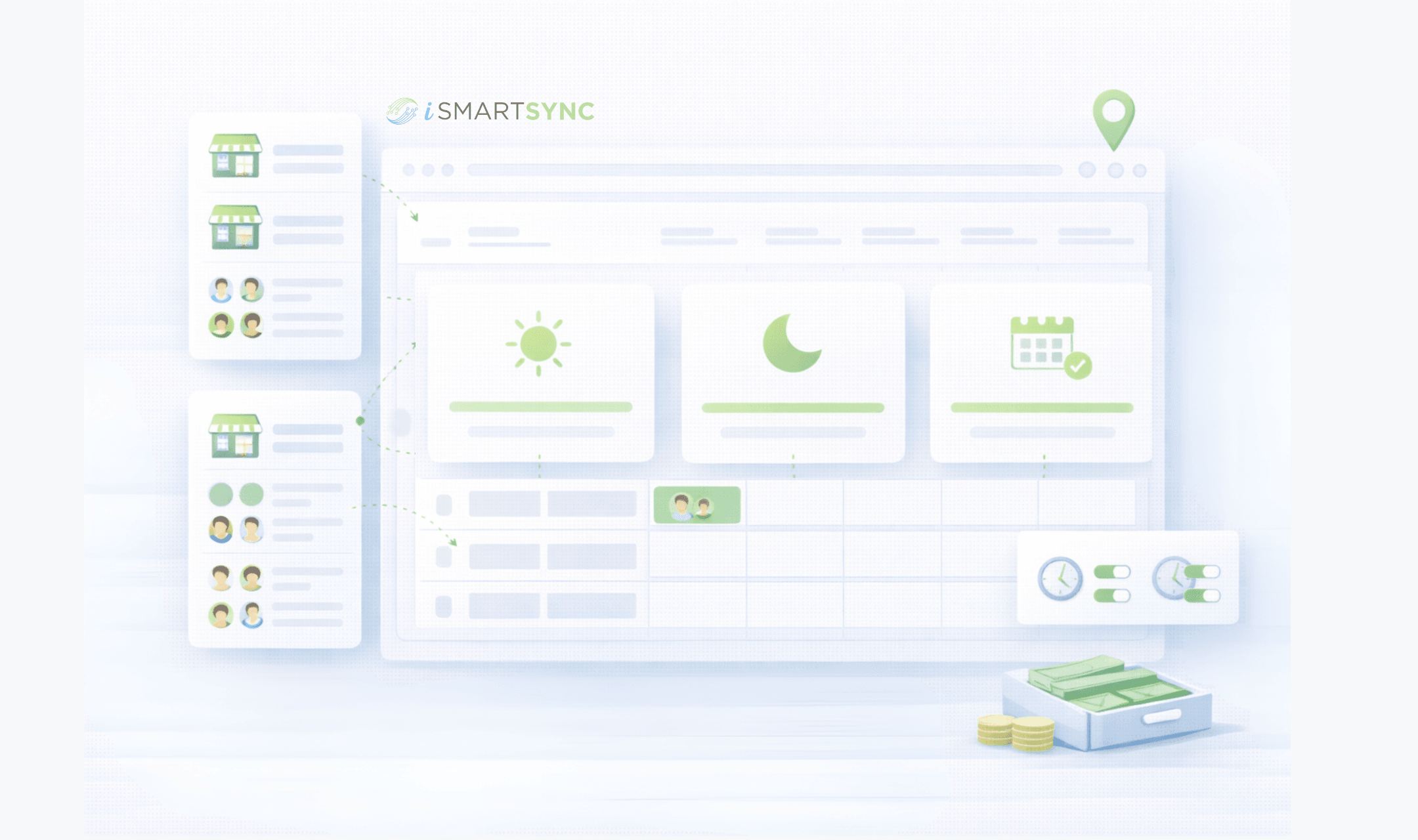
Create branch shifts with open/close times
Shifts are tied to a branch
Name the shift, select the branch, and set the timings. This becomes the work schedule used to assign members and plan coverage.
Templates
Morning / Evening / Weekend
Create reusable shift templates so you don’t set times again and again—apply per branch and tweak anytime.
Assignments
Assign members to shifts
Once shifts exist for a branch, members can be added and assigned—so everyone knows when and where they work.
Different module
Shift Register is separate
This page is for staffing schedules. Cash drawer open/close and cash session tracking lives under Shift Register / Cash Management.
“Counter → Shift → Member assignment”
“Add a counter, define branch shifts, then assign members—so operations and register sessions follow the right timings.”
— iSmartSync POS workflow
Build the right flow: Counter → Shift → Member assignment
Once a counter exists, define branch shifts and timings so members can be assigned properly. This keeps staffing aligned with operations, while cash drawer sessions remain in Shift Register.
What you get with iSmartSync shift planning
Branch shifts, templates, assignments, visibility—and a clean separation from cash drawer sessions.
Branch-based scheduling
Plan coverage per location with clear, reusable shifts.
- Create shifts tied to a branch
- Set open/close timings per branch
- Scale across multi-location operations
Member assignment flow
Shifts make member assignment consistent and conflict-free.
- Assign members only after shift setup
- Clarity for staff: where + when
- Supports role-based coverage planning
Clean separation from Shift Register
Keep staffing schedules and cash drawer sessions organized.
- Shifts = workforce schedule
- Shift Register = cash drawer open/close + cash tracking
- Less confusion, stronger accountability
CORE CAPABILITIES
Retail operations built on real movement
iSmartSync is a Shopify-dependent POS that tracks inventory the way stores actually work — across counters, branches, and online orders.
Shopify ↔ POS real-time handshake
Shopify creates online orders. iSmartSync controls in-store sales and physical stock movement. Both update each other live — no syncing delays, no duplicate inventory logic.
Explore Shopify handshakeMovement-based inventory system
Stock updates only when items are sold, packed, transferred, or returned — never when an order just appears online.
Explore inventory logicPOS-driven Shopify order fulfillment
Process online orders from POS — pack, dispatch, return, or exchange items with full branch context and inventory safety.
Explore order fulfillmentMulti-branch stock control
Each branch maintains its own stock, transfers, and audit trail — mapped cleanly to Shopify locations without breaking counts.
Explore branch managementReal-time sales across counters & online
Track POS counter sales and Shopify orders together — with live stock impact and unified reporting.
Explore real-time salesReturns, exchanges & RMA logic
Handle cancellations, refusals, and returns without inventory mismatch — restock only when goods physically come back.
Explore returns & exchangesAI-powered retail analytics
AI analyzes real sales and stock movement to highlight trends, slow-moving items, and operational risks — not guesses.
Explore AI analyticsProduct, variant & barcode system
Import products from Shopify, manage variants, and generate barcodes instantly — no spreadsheets required.
Explore barcode systemAudit-ready analytics & reporting
Every sale, movement, and adjustment is traceable — know who did what, where, and when.
Explore analyticsWORKFORCE + VISIBILITY
Clear schedules, better accountability.
Create shifts per branch, set timings, assign staff, and keep visibility across locations—while keeping cash drawer sessions separate in Shift Register.
Work schedules
Define who works when, per branch.
Timings
Set start/end times for each shift.
Staff coverage
Attach members to shifts for clarity.
How to connect Shopify with iSmartSync POS
Authorize once. iSmartSync stays connected to Shopify across inventory, orders, and stores.
Authorize Shopify
Securely connect your Shopify store. Products, variants, customers, and orders sync automatically.
Book a demoImport locations & create branches
Fetch your Shopify locations and map them to physical branches. Each branch maintains its own stock.
See location setupImport products & prepare inventory
Bring products directly from Shopify — variants, pricing, and stock — without spreadsheets. Conflict-aware imports keep inventory clean and aligned.
See product importFAQ
Shift Management FAQs
Quick answers about shifts, assignments, and how this differs from Shift Register.
Shift Management
Plan schedules in minutes—reduce confusion instantly
Create branch shifts
Set shift timings, assign members, and keep branch coverage visible—while keeping cash drawer sessions in Shift Register.
