POS Draft Orders & Quote Management
DRAFT ORDERS & QUOTES
POS Draft Orders & Quote Management
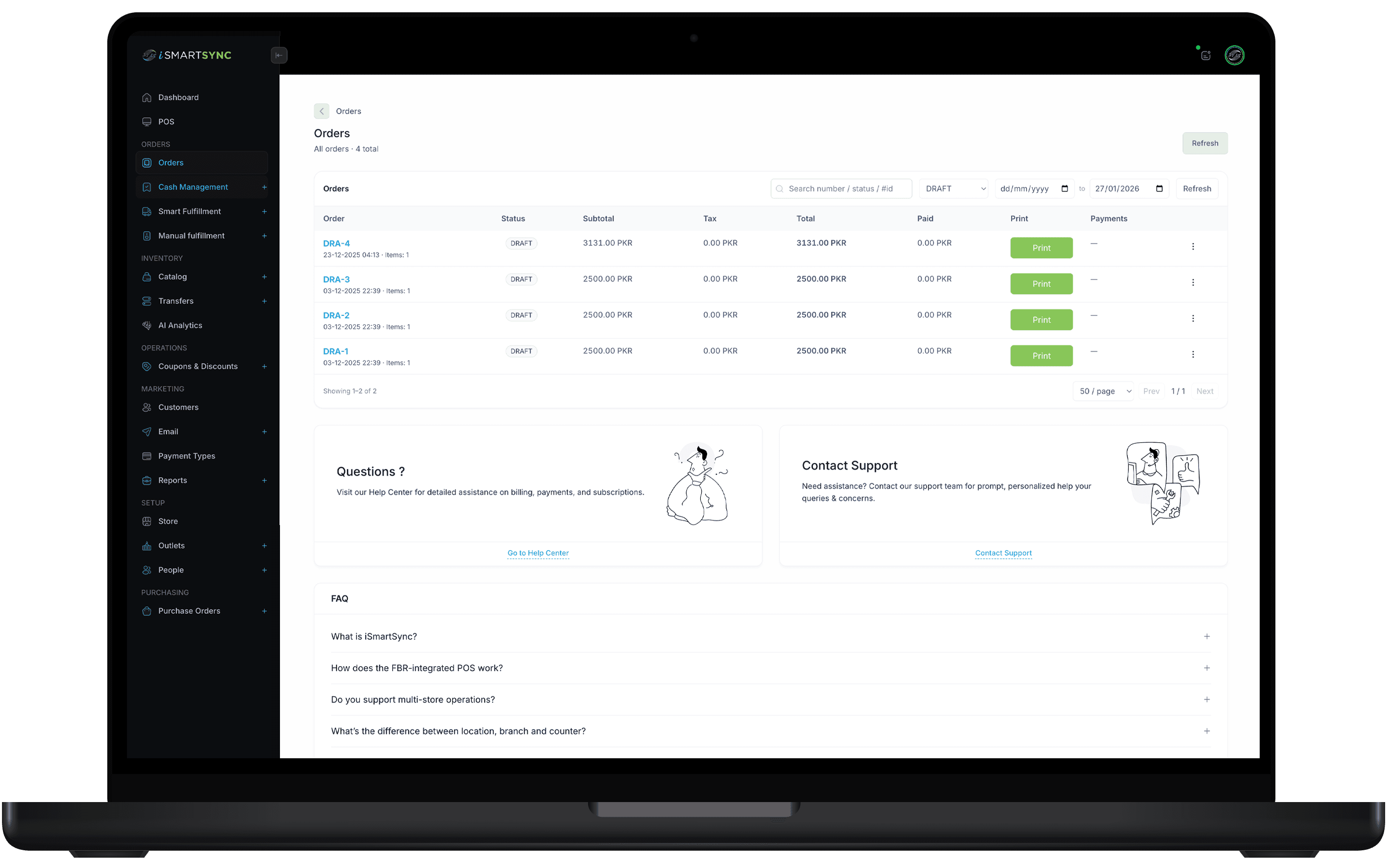
Easily create, save, and manage POS draft orders and quote requests from a single dashboard. iSmartSync helps retailers hold incomplete orders, generate professional quotations, and convert drafts into finalized sales when customers are ready—while maintaining accurate pricing, discounts, and sales tracking across locations.
HOW IT WORKS
Save now. Edit later. Convert instantly.
When customers need time, keep the sale alive. Draft orders preserve items, pricing, discounts, and notes—then finalize when ready.
DRAFT ORDERS & QUOTES
Never lose a pending sale again
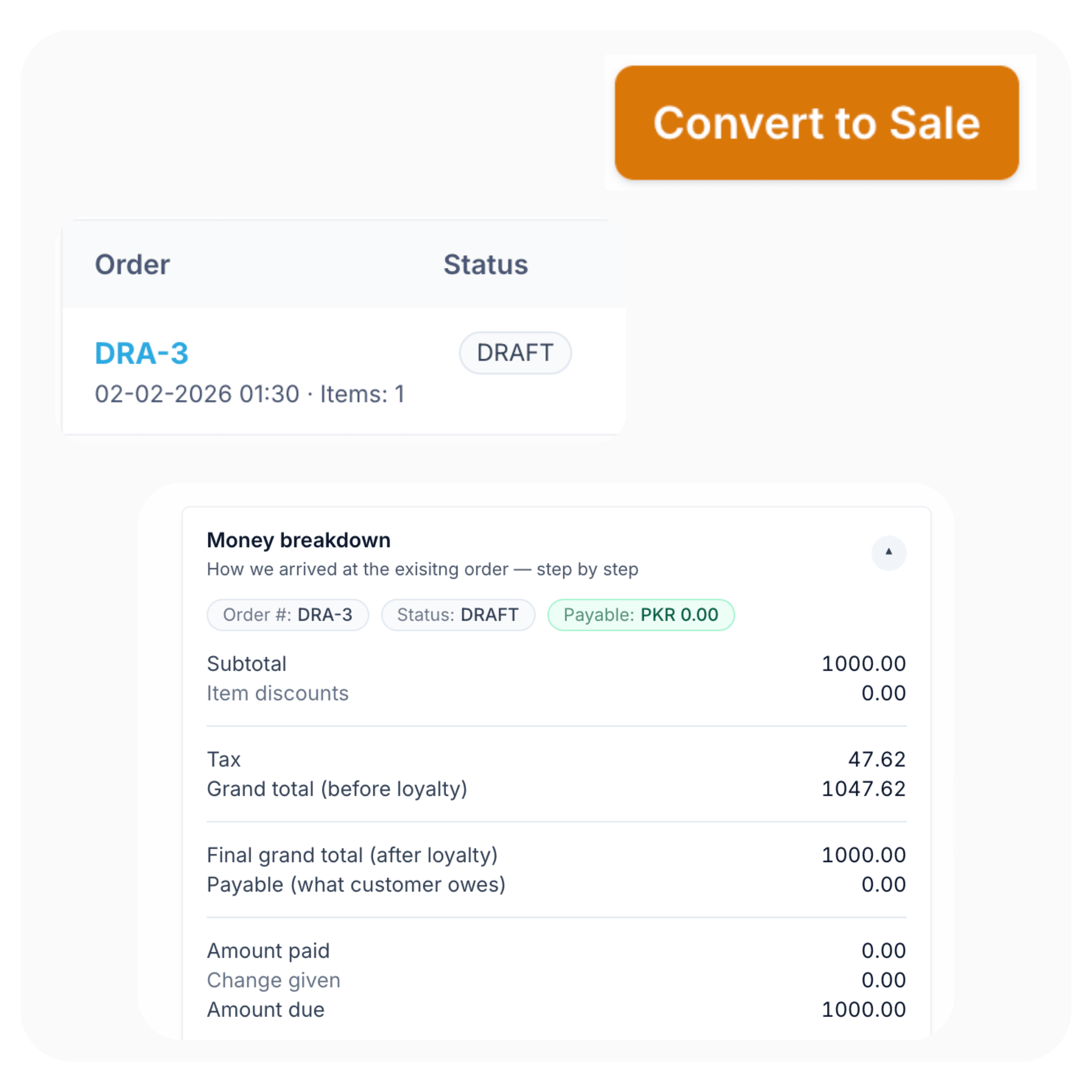
Save orders as drafts, generate professional quotes, and convert to invoice or sale with one click—no retyping.
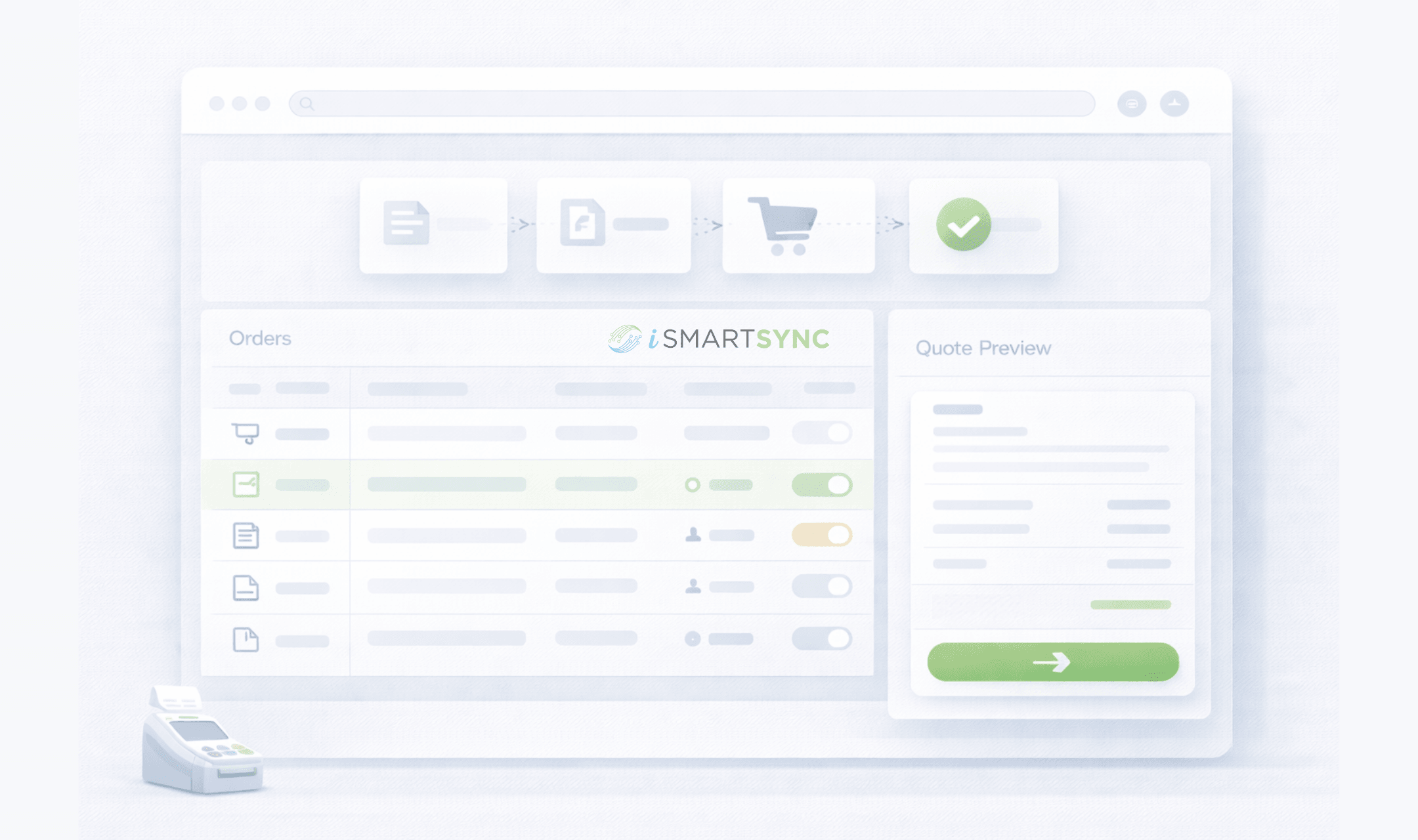
Drafts, quotes, and conversions in one dashboard
Manage quotes and drafts in one place
See every in-progress order at a glance. Filter by staff, branch, date, or status—clean and audit-friendly.
No re-entry
Quote → Draft → Sale
Create a quote, share it, then convert to invoice or sale instantly when the customer is ready.
Editable
Edit before checkout
Adjust prices, discounts, quantities, and notes anytime before converting to a final sale.
On-hold
Hold customer orders for later
Park incomplete orders for approvals, deposits, fittings, or custom builds—then resume when ready.
“Built for real retail”
“Save it now. Finish it later. Convert it instantly—without retyping a thing.”
— iSmartSync draft workflow
Keep every pending sale organized
Save carts as drafts, edit details anytime, generate quotes, and convert to invoice or sale with one click. Draft orders are ideal for custom requests, approvals, deposits, and customers who need time to decide.
Highlights
Everything you need to streamline draft orders, quotations, and quote-to-order workflows in POS.
One dashboard for drafts & quotes
Track every pending sale without spreadsheets.
- See all in-progress orders at a glance
- Filter by staff, branch, date, or status
- Keep customer notes and requirements attached
Edit before checkout
Keep drafts flexible until the customer confirms.
- Adjust prices, discounts, quantities, and items
- Apply custom pricing for B2B or service jobs
- Maintain a clean change history for accountability
Custom & on-hold orders
Perfect for deposits, fittings, and special orders.
- Hold customer orders for later processing
- Resume from the right counter with permissions
- Works for retail, B2B, and service workflows
CORE CAPABILITIES
Retail operations built on real movement
iSmartSync is a Shopify-dependent POS that tracks inventory the way stores actually work — across counters, branches, and online orders.
Shopify ↔ POS real-time handshake
Shopify creates online orders. iSmartSync controls in-store sales and physical stock movement. Both update each other live — no syncing delays, no duplicate inventory logic.
Explore Shopify handshakeMovement-based inventory system
Stock updates only when items are sold, packed, transferred, or returned — never when an order just appears online.
Explore inventory logicPOS-driven Shopify order fulfillment
Process online orders from POS — pack, dispatch, return, or exchange items with full branch context and inventory safety.
Explore order fulfillmentMulti-branch stock control
Each branch maintains its own stock, transfers, and audit trail — mapped cleanly to Shopify locations without breaking counts.
Explore branch managementReal-time sales across counters & online
Track POS counter sales and Shopify orders together — with live stock impact and unified reporting.
Explore real-time salesReturns, exchanges & RMA logic
Handle cancellations, refusals, and returns without inventory mismatch — restock only when goods physically come back.
Explore returns & exchangesAI-powered retail analytics
AI analyzes real sales and stock movement to highlight trends, slow-moving items, and operational risks — not guesses.
Explore AI analyticsProduct, variant & barcode system
Import products from Shopify, manage variants, and generate barcodes instantly — no spreadsheets required.
Explore barcode systemAudit-ready analytics & reporting
Every sale, movement, and adjustment is traceable — know who did what, where, and when.
Explore analyticsQUOTE-TO-ORDER WORKFLOW
Drafts and quotations that stay organized—and convert faster.
Save incomplete orders, edit anytime, generate professional quotations, and convert to invoice or sale in one click.
Drafts + quotes
All pending sales tracked in one place.
Convert to sale
Quote → invoice → checkout without re-entry.
Audit-friendly
Know who created, edited, and finalized every draft.
How to connect Shopify with iSmartSync POS
Authorize once. iSmartSync stays connected to Shopify across inventory, orders, and stores.
Authorize Shopify
Securely connect your Shopify store. Products, variants, customers, and orders sync automatically.
Book a demoImport locations & create branches
Fetch your Shopify locations and map them to physical branches. Each branch maintains its own stock.
See location setupImport products & prepare inventory
Bring products directly from Shopify — variants, pricing, and stock — without spreadsheets. Conflict-aware imports keep inventory clean and aligned.
See product importFAQ
Draft Orders & Quotes FAQs
Quick answers about saving drafts, managing quotes, and converting to final sales.
Draft Orders & Quotes
Never lose a pending sale again
drafts + quotes
Save as draft, send a quote, and convert to a sale in one click—directly from your POS.
