Smart Product Categorization
& POS Hierarchy Management System
POS PRODUCT CATEGORIZATION & HIERARCHY
POS Product Categories and Collection Mapping
Organize your retail inventory with precision using iSmartSync’s advanced product categorization and hierarchy management. Seamlessly import Shopify product categories, manage multiple collections, and auto-sync them with your POS in real time. Map categories to FBR HS codes, assign tax rules by collection, and track product counts effortlessly.
✓ No card needed · ✓ Set up in minutes
POS CATEGORIZATION WORKFLOW
Import, organize, map — all in one place.
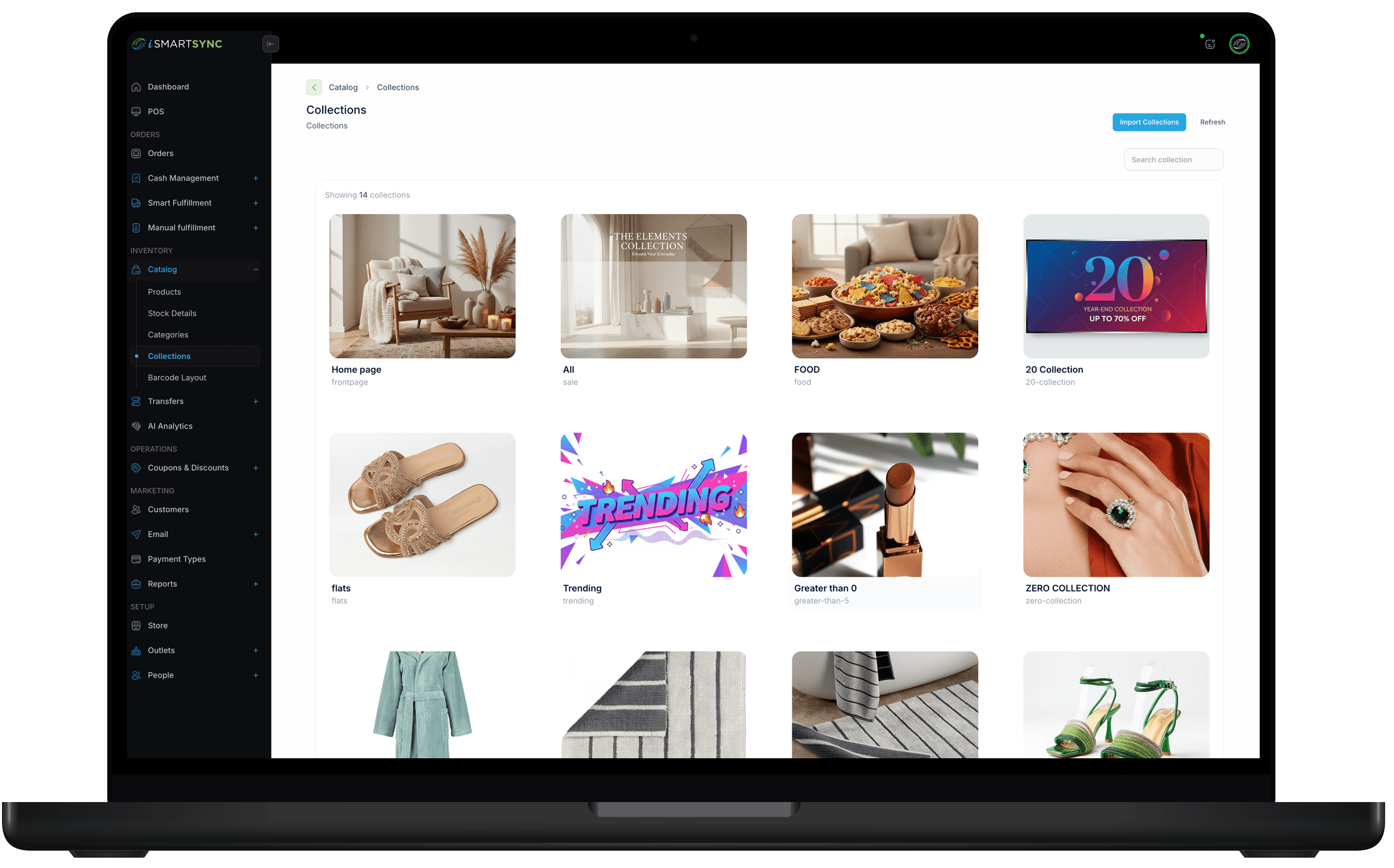
iSmartSync makes product categorization and hierarchy simple: import Shopify categories, manage collections, and map compliance/tax fields by category — without rebuilding your structure.
CATEGORIES + COLLECTIONS
Smart categorization and hierarchy — synced from Shopify.
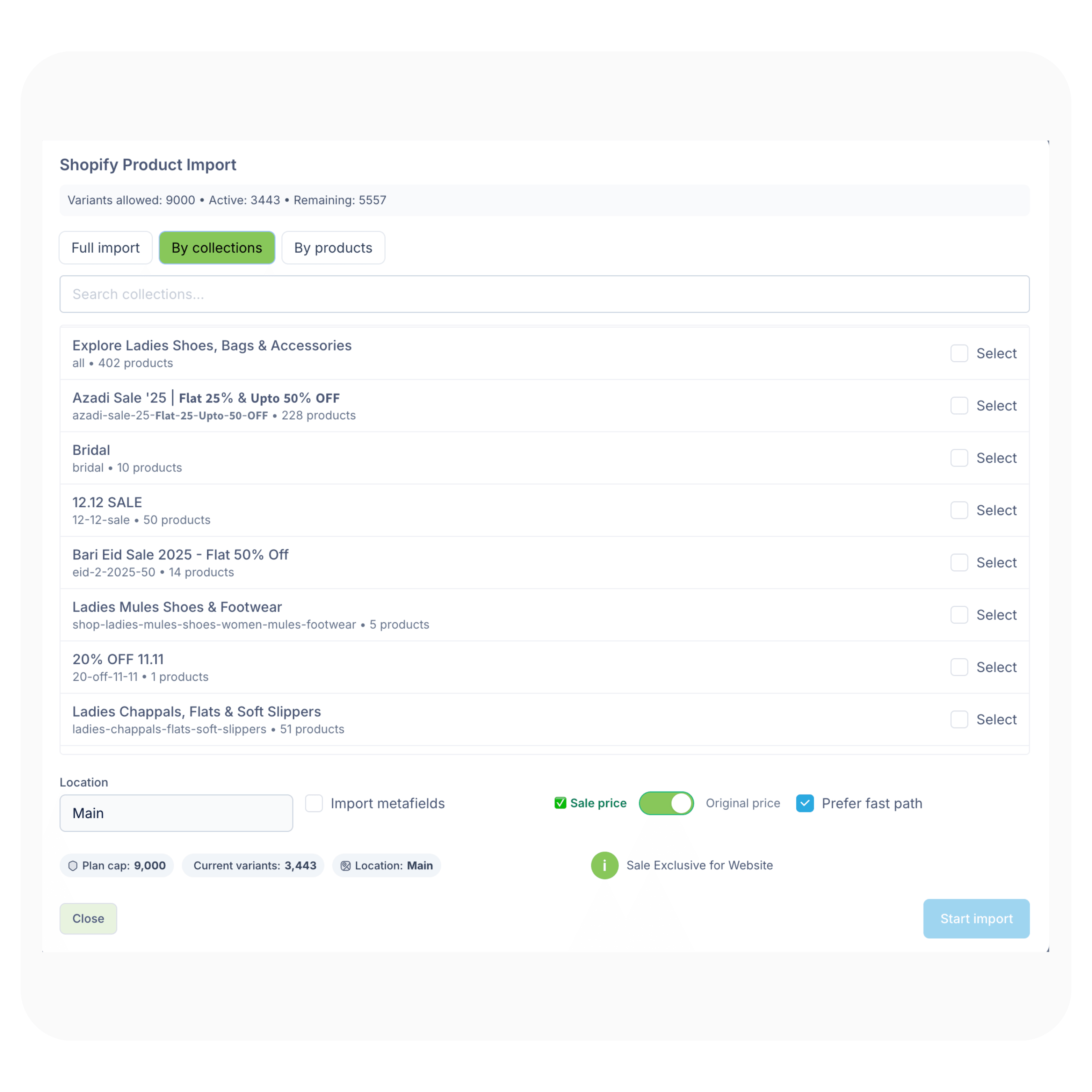
Organize your retail inventory with precision using iSmartSync’s product categorization and hierarchy management. Seamlessly import Shopify product categories, manage multiple collections, and auto-sync them with your POS in real time — with product counts and clean structure for reporting.
Auto-sync categories into POS
Auto-Sync
No spreadsheets, no rework
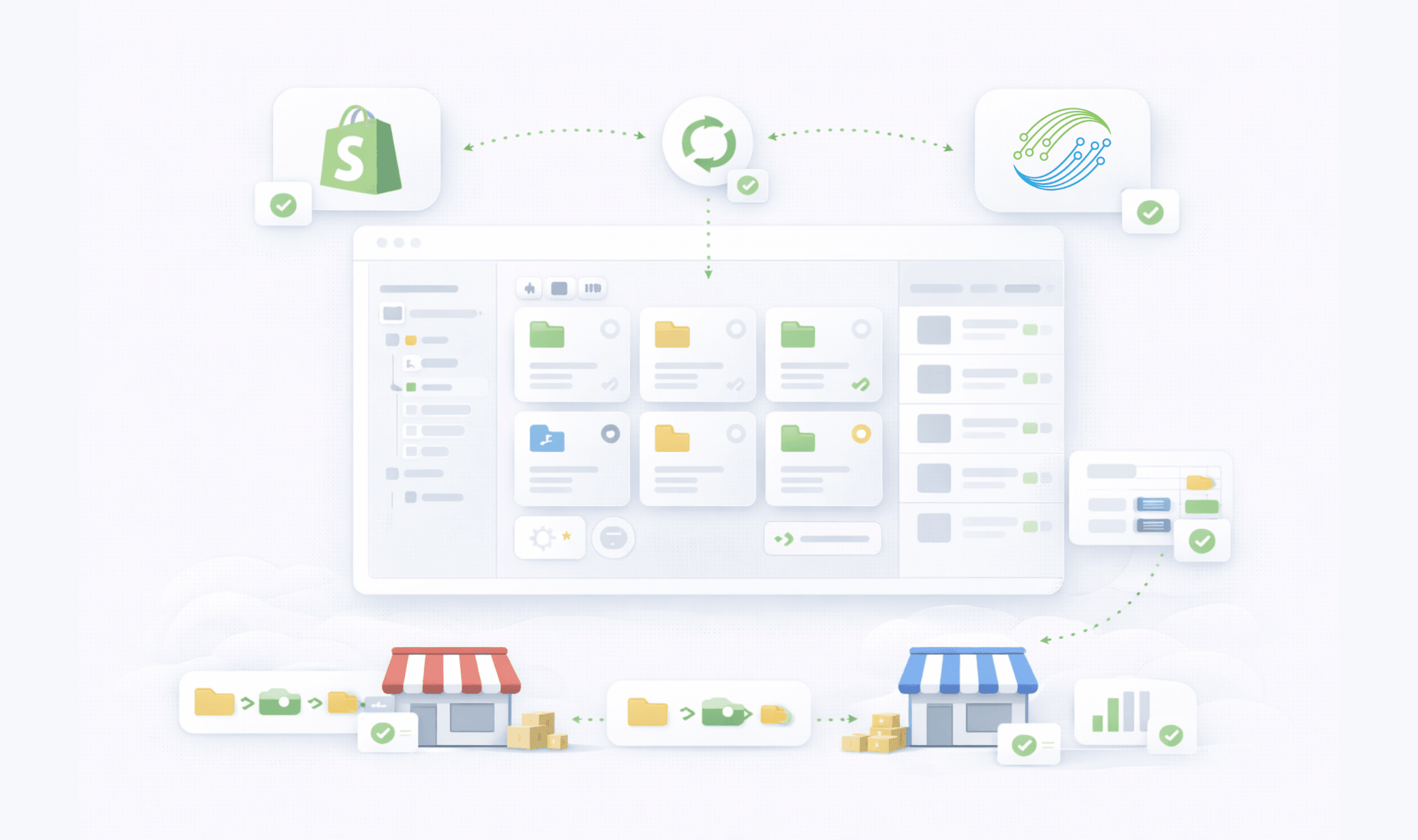
Import Shopify product categories and keep them synced with your POS — so your catalog stays structured as you grow.
POS collection management
Manage multiple product collections (smart + custom) and keep your merchandising structure consistent across online and in-store selling.
Counts
Track product counts per collection
Collections sync with product counts so reporting and planning stay accurate without manual tracking.
Mapping
POS category mapping
Map products to clean hierarchy: category → collections → inventory — for faster discovery and cleaner reports.
“Hierarchy rule”
“If your catalog isn’t structured, your reports will never be trusted.”
— iSmartSync category design principle
Organize inventory accurately — and keep structure synced
iSmartSync combines Shopify product categories import, POS collection management, and FBR HS code mapping into one clean workflow. Auto-sync product categories with POS, manage multiple collections, track product counts per collection, and assign tax or HS codes by category — so your catalog stays structured and reporting stays reliable.
Designed for category management and compliance
A product category management system that syncs Shopify collections and supports HS/tax mapping at category level.
Product categorization and hierarchy
Organize retail inventory by category in POS.
- Product category management system for scale
- Clear hierarchy for search, selling, and reporting
- Auto-sync product categories with POS
POS collection management
Collection-based inventory management that stays accurate.
- Manage multiple product collections
- Sync Shopify collections for accurate reporting
- Track product counts per collection automatically
FBR HS code mapping
Assign HS codes to categories for tax automation.
- Map product categories to FBR HS codes
- Bulk update HS/UOM/TX/SRO per category
- Reduce compliance errors and invoice rejections
Tax + compliance categorization
Manage product collections and tax categories cleanly.
- Assign tax or HS codes by category
- Improve audit readiness with consistent mapping
- Less manual work, fewer mismatches
Built for real catalogs
Fast imports + stable structure without rework.
- Shopify categories import + collections sync
- Bulk-first, fallback when needed
- A POS category mapping workflow teams can trust
FBR + TAX MAPPING
Map HS codes and tax rules — by category.
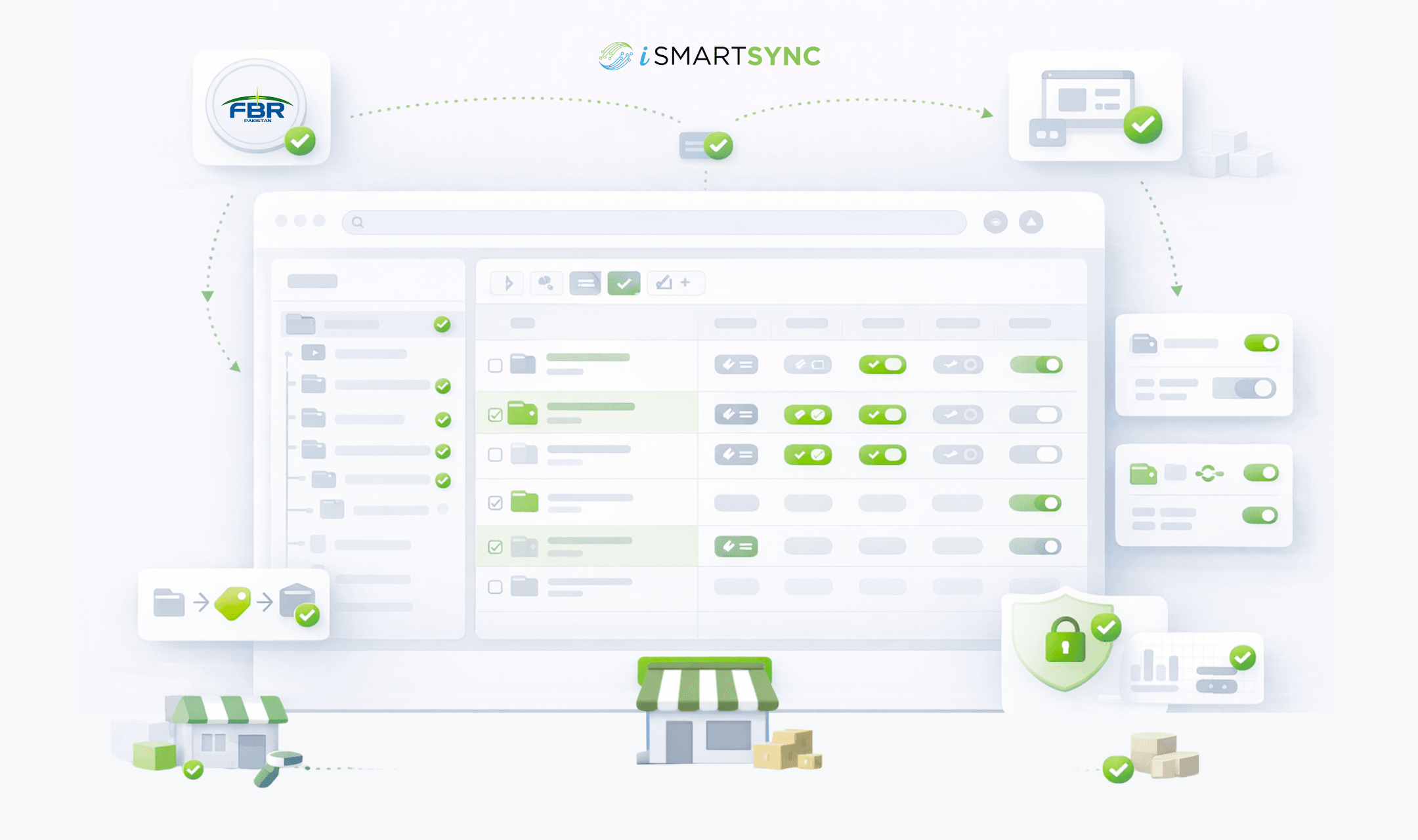
Map categories to FBR HS codes, assign tax rules by collection, and keep compliance fields consistent. iSmartSync supports bulk updates for HS Code, UOM Code, Transaction Type (TX), and SRO — and saves only what you change.
Compliance fields at category level
Bulk
Update many categories at once
Select multiple categories and assign HS/UOM/TX/SRO in one pass — faster setup and consistent compliance.
Only fields you change are saved
Mapping is intentional: removals work (null allowed), and updates don’t overwrite unrelated category data.
HS
FBR HS code mapping
Assign HS codes to categories for tax automation and cleaner invoice compliance across your POS.
Rules
Assign tax rules by collection
Use collections to group products for promotions, reporting, and tax categorization — without breaking hierarchy.
“Compliance principle”
“Tax and HS mapping should be centralized — not repeated product by product.”
— iSmartSync compliance workflow
CORE CAPABILITIES
Retail operations built on real movement
iSmartSync is a Shopify-dependent POS that tracks inventory the way stores actually work — across counters, branches, and online orders.
Shopify ↔ POS real-time handshake
Shopify creates online orders. iSmartSync controls in-store sales and physical stock movement. Both update each other live — no syncing delays, no duplicate inventory logic.
Explore Shopify handshakeMovement-based inventory system
Stock updates only when items are sold, packed, transferred, or returned — never when an order just appears online.
Explore inventory logicPOS-driven Shopify order fulfillment
Process online orders from POS — pack, dispatch, return, or exchange items with full branch context and inventory safety.
Explore order fulfillmentMulti-branch stock control
Each branch maintains its own stock, transfers, and audit trail — mapped cleanly to Shopify locations without breaking counts.
Explore branch managementReal-time sales across counters & online
Track POS counter sales and Shopify orders together — with live stock impact and unified reporting.
Explore real-time salesReturns, exchanges & RMA logic
Handle cancellations, refusals, and returns without inventory mismatch — restock only when goods physically come back.
Explore returns & exchangesAI-powered retail analytics
AI analyzes real sales and stock movement to highlight trends, slow-moving items, and operational risks — not guesses.
Explore AI analyticsProduct, variant & barcode system
Import products from Shopify, manage variants, and generate barcodes instantly — no spreadsheets required.
Explore barcode systemAudit-ready analytics & reporting
Every sale, movement, and adjustment is traceable — know who did what, where, and when.
Explore analyticsWHY RETAILERS USE ISMARTSYNC
Clean hierarchy. Accurate reporting. Faster decisions.
A product category management system that auto-syncs Shopify categories and collections, tracks product counts, and supports FBR HS code mapping — built for accurate POS reporting.
Shopify sync
Auto-sync product categories with POS for a reliable structure.
Collections reporting
Track product counts per collection for accurate reporting.
HS mapping
Assign HS codes to categories for tax automation and compliance.
How to connect Shopify with iSmartSync POS
Authorize once. iSmartSync stays connected to Shopify across inventory, orders, and stores.
Authorize Shopify
Securely connect your Shopify store. Products, variants, customers, and orders sync automatically.
Book a demoImport locations & create branches
Fetch your Shopify locations and map them to physical branches. Each branch maintains its own stock.
See location setupImport products & prepare inventory
Bring products directly from Shopify — variants, pricing, and stock — without spreadsheets. Conflict-aware imports keep inventory clean and aligned.
See product importFAQ
Category & Collection Mapping FAQs
Common questions about Shopify category import, collection sync, product counts, and FBR HS mapping.
POS-PRODUCT-CATEGORIZATION-AND-HIERARCHY
Ready to organize your catalog with clean hierarchy?
category & collection mapping
Auto-sync Shopify categories and collections, track product counts, and map FBR HS codes and tax rules by category — with iSmartSync.
✓ No card needed · ✓ Set up in minutes
