

Recipes and inventory
Ultra planRecipe inventory for restaurants and cafes
Every sale takes the right ingredients out of stock.
Link each menu item to its recipe once. When the cashier sells a burger, iSmart Serve deducts the bun, patty and sauce by weight, so stock and food cost stay true without a stock sheet.
Demo login: Demo Owner, PIN 1234. No sign-up.
How it works
4 simple steps
- 1
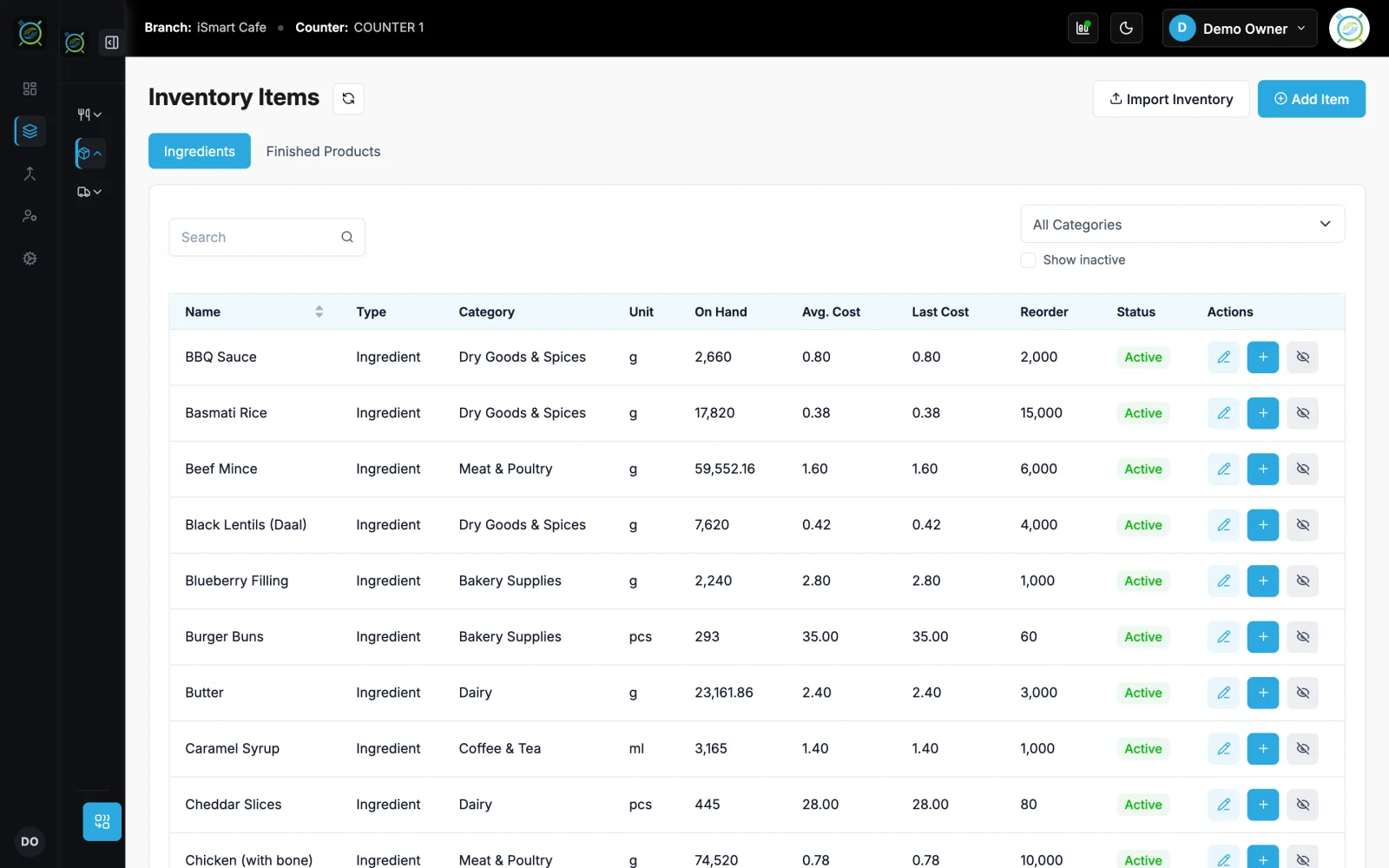
Add your ingredients
Enter stock items with their unit (kg, g, litre, ml or pieces) and cost, or import them from Excel.
- 2
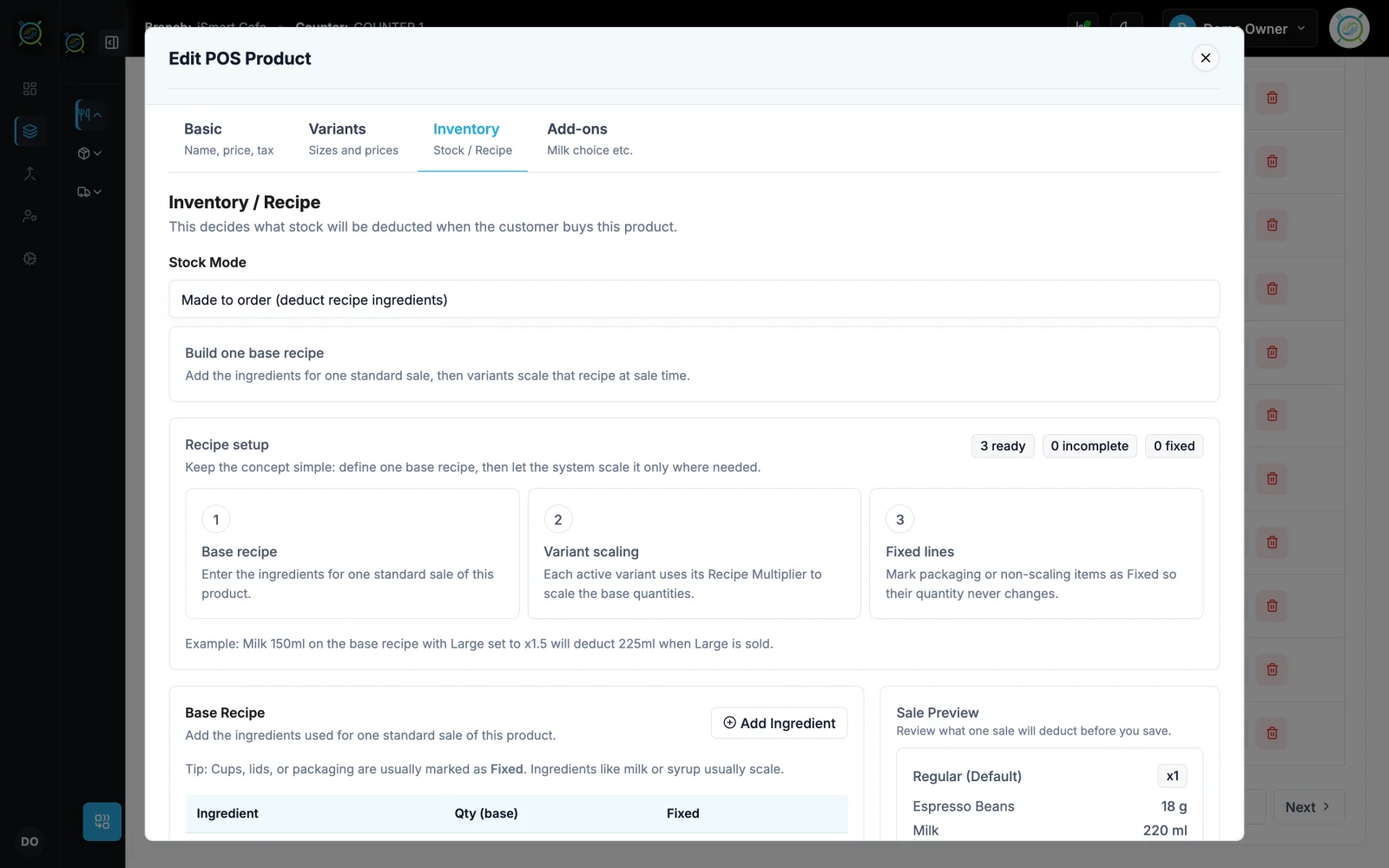
Build the recipe
On each menu item, list the ingredients and quantities. The food cost is worked out for you.
- 3
Sell as usual
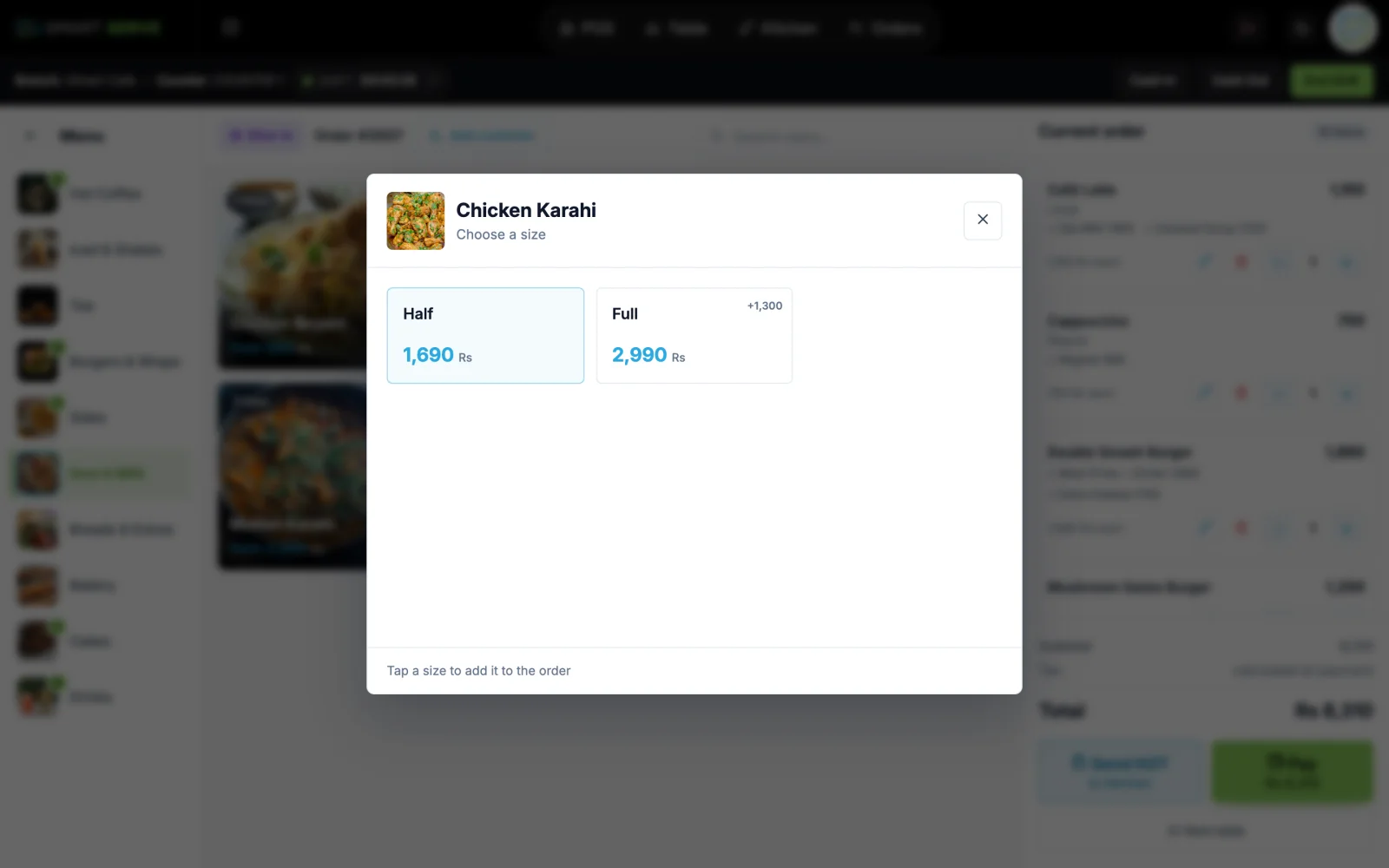
Every bill deducts the ingredients by recipe, scaled for the size sold. Bottled and packed items can deduct as ready-made stock instead.
- 4
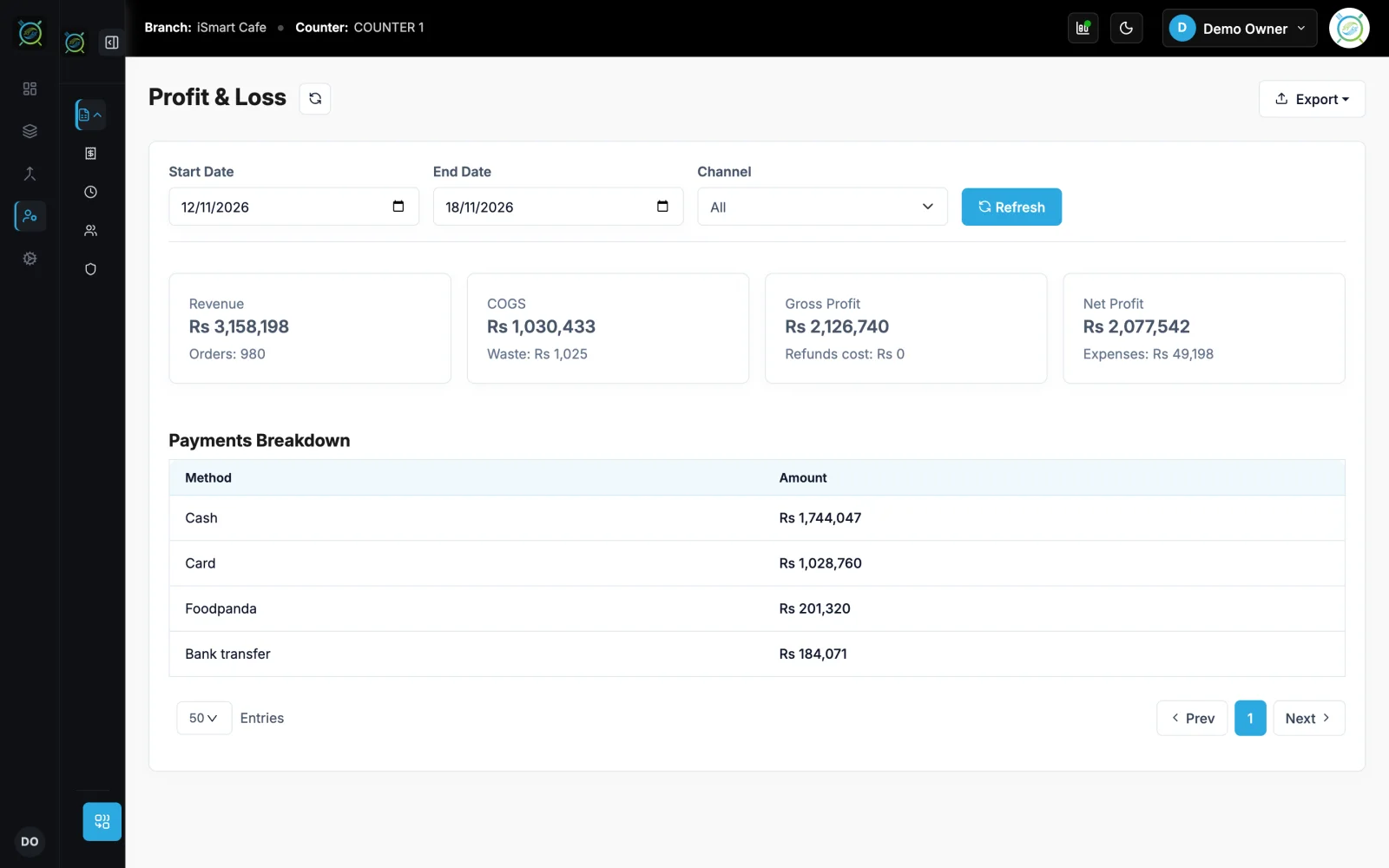
See real profit
Ingredient usage and profit and loss reports show what each dish really earns.
What you get
Made for a busy counter
See recipes and inventory on the live demo
The real iSmart Serve, with a demo cafe's menu, tables and kitchen. Click around; nothing you do is kept.
Demo login: Demo Owner, PIN 1234. No sign-up.
A cafe sells 120 lattes in a day
Each latte uses 18 g of coffee and 220 ml of milk. After 120 lattes, iSmart Serve has taken 2.16 kg of coffee and 26.4 litres of milk out of stock, and the ingredient usage report shows the cost of every cup.
Works well with
Related features
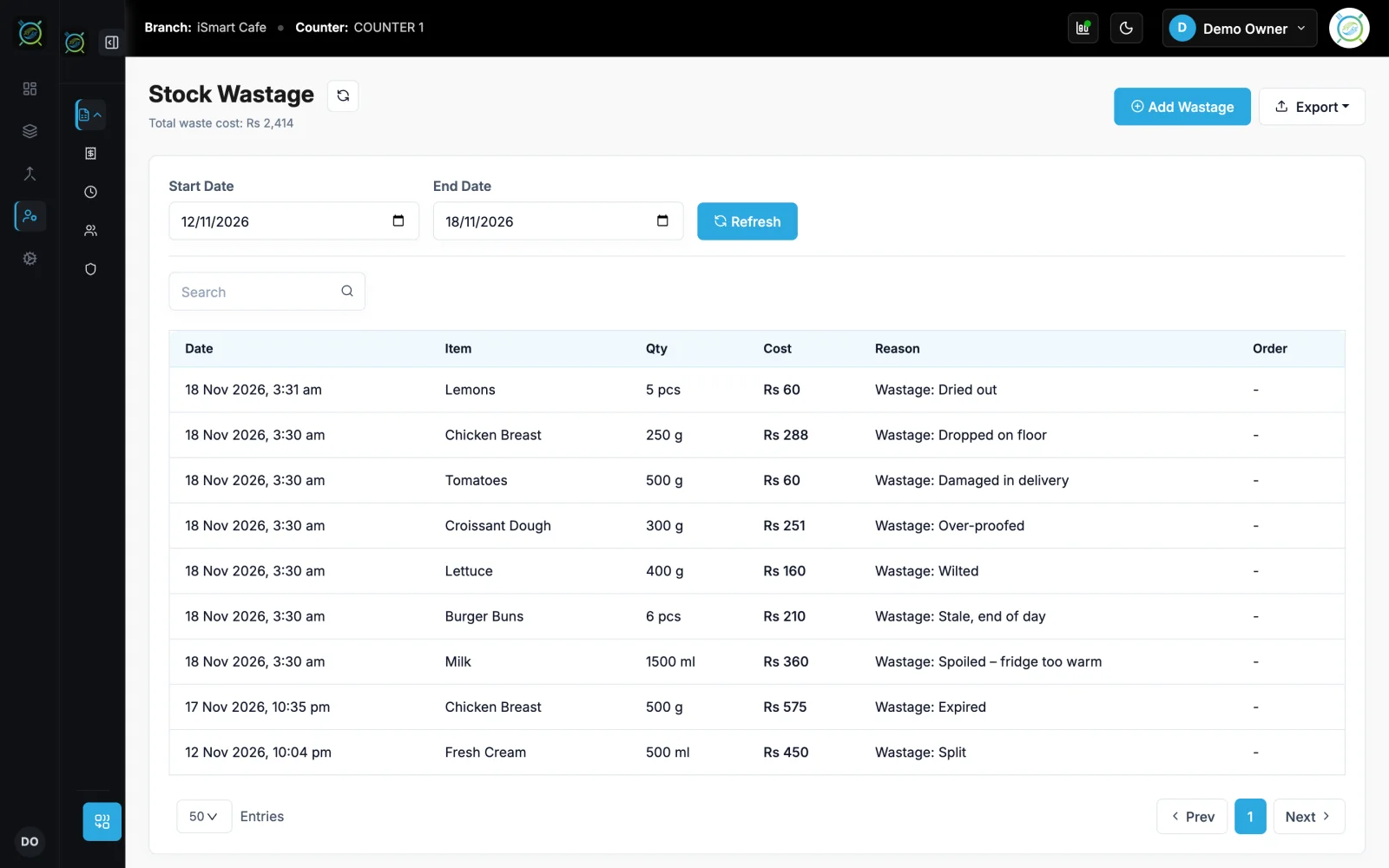
Record spoiled or wasted stock with a reason.
Learn more →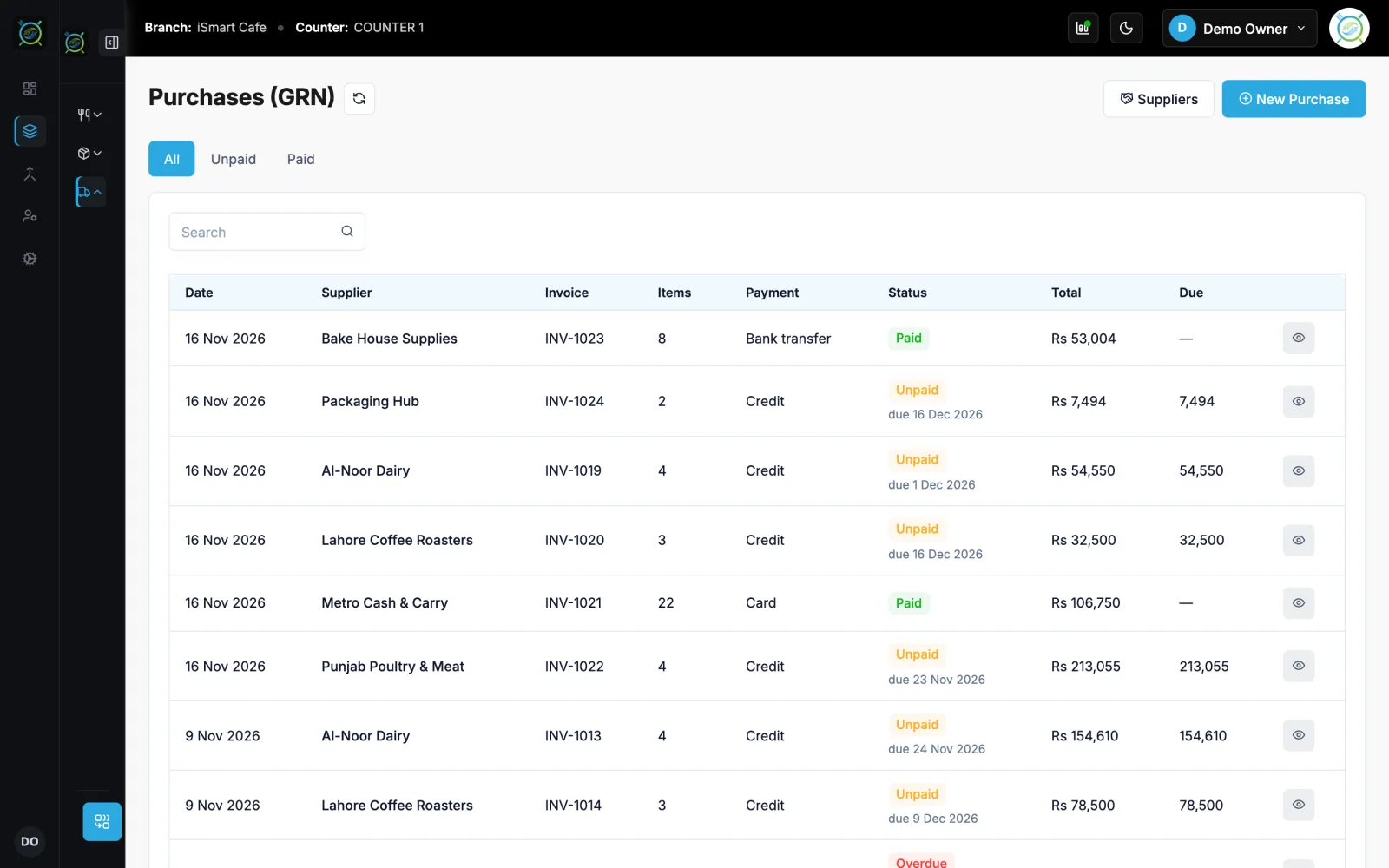
Goods received, credit, payables and ledgers.
Learn more →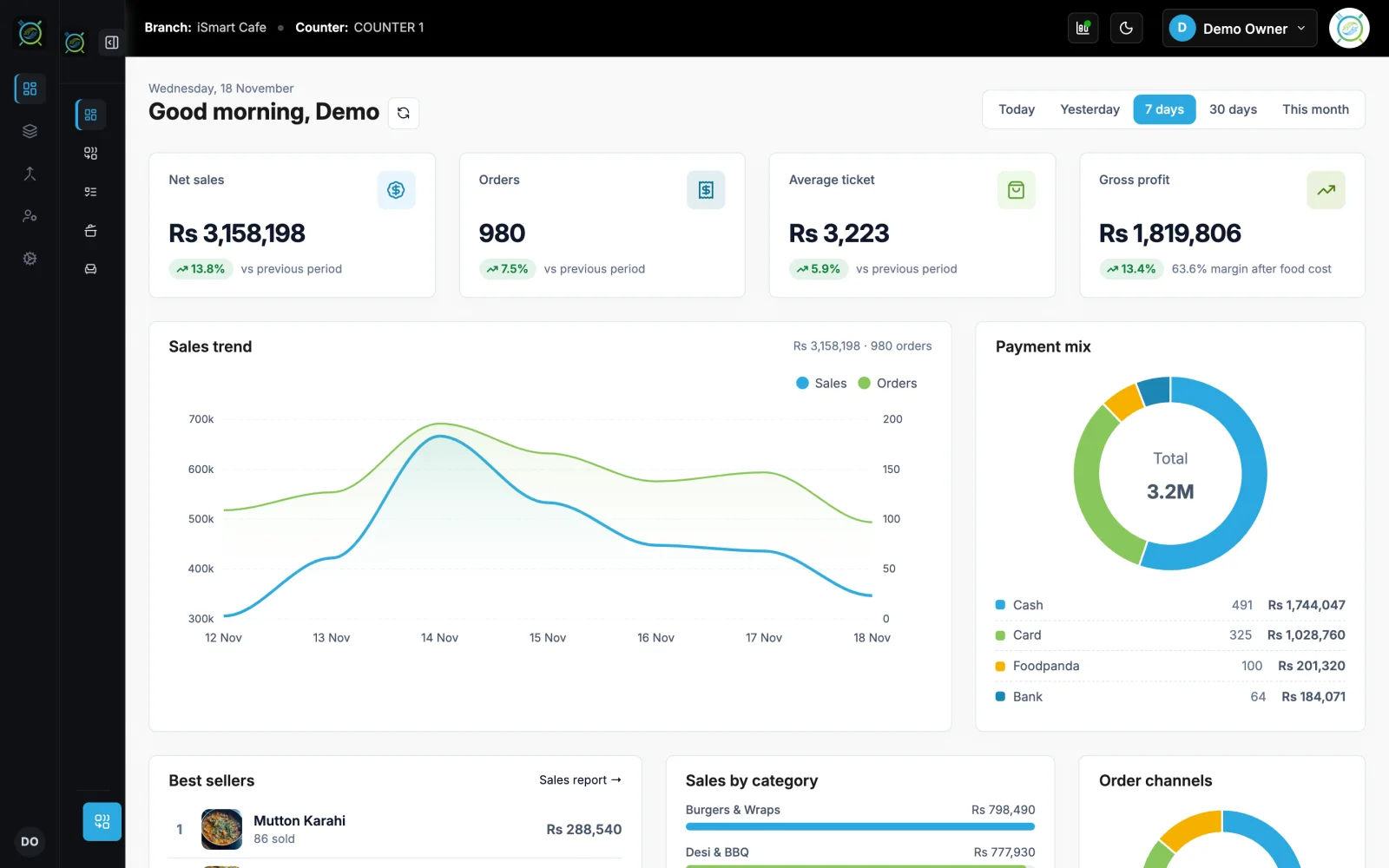
Sales, orders, shifts, expenses and profit.
Learn more →FAQ
Recipes and inventory: questions
Short answers about how it works in iSmart Serve.
Still have questions? Talk to us.
Lite has stock items and paid purchases. Recipe-based deduction, ingredient usage and profit and loss reports are on Ultra.
Yes. It runs on your counter PC, so billing, the kitchen display and waiter phones keep working on your shop Wi-Fi. Data syncs to the cloud when the internet is back.
A Windows PC at the counter and a thermal receipt printer (80 mm or 58 mm). Phones and tablets on your shop Wi-Fi can run the waiter app, the kitchen display and QR table ordering in the browser.
The Lite plan is Rs 2,999 a month and the Ultra plan is Rs 5,999 a month, per branch. Paying yearly saves 15%. Add-ons include the menu website, FBR integration and extra counters.
Yes. Open the live demo at demo.serve.ismartsync.com and sign in as Demo Owner with PIN 1234. You can also see a demo cafe website at demo.menu.ismartsync.com.
From Rs 2,999 a month per branch
Run your restaurant on iSmart Serve
Lite Rs 2,999 or Ultra Rs 5,999 a month, 15% off yearly. Try the live demo now, or talk to us and we will set it up for you.
See pricing and add-onsDemo login: Demo Owner, PIN 1234. No sign-up.
Demo cafe website: demo.menu.ismartsync.com