

Online menu and ordering
Add-onOnline ordering website for restaurants and cafes
Your own menu website, set up for you.
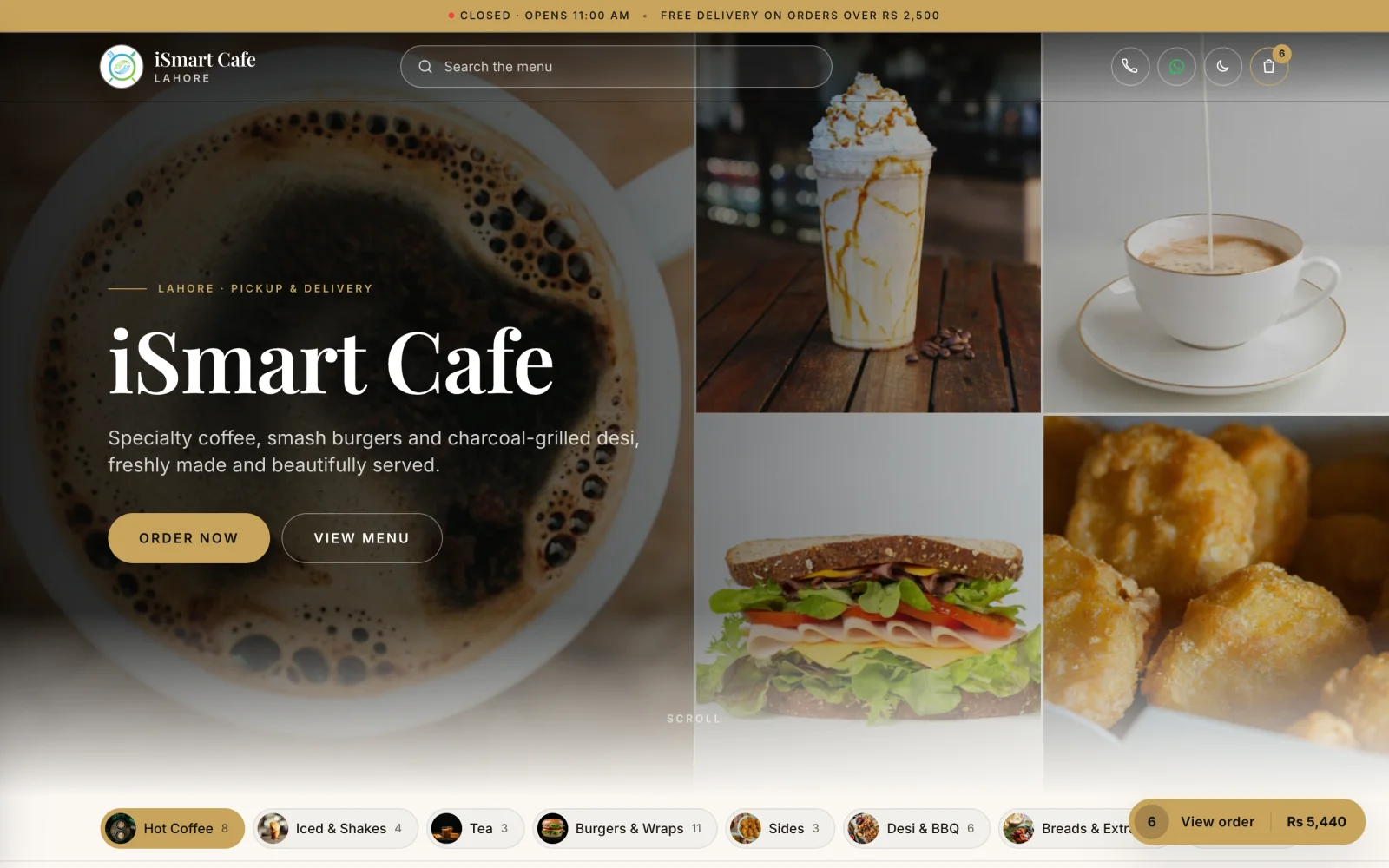
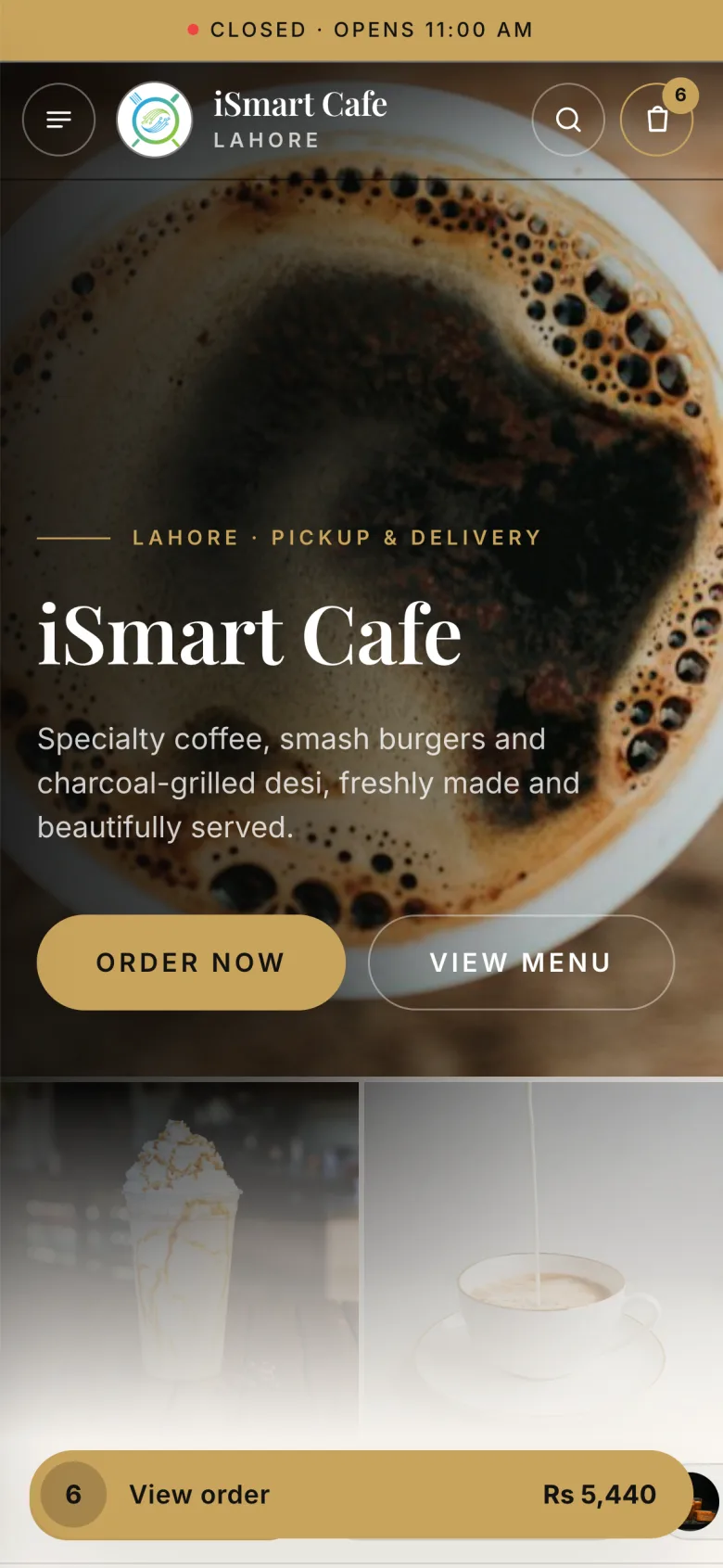
Every cafe gets its own menu website at yourcafe.menu.ismartsync.com. Customers browse, add to cart and send the order to your WhatsApp.
Demo login: Demo Owner, PIN 1234. No sign-up.
How online orders work
5 simple steps
- 1
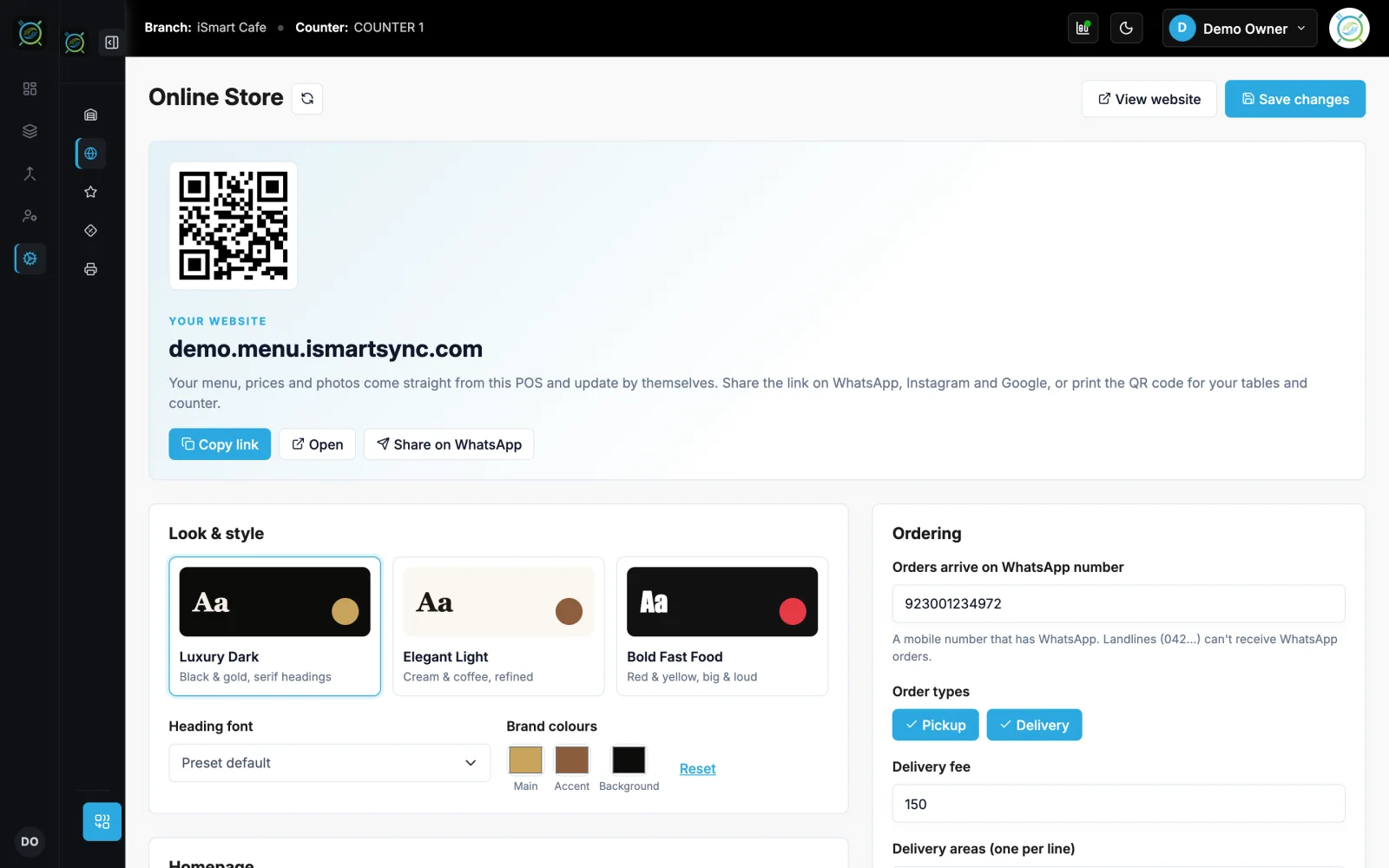
You set it up in the POS
Pick a look, colours, pickup and delivery, delivery fee and areas. Share the link or QR code.
- 2
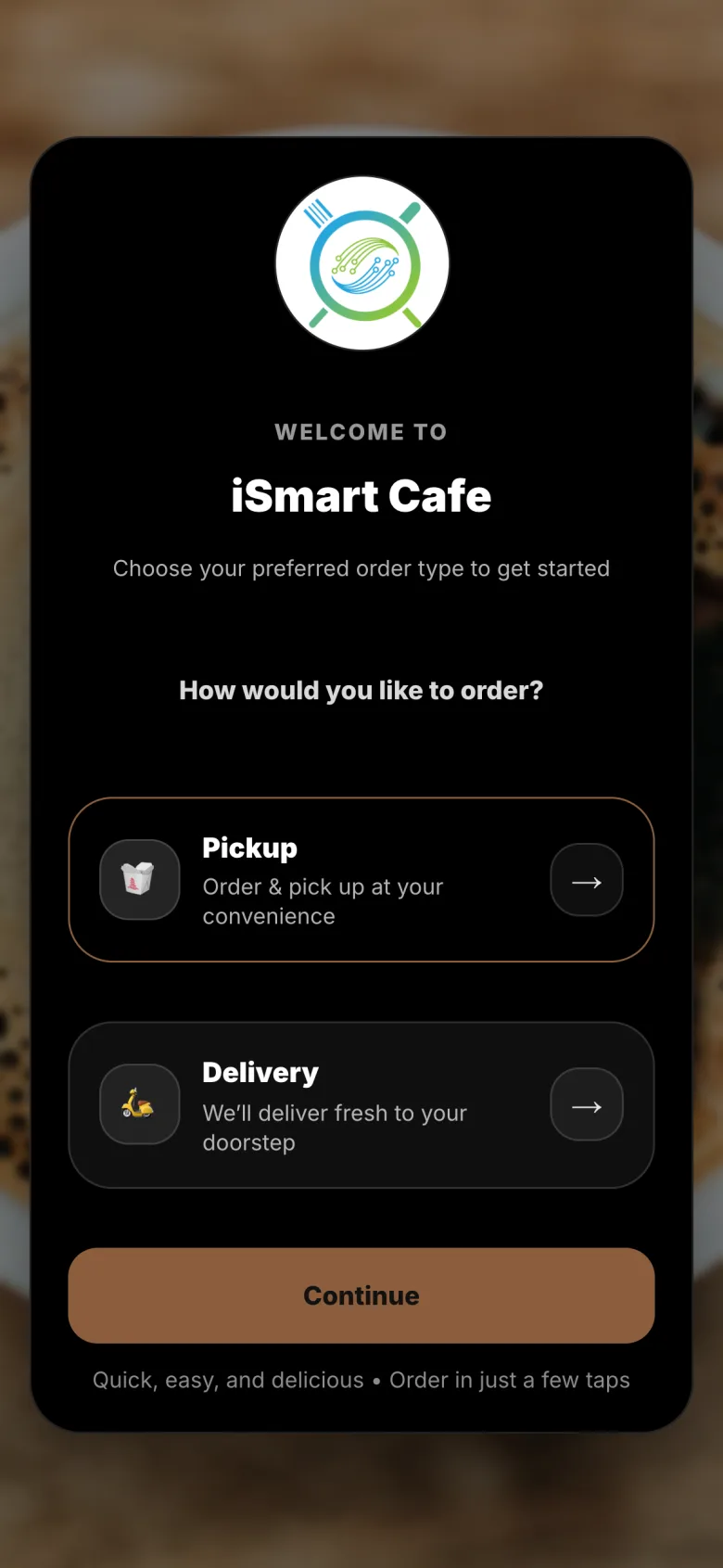
They open your menu website
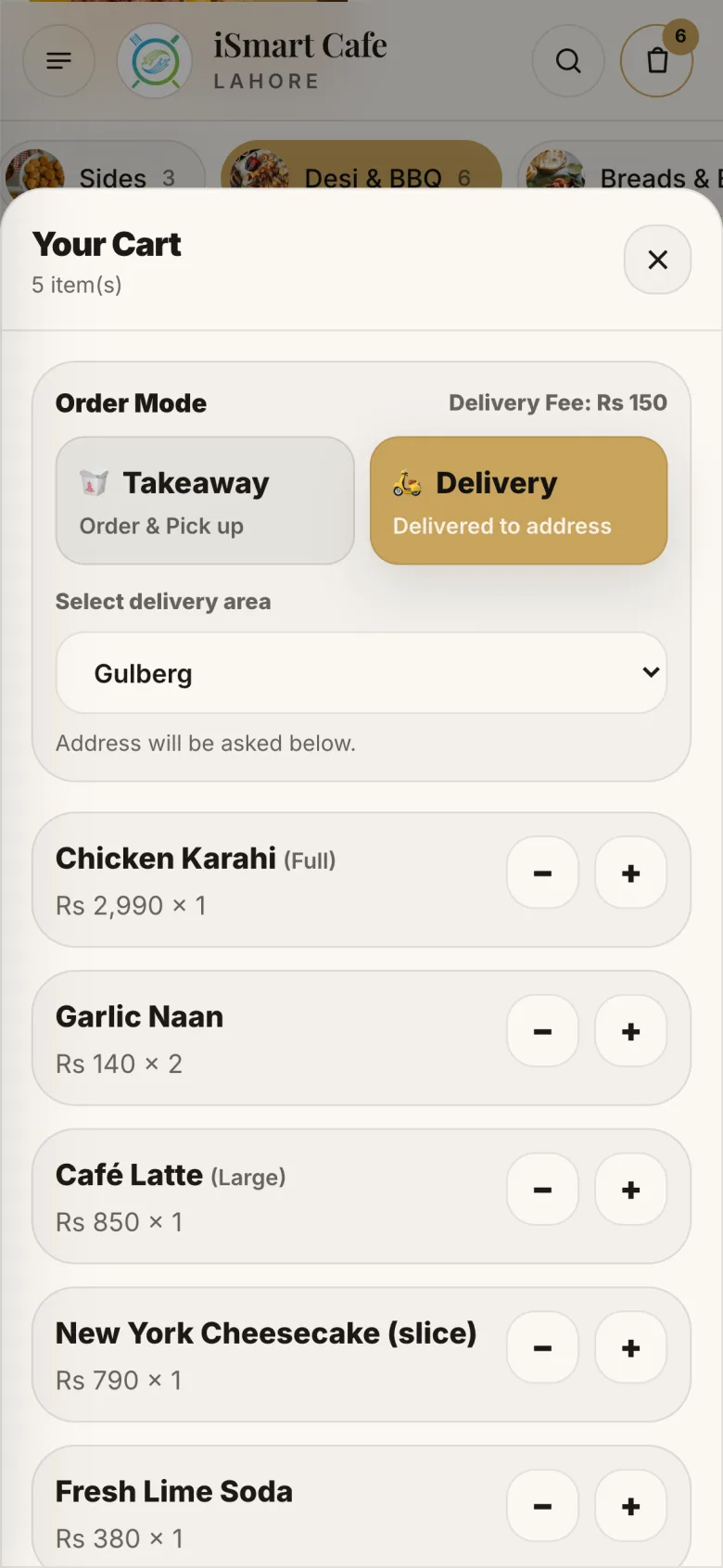
Pickup or delivery, and their delivery area.
- 3
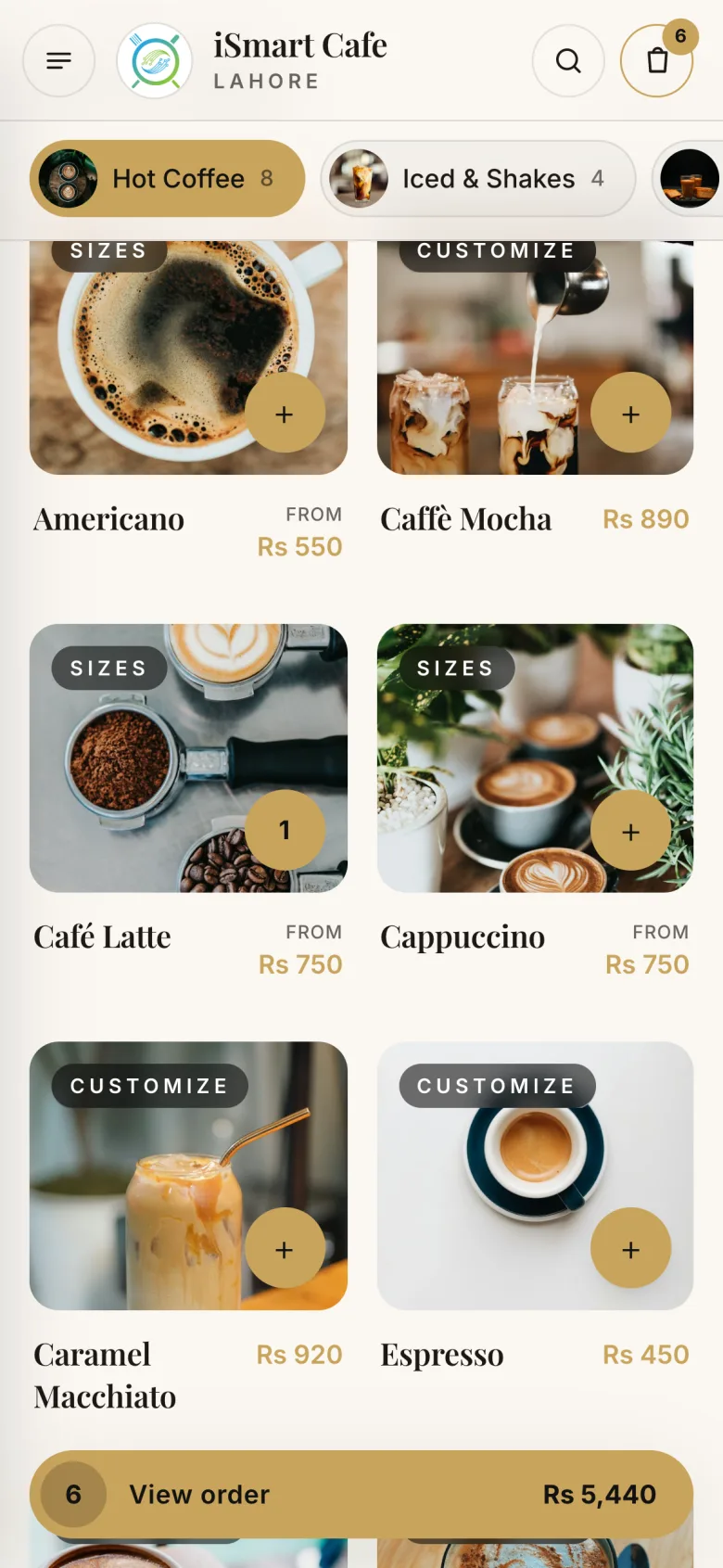
They browse the menu
Categories, photos and prices from iSmart Serve.
- 4
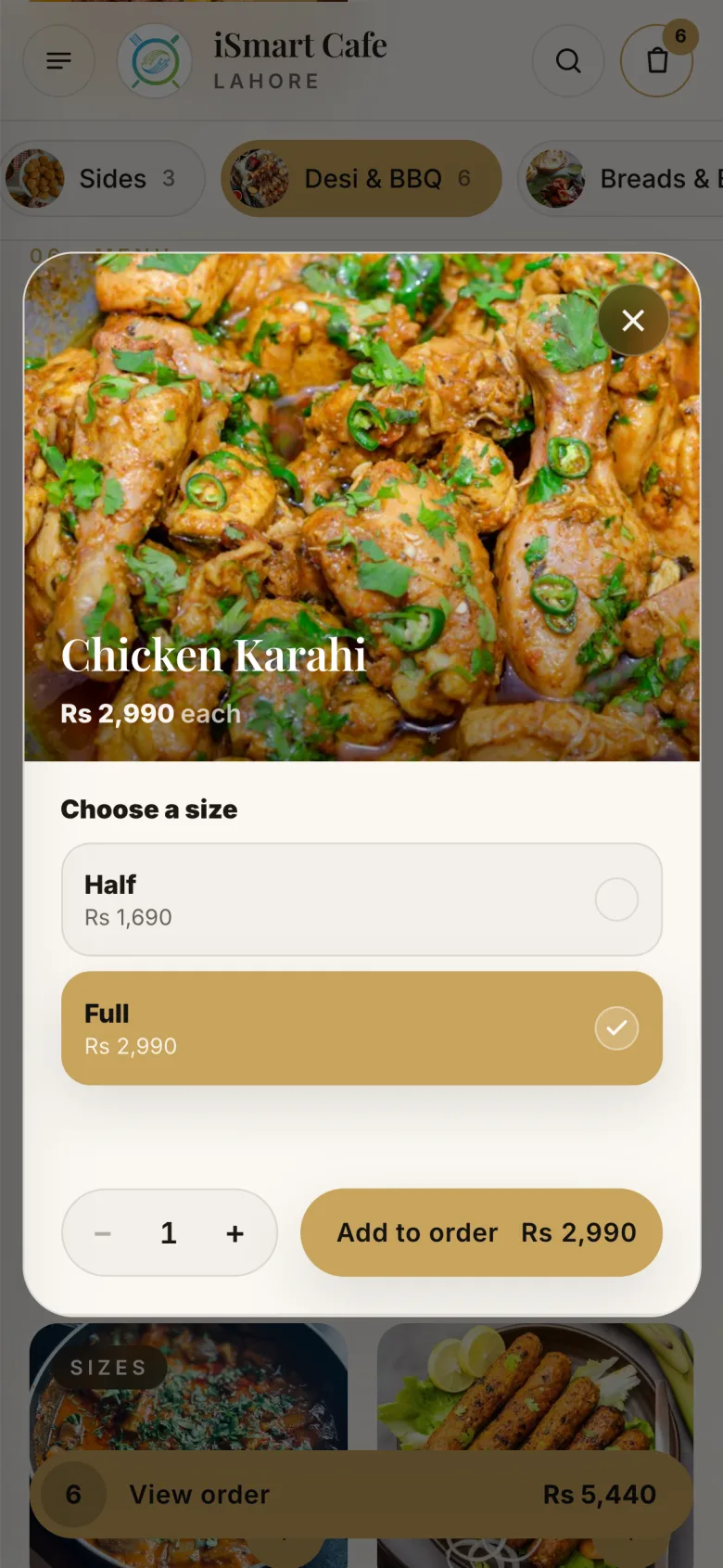
They pick sizes and options
Add-ons and choices, just like at the counter.
- 5
They send the order to your WhatsApp
The cart shows the total and delivery fee; the order arrives on WhatsApp.
Your menu online, in your style
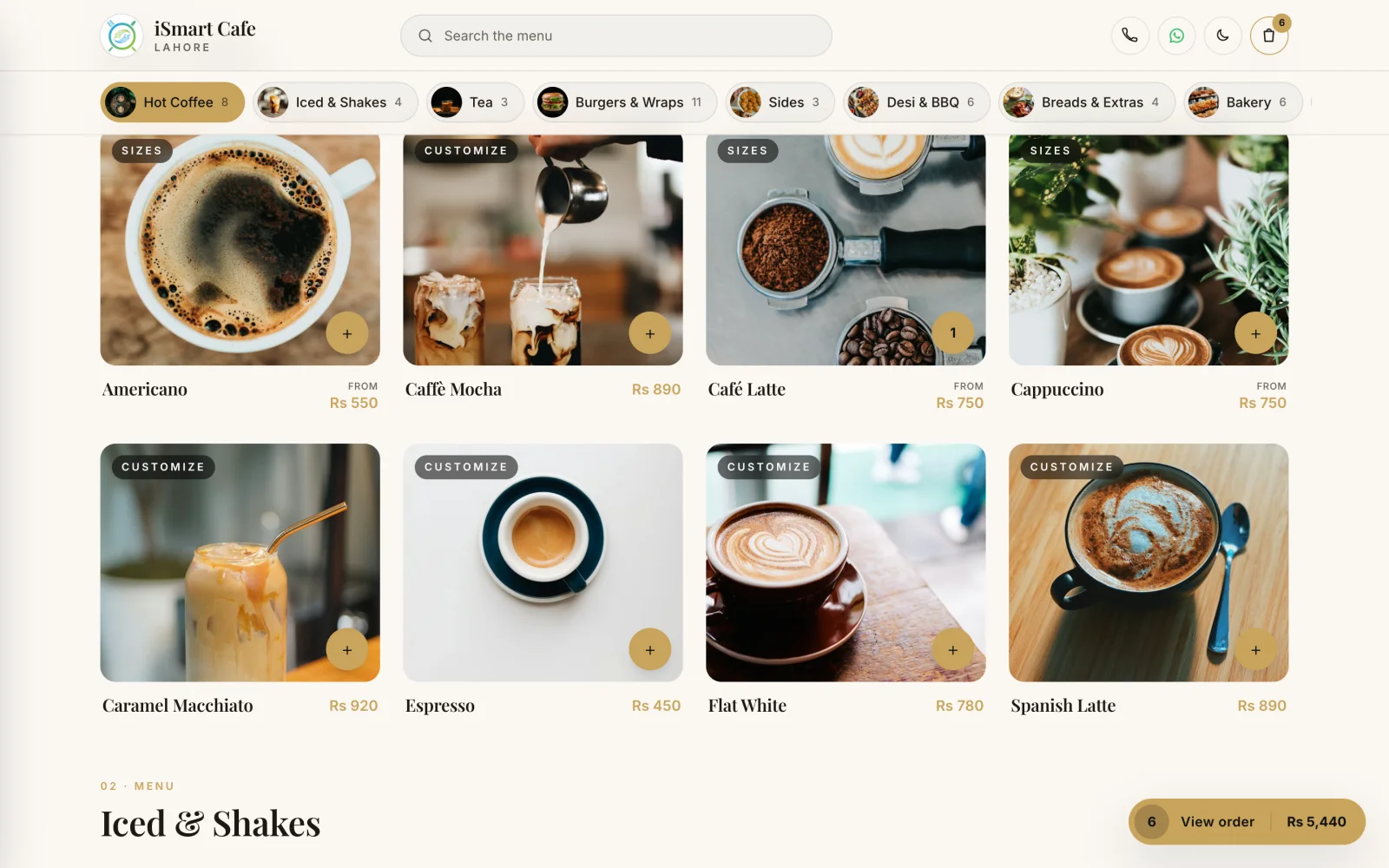
Set the look from the POS settings. Your menu, prices and photos come from iSmart Serve.
- Your own address, like yourcafe.menu.ismartsync.com
- Choose a style: Luxury, Elegant Light or Bold Fast Food, with your colours and banners
- Pickup and delivery, with delivery fee and delivery areas
- Opening hours and your Google review link
- Cart with sizes and options
How an online order works today
- The customer opens your menu website and adds items to the cart.
- At checkout, the order is sent to your WhatsApp with the items and their details.
- You confirm with the customer and enter the order at the counter.
Online payment is not available yet. Customers pay on pickup or delivery.
See the demo cafe websiteSee it on the live demo
The real iSmart Serve, with a demo cafe's menu, tables and kitchen. Click around; nothing you do is kept.
Demo login: Demo Owner, PIN 1234. No sign-up.
FAQ
Online ordering questions
How the menu website and WhatsApp orders work.
Still have questions? Talk to us.
They browse your menu, add items with their options to the cart and send the order to your WhatsApp. You confirm it with the customer and enter it at the counter.
Not yet. Customers pay on pickup or on delivery.
Each cafe gets its own address, like yourcafe.menu.ismartsync.com, with a secure connection, set up automatically.
The menu website is an add-on at Rs 1,999 a month, on either plan.
From Rs 2,999 a month per branch
Run your restaurant on iSmart Serve
Lite Rs 2,999 or Ultra Rs 5,999 a month, 15% off yearly. Try the live demo now, or talk to us and we will set it up for you.
See pricing and add-onsDemo login: Demo Owner, PIN 1234. No sign-up.
Demo cafe website: demo.menu.ismartsync.com