

Roles and permissions
Lite planStaff roles and permissions for restaurants
Every staff member sees only what they need.
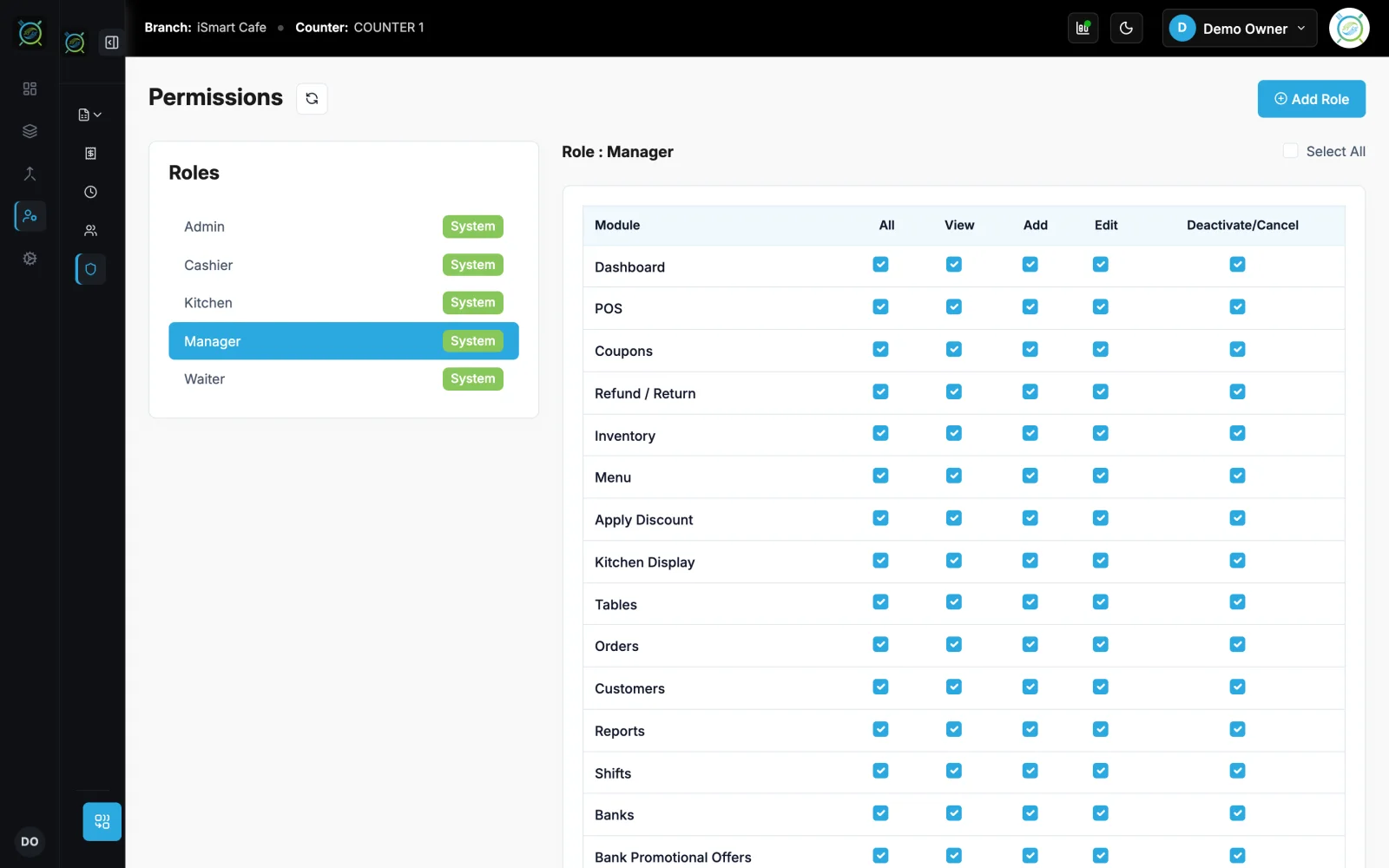
Give each person a PIN and a role. Admin, Manager, Cashier, Kitchen and Waiter roles are ready, and you can make your own with rights per module.
Demo login: Demo Owner, PIN 1234. No sign-up.
How it works
4 simple steps
- 1
Pick a role
Start from Admin, Manager, Cashier, Kitchen or Waiter.
- 2
Set the rights
View, add, edit, delete, export and approve for each module.
- 3
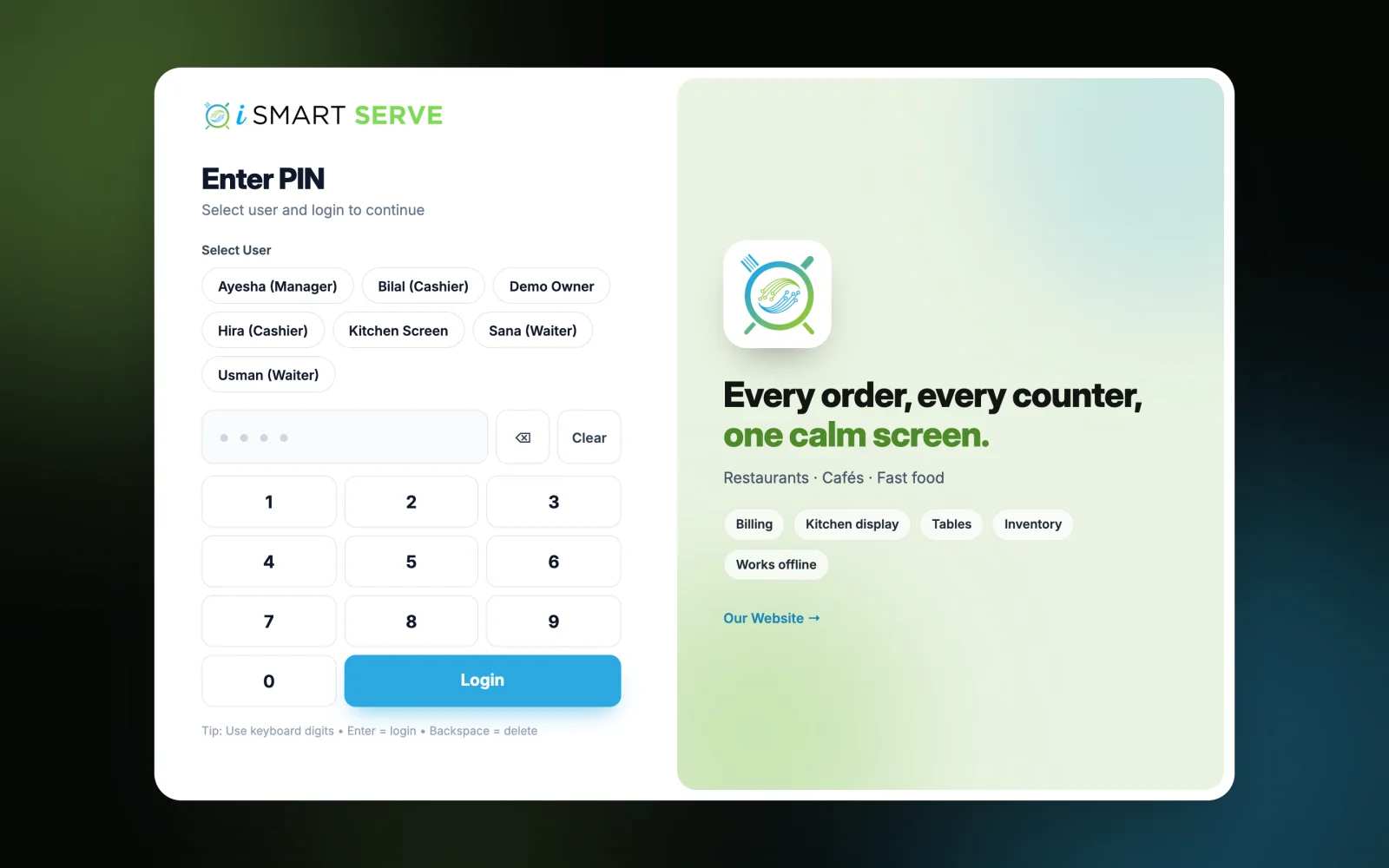
Staff sign in with a PIN
Five wrong PINs lock the account for 5 minutes.
- 4
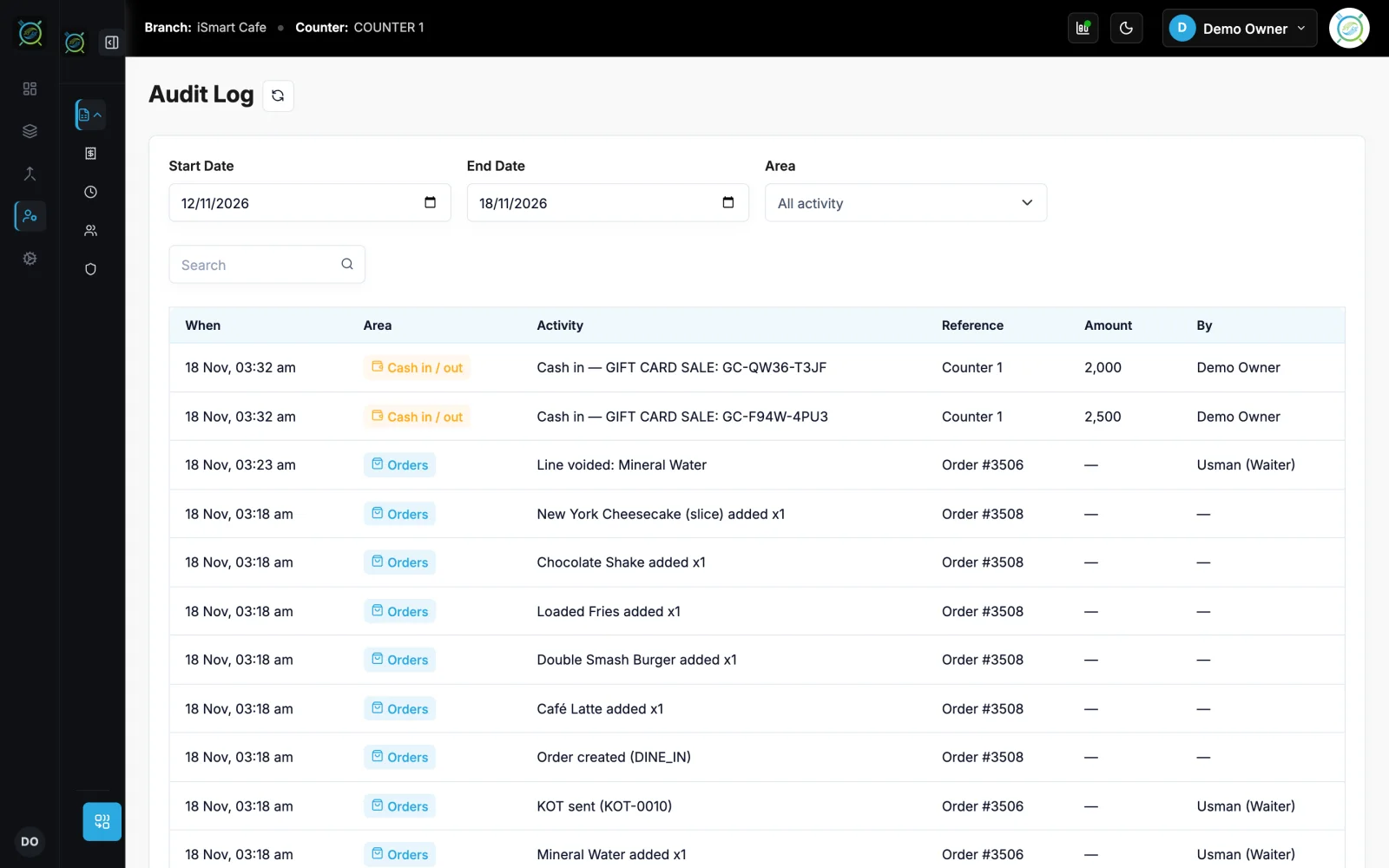
Check the audit log
See who did what, and when.
What you get
Made for a busy counter
See roles and permissions on the live demo
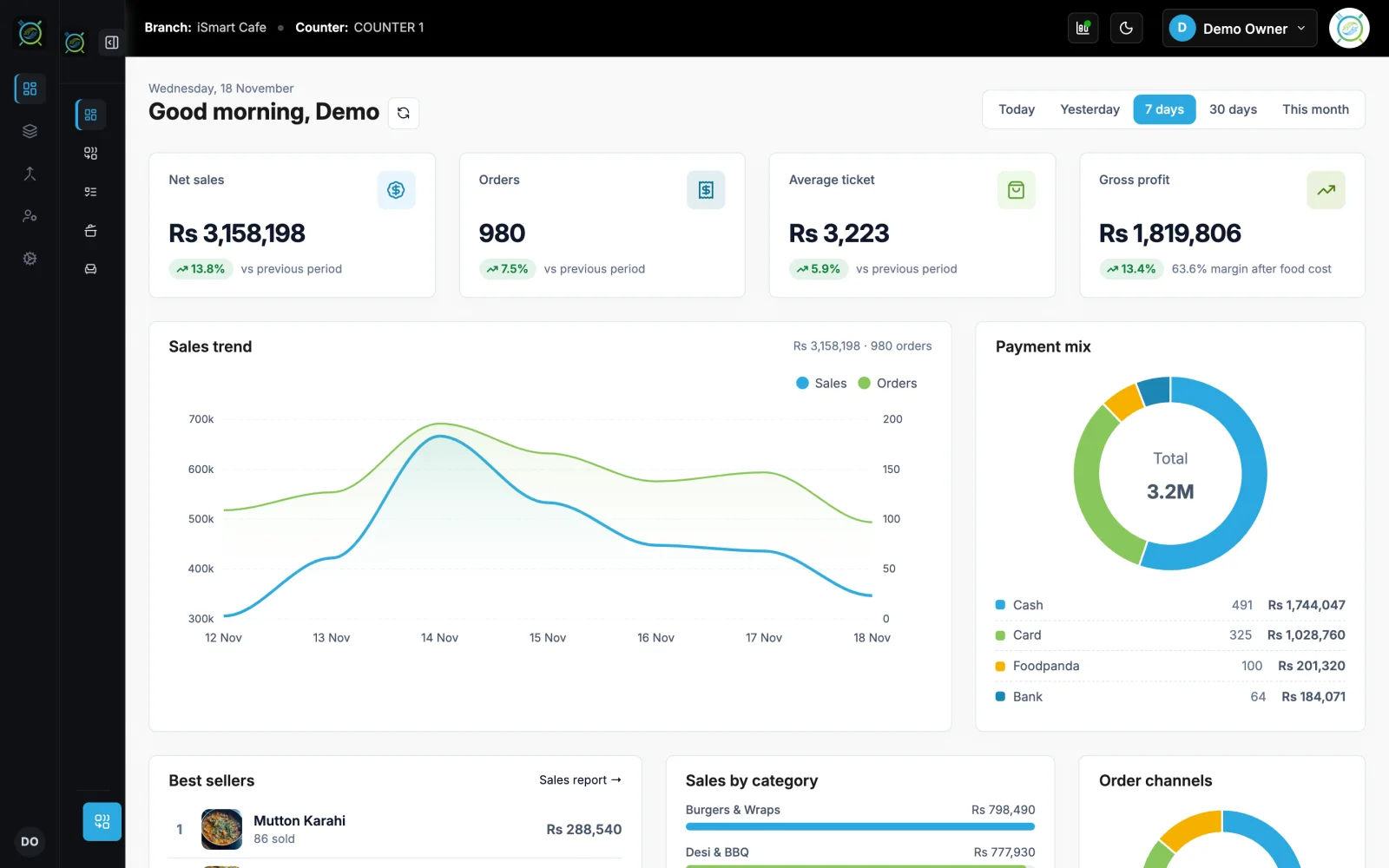
The real iSmart Serve, with a demo cafe's menu, tables and kitchen. Click around; nothing you do is kept.
Demo login: Demo Owner, PIN 1234. No sign-up.
A new cashier starts on Monday
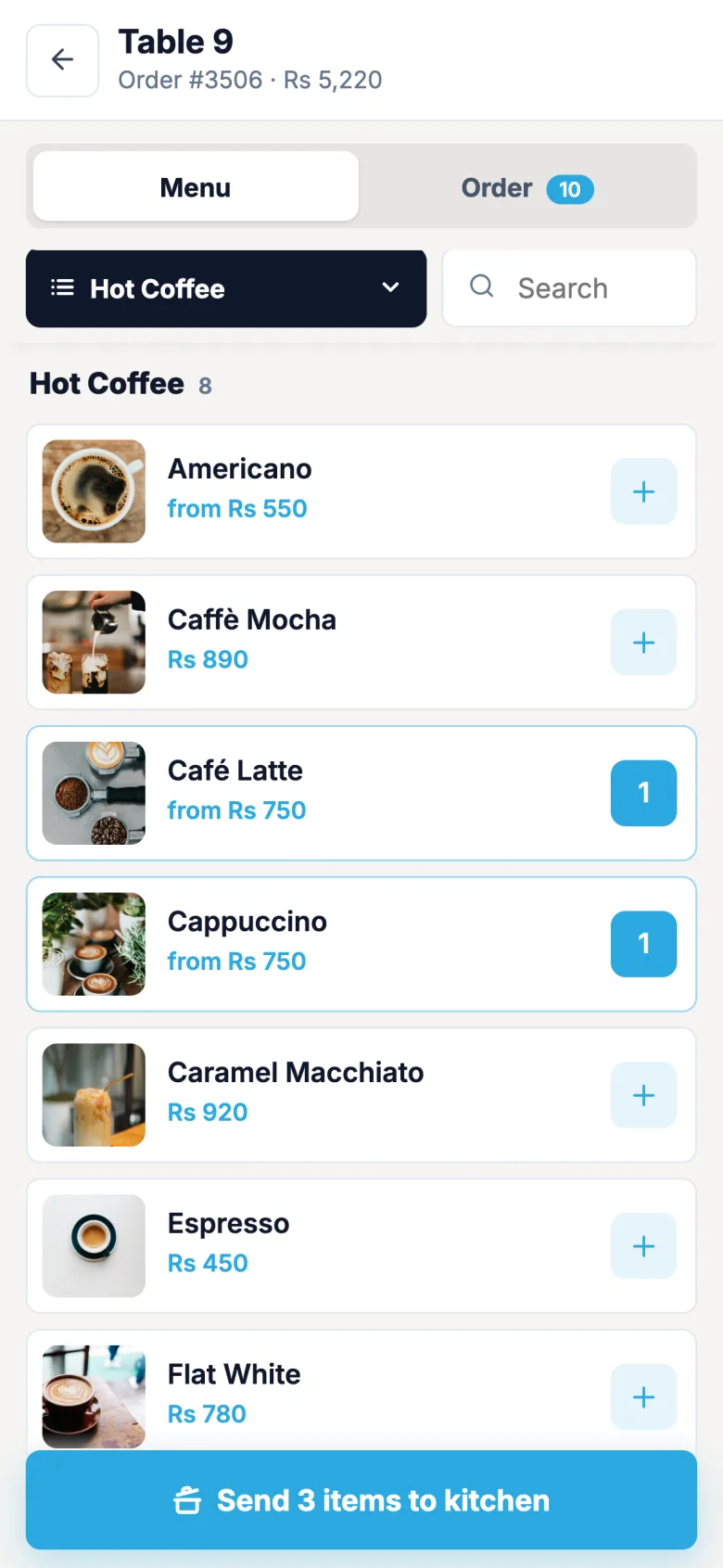
She gets the Cashier role and a PIN. She can bill, print and take payment, while reports and settings stay with the manager.
FAQ
Roles and permissions: questions
Short answers about how it works in iSmart Serve.
Still have questions? Talk to us.
Yes. Start from a ready role or make a new one and choose its rights module by module.
Yes. It runs on your counter PC, so billing, the kitchen display and waiter phones keep working on your shop Wi-Fi. Data syncs to the cloud when the internet is back.
A Windows PC at the counter and a thermal receipt printer (80 mm or 58 mm). Phones and tablets on your shop Wi-Fi can run the waiter app, the kitchen display and QR table ordering in the browser.
The Lite plan is Rs 2,999 a month and the Ultra plan is Rs 5,999 a month, per branch. Paying yearly saves 15%. Add-ons include the menu website, FBR integration and extra counters.
Yes. Open the live demo at demo.serve.ismartsync.com and sign in as Demo Owner with PIN 1234. You can also see a demo cafe website at demo.menu.ismartsync.com.
From Rs 2,999 a month per branch
Run your restaurant on iSmart Serve
Lite Rs 2,999 or Ultra Rs 5,999 a month, 15% off yearly. Try the live demo now, or talk to us and we will set it up for you.
See pricing and add-onsDemo login: Demo Owner, PIN 1234. No sign-up.
Demo cafe website: demo.menu.ismartsync.com