When orders pile up, it is tempting to book every courier first and sort out the packing later. It feels fast. The tracking numbers are ready, the customers get their messages, and the team can start packing.
Then the problems start. A shirt in the right size is not on the shelf. A booking has to be cancelled. A rider arrives for a parcel that does not exist yet. The customer has a tracking number for an order that is not coming.
Busy fulfillment teams avoid this with one simple rule: pack first, then book. This guide explains why it works and how to set it up.
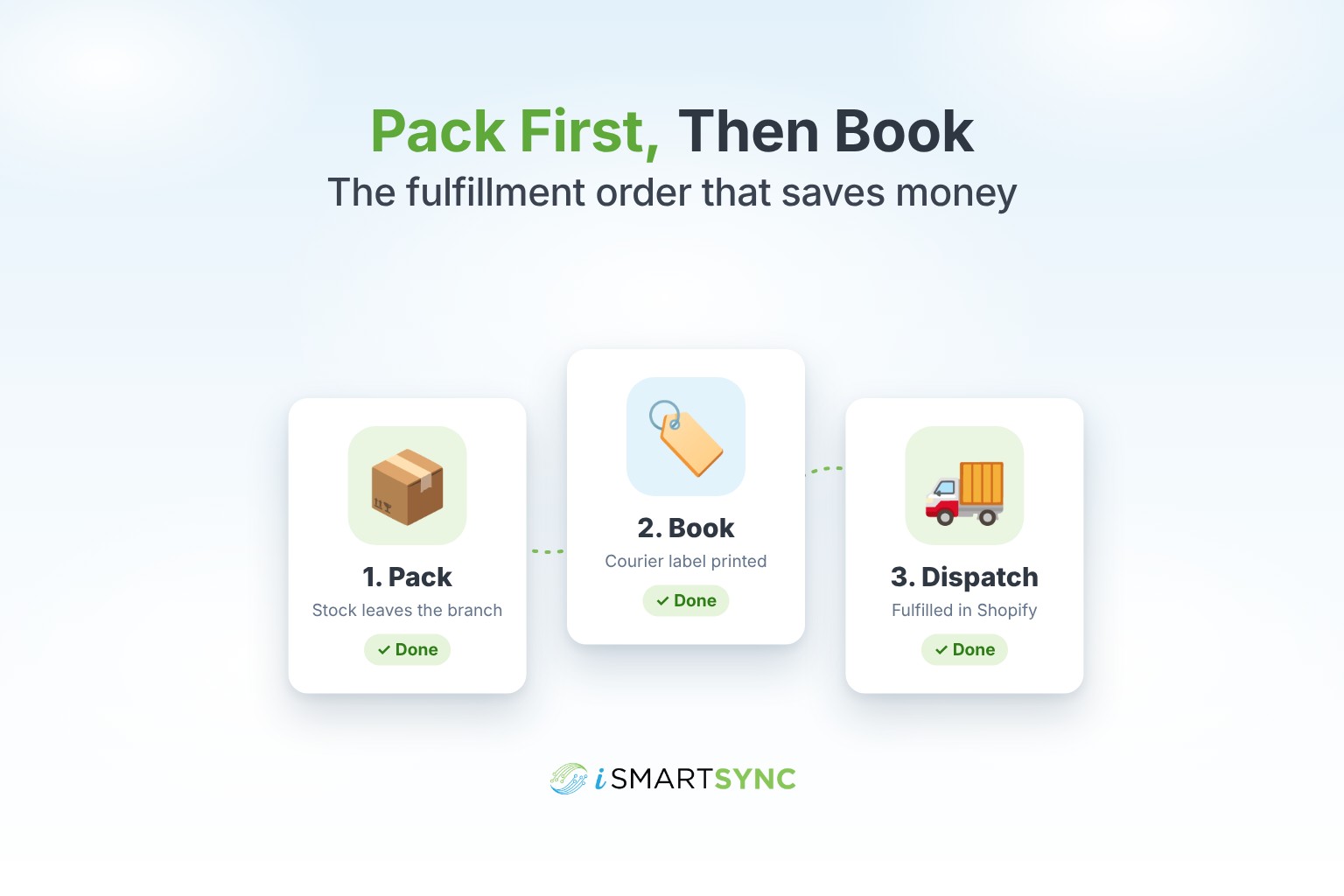
The three steps of fulfillment
Every online order goes through the same three steps, whatever tools you use.
- Pack. Someone picks the items from a branch, checks them, and packs the parcel.
- Book. The parcel gets a courier booking, a tracking number and a label.
- Dispatch. The rider collects the parcel and it leaves the branch.
The order of these steps matters more than most stores think.
What goes wrong when you book first
Bookings for items you do not have. Your Shopify stock can say "3 left" while the branch shelf is empty, because of a walk-in sale, a damaged item or a counting mistake. You only find out when someone goes to pack it.
Cancelled bookings. Every cancelled booking is extra work, and with some couriers it still costs you.
Confused customers. A customer who gets a tracking number expects the parcel to move. When it does not, you get the "where is my order?" message, or a cancellation.
Wrong branch. If you have more than one branch, a booking made before packing may use the wrong pickup address.
Why packing first works
Packing is the moment you know the truth. The item is in someone's hands, it is the right size and colour, and it is at a specific branch. Anything booked after that point is a parcel that really exists.
It also gives you a natural check. If an item cannot be found, the order stops at packing, before any courier is involved and before the customer gets a tracking number.
How to run pack first, then book
Pack in batches. Print a pick list for the morning's orders, pick everything, and pack. Mark each order as packed as you go.
Take stock off the branch when you pack. This is the step most stores miss. If stock leaves the branch only when the parcel ships, your shop floor can sell the same item twice. Deducting at packing keeps your branch stock honest.
Book all packed parcels together. Once a batch is packed, select the packed orders and book them in one go. Print the labels together.
Dispatch when the rider collects. Mark the parcels as dispatched when they leave the branch. This is when the order is fulfilled in Shopify and the customer's tracking starts to move.
How iSmartSync follows this order
The flow in iSmartSync's Smart Fulfillment is built around these steps:
- Packed takes the stock off the branch that packed the order, so the shop floor and online orders draw from the same shelf.
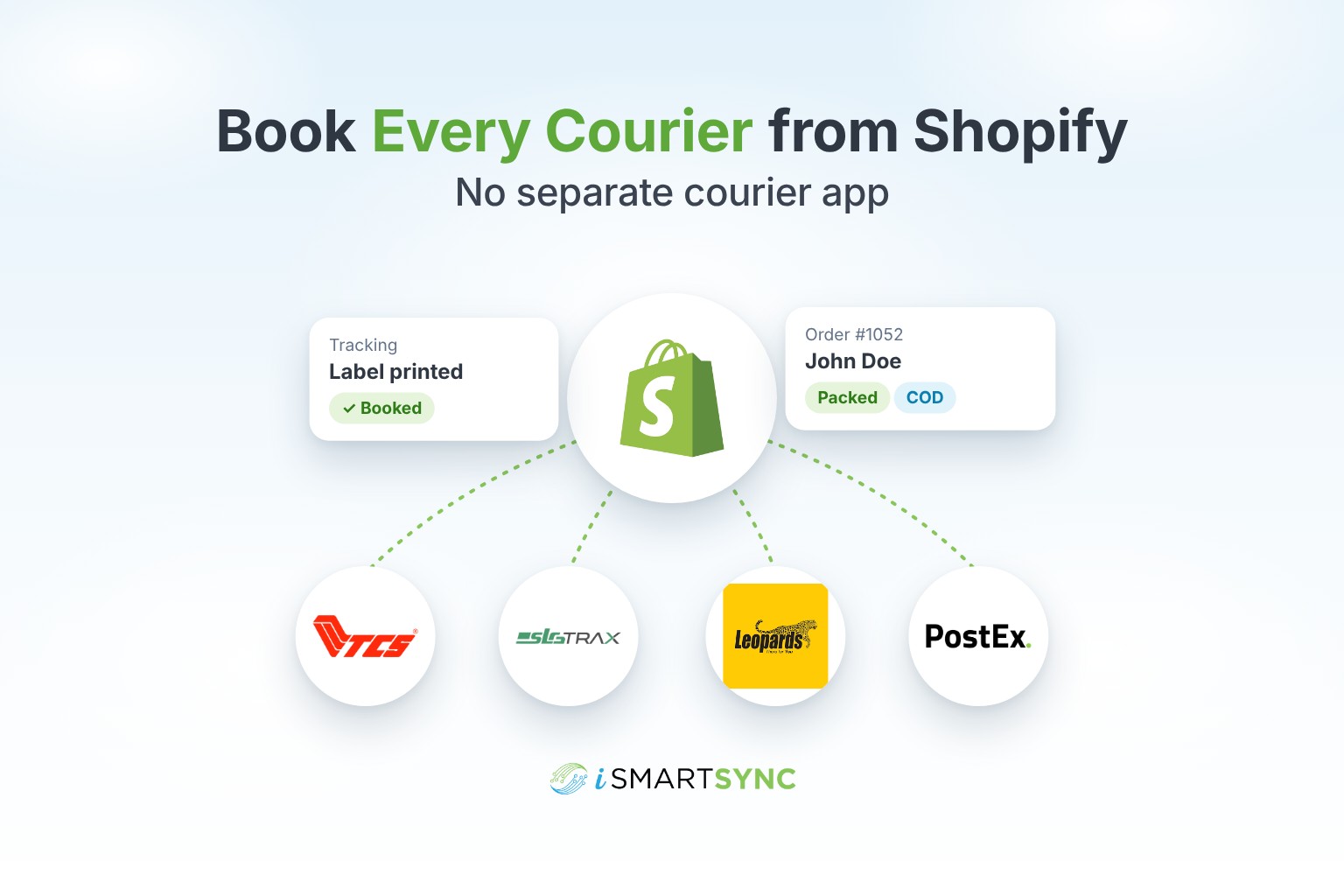
- Book creates the courier booking for packed orders, one by one or in bulk, and prints the labels.
- Dispatched fulfills the order in Shopify with the tracking number, so the customer gets the shipping update.
For example, John Doe orders two shirts. Your Branch 1 team picks and packs them in the morning batch, and the branch stock drops by two. At noon, the team selects all packed orders and books them together. When the rider arrives at 4 pm, the parcels are marked as dispatched, and John gets his tracking link.
iSmartSync also warns your branch team when stock is reserved for an online order that is not packed yet, so a walk-in sale does not take the last shirt that a customer already ordered online.
Common questions
Is pack first slower? Not in practice. Batching makes packing and booking faster than doing each order end to end, and you lose less time to cancelled bookings.
What if a customer wants the tracking number right away? Send an order confirmation first. The tracking number follows the same day, once the parcel is packed and booked.
Does this work with more than one courier? Yes. The order of steps is the same whichever courier you use.
The short version
Book only what is already packed. Take the stock off the branch at packing. Book in batches, and fulfill in Shopify when the rider collects. You will cancel fewer bookings, keep your stock correct, and give customers tracking numbers that actually move.
See the full flow on the order fulfillment page, or start your 7-day free trial.