

Offline POS
Lite planOffline POS for restaurants and cafes
When the internet drops, service keeps going.
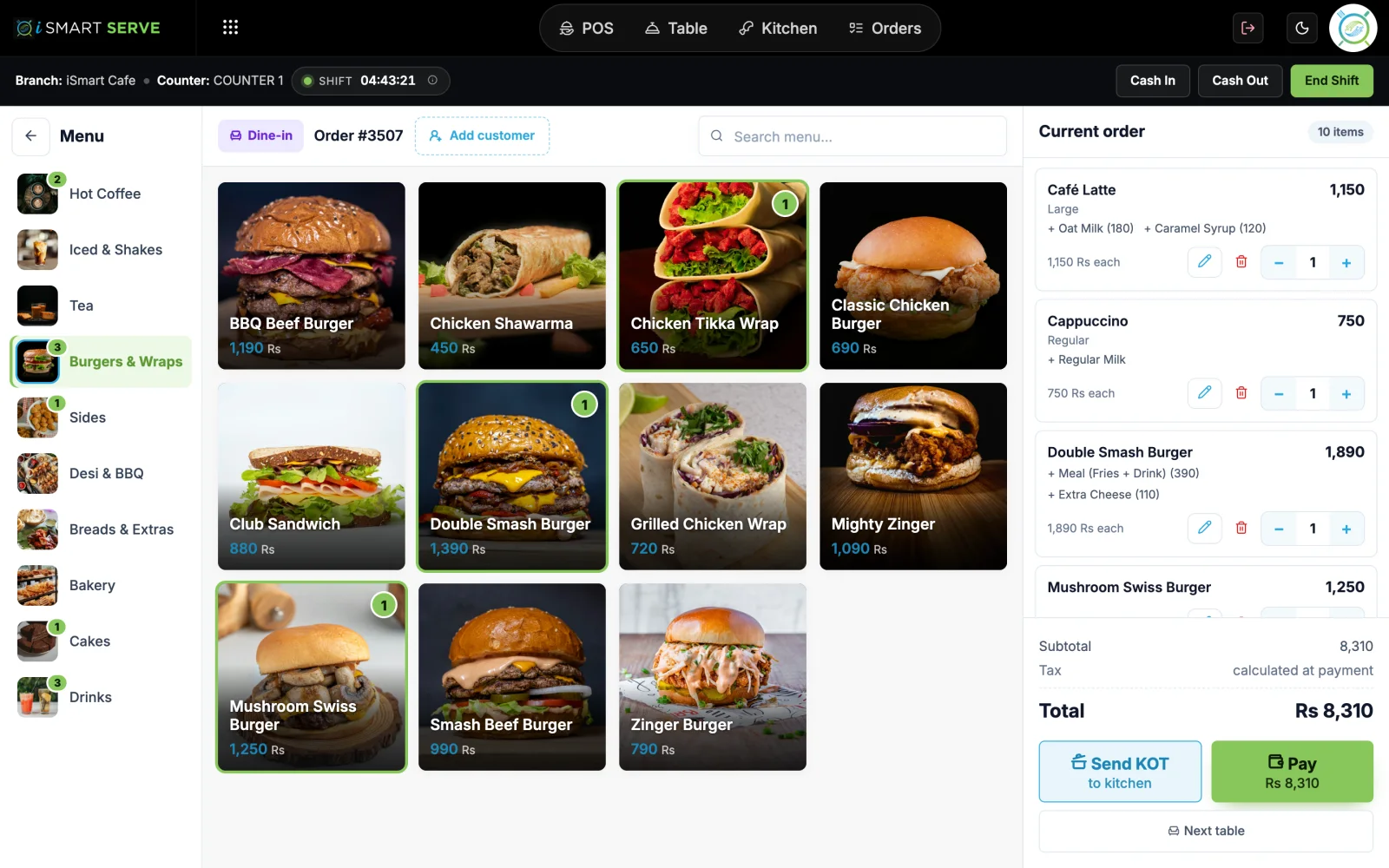
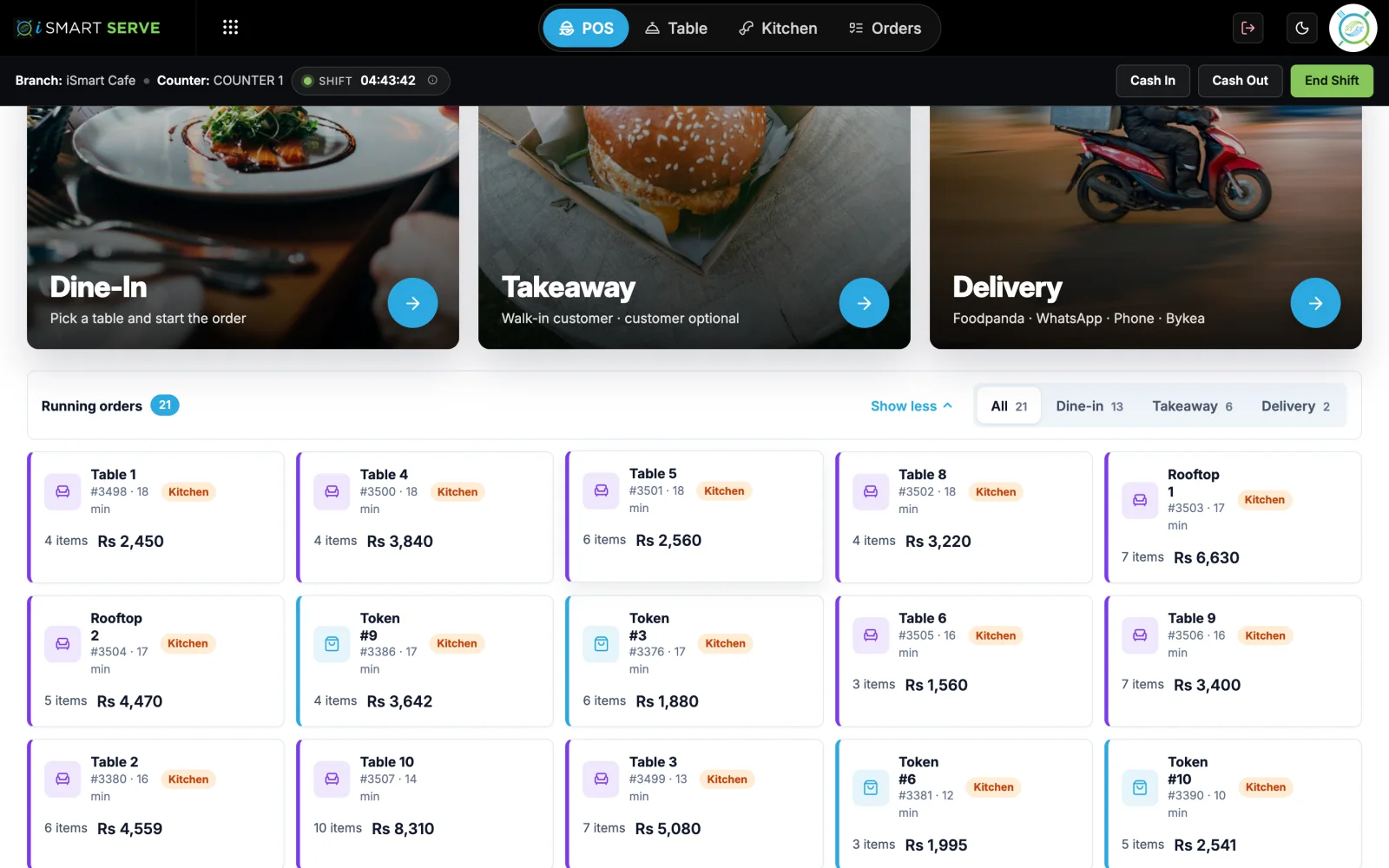
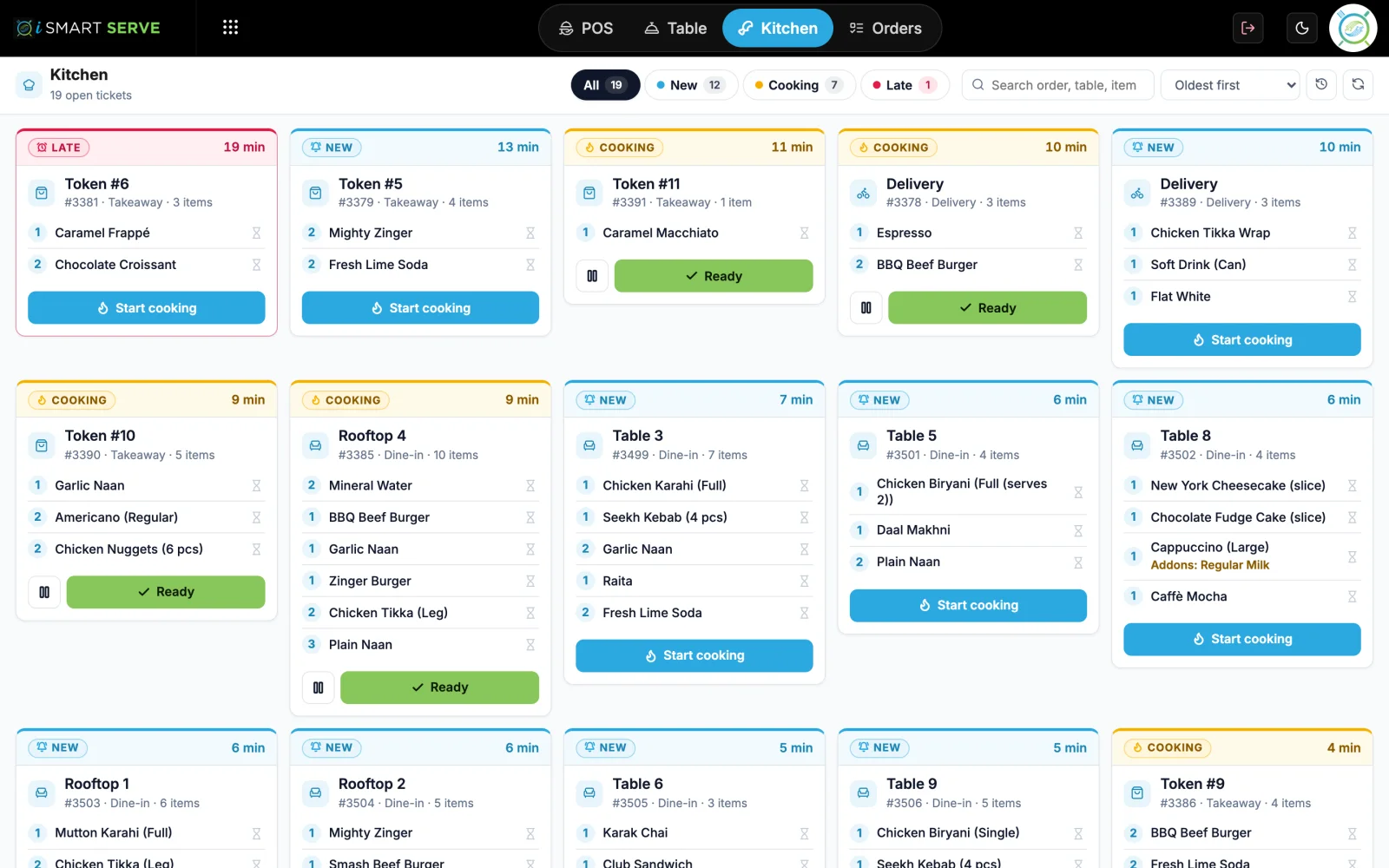
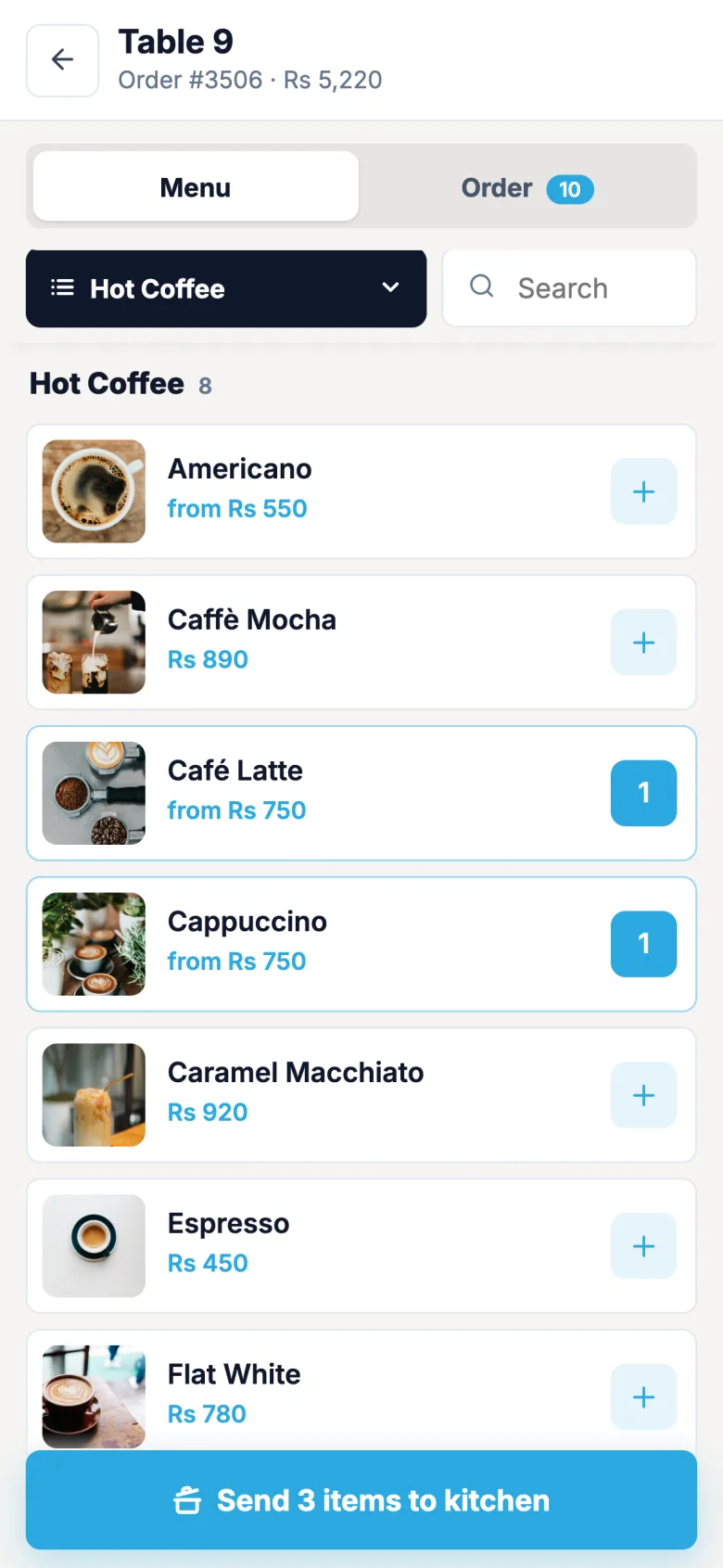
iSmart Serve runs on your counter PC and your shop Wi-Fi. Billing, the kitchen screen and waiter phones keep working, and your data syncs to the cloud as soon as the internet is back.
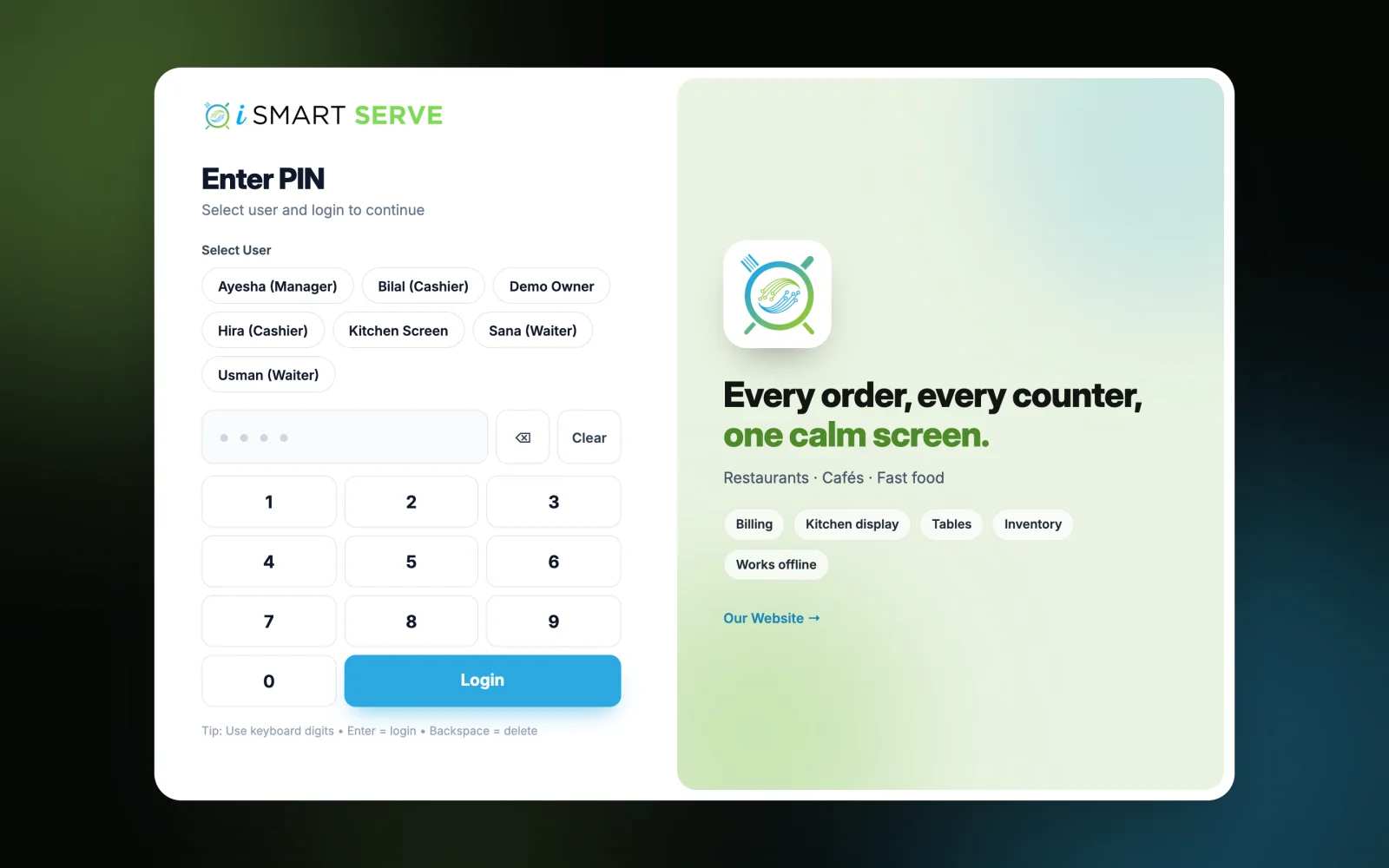
Demo login: Demo Owner, PIN 1234. No sign-up.
How it works
4 simple steps
- 1
Install on the counter PC
We send you the installer after sign-up. It sets up everything on one Windows PC.
- 2
Connect your devices
Kitchen screen and waiter phones join the same shop Wi-Fi.
- 3
Sell with or without internet
Bills, kitchen tickets and receipts work the same either way.
- 4
Syncs when back online
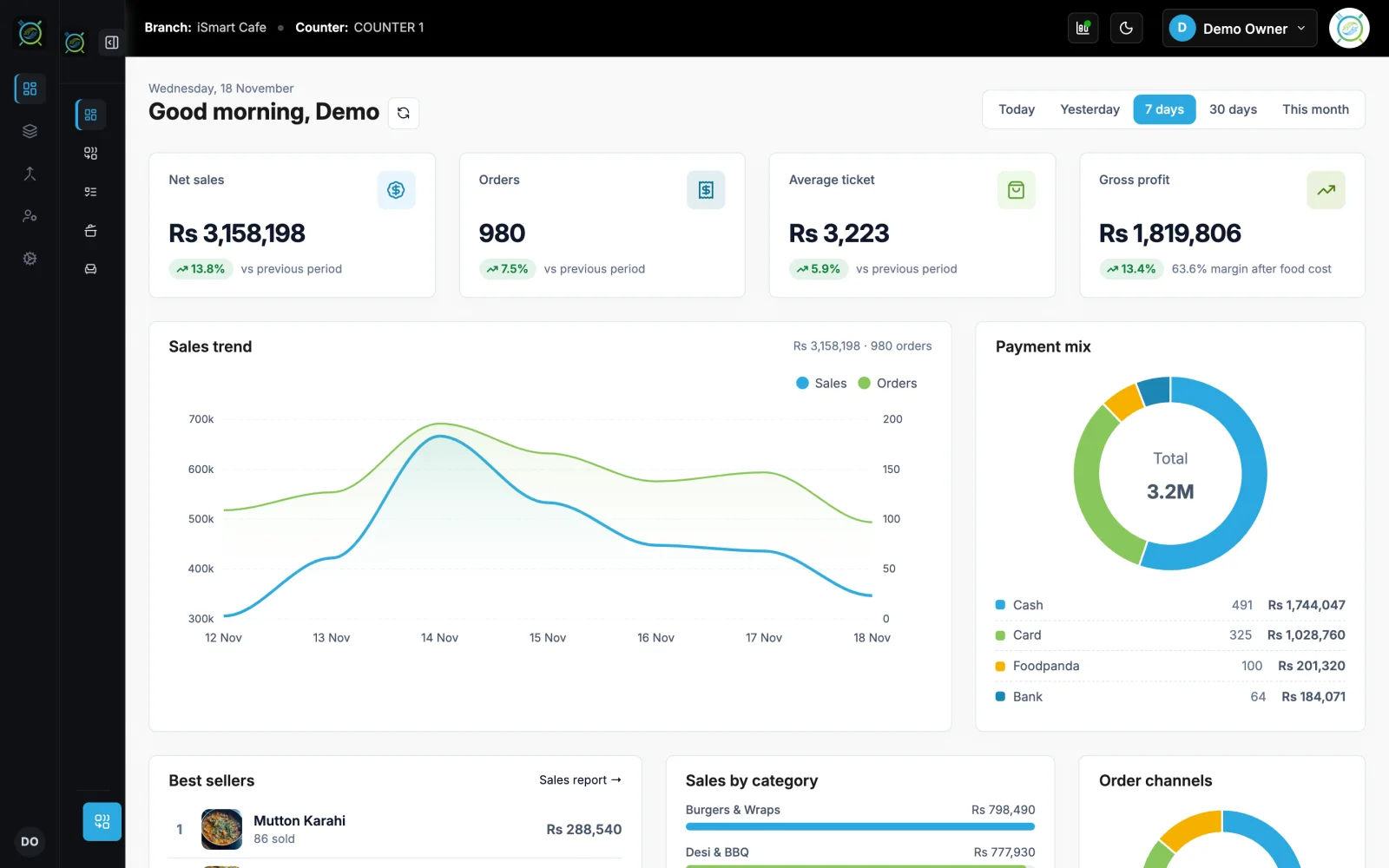
Data goes to the cloud every few seconds when the internet is available.
What you get
Made for a busy counter
See offline pos on the live demo
The real iSmart Serve, with a demo cafe's menu, tables and kitchen. Click around; nothing you do is kept.
Demo login: Demo Owner, PIN 1234. No sign-up.
The internet goes down at lunch
A fast food outlet loses internet at 1 pm. Tokens, kitchen tickets and receipts carry on as normal. At 2:30 pm the connection is back and the morning's sales reach the cloud within seconds.
FAQ
Offline POS: questions
Short answers about how it works in iSmart Serve.
Still have questions? Talk to us.
A Windows PC at the counter running iSmart Serve, and a Wi-Fi router so phones and the kitchen screen can connect to it. No internet is needed while you sell.
Yes. When the internet is available, iSmart Serve syncs your data to the cloud every few seconds.
Yes. It runs on your counter PC, so billing, the kitchen display and waiter phones keep working on your shop Wi-Fi. Data syncs to the cloud when the internet is back.
A Windows PC at the counter and a thermal receipt printer (80 mm or 58 mm). Phones and tablets on your shop Wi-Fi can run the waiter app, the kitchen display and QR table ordering in the browser.
The Lite plan is Rs 2,999 a month and the Ultra plan is Rs 5,999 a month, per branch. Paying yearly saves 15%. Add-ons include the menu website, FBR integration and extra counters.
Yes. Open the live demo at demo.serve.ismartsync.com and sign in as Demo Owner with PIN 1234. You can also see a demo cafe website at demo.menu.ismartsync.com.
From Rs 2,999 a month per branch
Run your restaurant on iSmart Serve
Lite Rs 2,999 or Ultra Rs 5,999 a month, 15% off yearly. Try the live demo now, or talk to us and we will set it up for you.
See pricing and add-onsDemo login: Demo Owner, PIN 1234. No sign-up.
Demo cafe website: demo.menu.ismartsync.com