There are over 43,000 active Shopify stores in Pakistan. A growing number of them run physical branches alongside their online store — fashion brands in Lahore, footwear chains across Karachi, apparel retailers with outlets in Islamabad and beyond.
And almost all of them face the same problem: their Shopify store and their physical branches never agree on inventory.
A customer orders online. The branch fulfilling it is already out of stock. A COD order reduces inventory before anything ships. Staff call each other on WhatsApp to check which branch has what. Audits turn into spreadsheet nightmares.
This guide explains what Pakistani retailers actually need from a Shopify-integrated POS, what to look for before choosing one, and why most available options fall short of what local multi-branch retail actually requires.
Why choosing a Shopify POS in Pakistan is different
The Pakistan retail context has specific characteristics that make most POS tools — local or global — a poor fit for Shopify retailers.
COD is the dominant payment method. Most online orders in Pakistan are placed on cash on delivery. This creates a unique inventory problem. Most POS systems reduce stock the moment an order is created, even before it ships and before the customer pays. For COD orders that are refused or returned at the door, that stock reduction was wrong from the start. Inventory drifts, numbers become unreliable, and staff spend hours correcting counts that should never have changed.
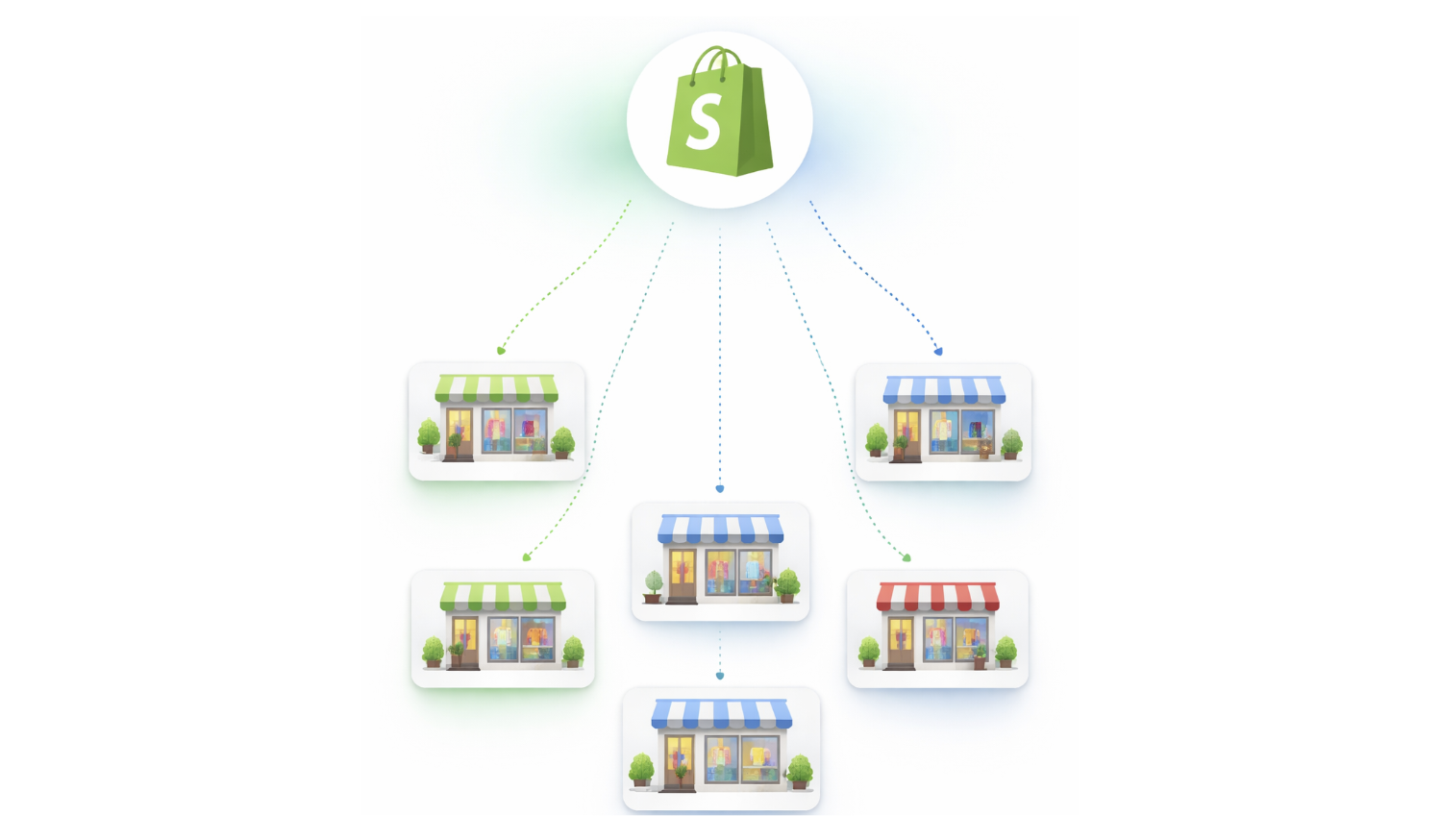
Multi-branch retail is common among growing Pakistani brands. A fashion or apparel business will typically open three to ten physical outlets as it grows. Managing inventory across Johar Town, Emporium Mall, Giga Mall, and DHA from one Shopify store is a real operational challenge. Most tools either handle Shopify or handle branches — very few handle both properly at the same time.
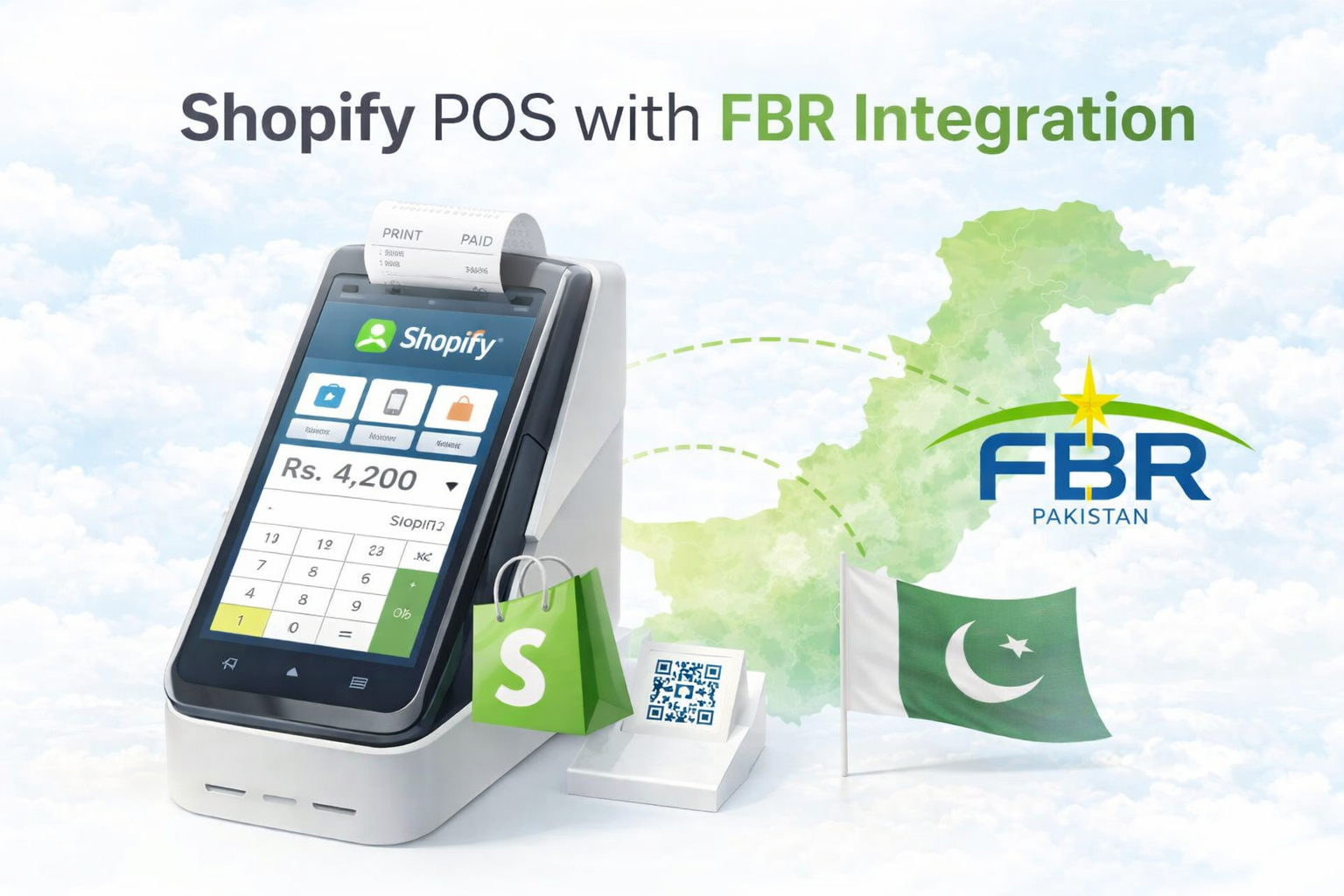
FBR compliance is mandatory. The Federal Board of Revenue requires retailers to issue verified invoices with QR codes. Any POS without proper FBR Integration creates tax and audit liability. This is not optional and cannot be patched in later without significant cost.
Double entry is a daily pain without real integration. Without a properly connected Shopify POS, staff end up updating products in Shopify and again in the POS separately. That doubles the workload and creates mismatches almost immediately.
These four realities shape what a Shopify POS needs to do for Pakistani retailers specifically.
What most POS tools get wrong
Most POS tools available in Pakistan — whether local or international — were not designed around Shopify as the primary commerce layer. They were built as standalone billing systems and Shopify integration was added later as a connector or plugin.
That architecture creates problems that affect Pakistani retailers directly.
When Shopify integration is not native, inventory sync is usually one-way or delayed. Products flow from Shopify into the POS, but stock changes from the POS do not reliably flow back to Shopify in real time. For a retailer selling both online and offline, that gap is where overselling starts.
When the system does not understand branch-level stock, it only shows total inventory. A retailer may have ten units across three branches, but if the system cannot show which branch has which quantity, fulfillment decisions become guesswork.
When inventory changes on order creation instead of on physical movement, COD returns and refused deliveries leave incorrect stock counts behind. Each refused delivery that is not properly reversed adds to the drift. Over weeks and months, the numbers stop reflecting reality.
When FBR integration is an afterthought, it is often incomplete. Some systems handle sales invoices but not credit notes on refunds. Others require manual FBR uploads at the end of the day. For retailers doing significant volume, this creates compliance gaps and audit exposure.
These are not minor inconveniences. For a multi-branch retailer running on Shopify in Pakistan, they are daily operational problems.
What to look for in a Shopify POS for Pakistani retail
Before evaluating any specific tool, it helps to know exactly what questions to ask.
The first question is whether the Shopify sync is real-time and two-way. Not just product import from Shopify, but whether every sale, return, transfer, and adjustment at the branch level immediately updates Shopify inventory. If the sync is delayed or one-directional, stock mismatches will accumulate.
The second question is when inventory actually changes. This is the most important question for Pakistani retailers. Does stock reduce when an order is created, or when the item is physically picked and dispatched. The answer determines whether COD operations leave behind accurate inventory or growing inaccuracy.
The third question is whether the system shows branch-level stock or just total stock. Total inventory is useful for reporting. Branch-level visibility is what makes fulfillment decisions reliable. Without it, the team is always guessing.
The fourth question is what happens when the Shopify sync fails. Network issues are a reality. If a sync fails and the local sale is lost or the inventory update disappears, that creates problems that are hard to trace later. A reliable system preserves the local sale and retries the sync automatically.
The fifth question is whether FBR integration covers the full workflow — sales invoices, QR codes, and credit notes on refunds — or only part of it.
The sixth question is whether the system can handle the specific workflows of Pakistani retail: COD returns, branch-to-branch transfers, warehouse replenishment, exchanges, and salesman commission tracking.
Why branch-level execution matters more than branch-level reporting
Many systems offer branch-level reporting. Fewer offer branch-level execution.
Reporting tells you what happened after the fact. Execution is about what the system does in the moment — which branch processes the sale, which branch reduces stock, which branch handles the fulfillment, and where the returned item goes back into inventory.
For a retailer running three branches on one Shopify store, execution accuracy determines whether inventory stays clean or slowly drifts into unreliability.
Branch-level execution means that when a staff member at the Emporium Mall branch completes a sale, stock reduces from Emporium Mall specifically — not from the total pool. When a Shopify order is fulfilled from DHA, stock reduces from DHA. When a return comes back at Johar Town, it restores inventory at Johar Town.
Without this level of precision, inventory totals may look correct, but the branch-wise picture is wrong. And the branch-wise picture is what drives every fulfillment and replenishment decision in day-to-day retail.
To understand how this connects to Shopify inventory workflows, see Multi-Branch Inventory and Order Management and Multi-Location Inventory Management.
The COD problem and why it needs a specific solution
COD-specific inventory behaviour is one of the most overlooked problems in Pakistani retail software.
When a customer places a COD order, most systems treat it the same as a prepaid order and reduce inventory immediately. But a COD order is not confirmed until delivery. If the customer refuses, if the courier cannot reach them, or if the order is cancelled before delivery, the inventory reduction that happened at the time of order creation needs to be reversed.
In practice, this reversal is often delayed, missed, or done manually. Over time, the difference between what the system shows and what is physically in stock grows.
The correct approach is for stock to remain unchanged when a COD order is placed, and to only reduce when the item is physically picked and dispatched from a branch. If the order is returned or refused, no stock adjustment needs to be reversed because none was made in the first place.
This is not a minor technical detail. For Pakistani retailers where COD may represent sixty to eighty percent of online order volume, this single behaviour determines whether inventory stays accurate or requires constant manual intervention.
What a connected Shopify POS workflow looks like in practice
A properly connected Shopify POS for Pakistani multi-branch retail should work something like this.
The product catalog is maintained in Shopify. That catalog imports into the POS with one click. Staff at any branch can sell from the same product set without any duplicate entry.
When a walk-in customer buys at a branch, the sale records locally, stock reduces from that branch specifically, and Shopify inventory updates immediately to reflect the change.
When a Shopify online order arrives, it appears inside the POS as a fulfillment task. Staff can see which branches have the required stock and select the most suitable one. When the item is picked and packed, stock reduces from that branch. The Shopify order status updates accordingly.
When a transfer happens between branches, it is logged with an outgoing record at the sending branch and an incoming confirmation at the receiving branch. Stock only moves when the transfer is confirmed, not when it is initiated.
When a return comes in, stock is restored to the correct branch with a clear record of why the movement happened. An FBR credit note is generated automatically.
When the Shopify sync encounters a failure, the local sale is still recorded correctly. The sync retries automatically using the stored payload. The team can see the sync status for every transaction.
This is the operational flow that removes the daily manual fixing cycle from retail operations.
For a closer look at specific parts of this workflow, see Shopify Retail POS Integration, Shopify Order Fulfillment Through POS, and Multi-Location and Branch Inventory Transfer.
How iSmartSync is built for this specific problem
iSmartSync was built specifically for Shopify retailers running physical branches in Pakistan and similar markets. Every part of the system is designed around the operational realities described above.
The core principle is that inventory only changes when goods actually move. Not when an order is created. Not when a status changes in Shopify. Only when a physical event happens — a sale, a fulfillment, a transfer confirmation, a return, or a logged adjustment.
That single rule solves the COD problem at its root. It keeps branch-level stock accurate without requiring manual correction. It makes audits straightforward because every inventory change has a clear cause and a traceable record.
Multi-branch support in iSmartSync is built around the reality of how Pakistani retailers grow. A business can run multiple physical outlets under one Shopify Location without creating complexity in Shopify itself. Inside iSmartSync, each branch operates with its own staff, counters, shifts, and billing activity. Stock visibility is branch-specific. Fulfillment is branch-aware.
FBR integration is built into the billing workflow. Sales invoices generate automatically with QR codes. Credit notes generate automatically on refunds. The compliance layer runs in the background without requiring separate manual steps.
Shopify orders appear inside iSmartSync as Fulfillment Jobs. Staff process picking, packing, and dispatch from within the POS. Branch stock reduces when the item moves, not before. If a sync fails, the sale is preserved and the retry happens automatically.
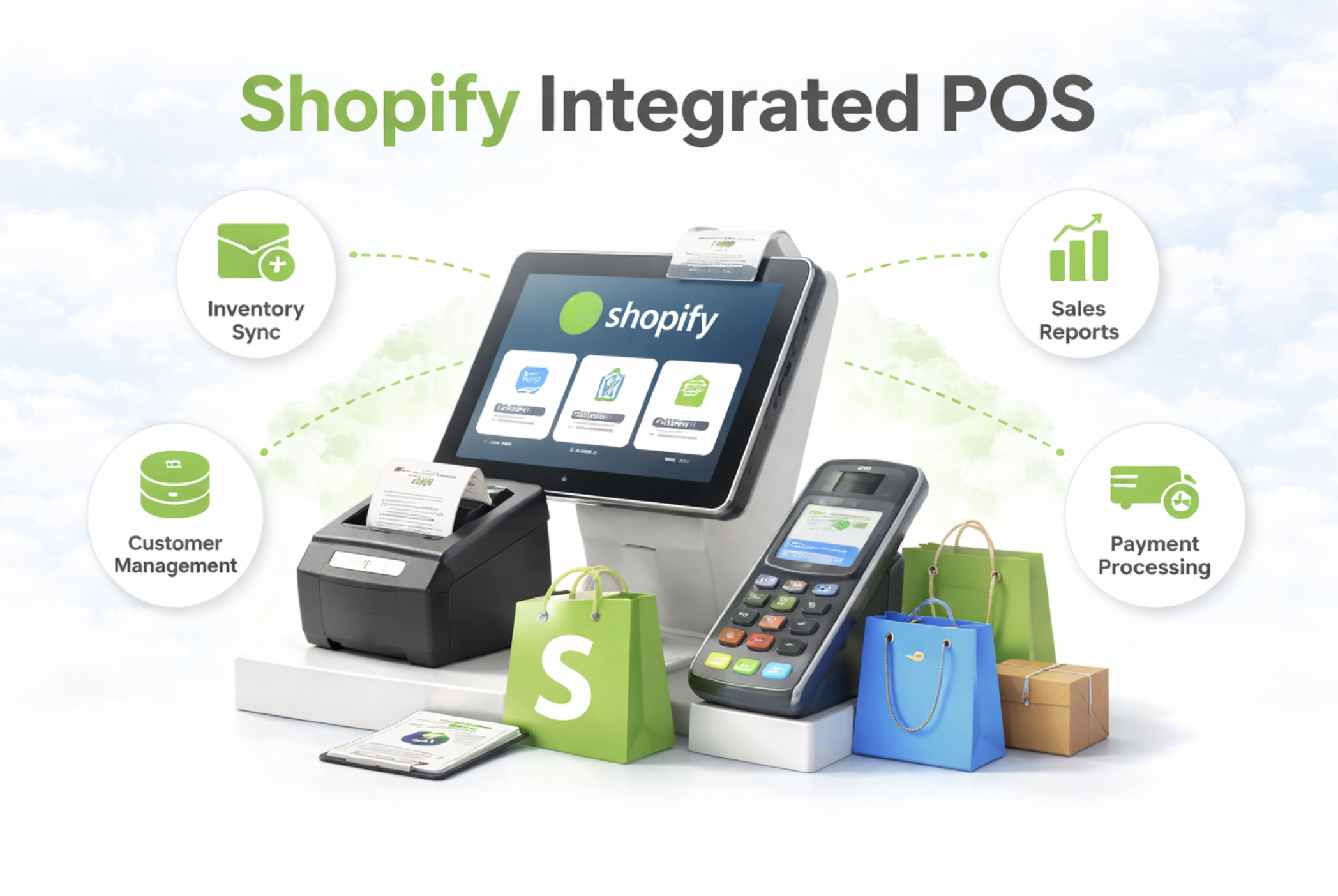
Salesman commission tracking, shift management, cash register control, loyalty programs, AI-powered analytics, and barcode generation are all part of the same connected system.
Pricing starts at $29 per month and scales per location. The model is designed so that retailers only pay for the branches they actually operate.
To explore the full feature set, start with Shopify Integrated POS Point of Sale and Multi-Branch Inventory and Order Management.
Final thoughts
Finding the right Shopify POS for multi-branch retail in Pakistan is not the same decision it would be for a retailer in another market. The COD reality, FBR compliance requirement, and multi-branch operational needs of Pakistani retail are specific enough that most available tools fall short in at least one important area.
The right starting point is a system that treats Shopify as the commerce layer and handles everything that happens physically — billing, branch stock, transfers, returns, exchanges, fulfillment, and compliance — from one connected operational system.
Getting inventory accuracy right from the start saves Pakistani retailers from the spreadsheet cycles, manual fixes, and audit problems that come from getting it wrong.
If your business is growing beyond a single store and you are running on Shopify, now is the right time to move from basic stock tracking to a setup built for real multi-branch operations.