FBR integration is no longer a future consideration for Pakistani retailers. It is a present legal requirement, and the enforcement is getting stricter every year.
In January 2025, FBR amended the Sales Tax Rules through S.R.O. 69(I)/2025, tightening the requirements for electronic invoicing and POS integration. In February 2026, SRO 288(I)/2026 expanded the list of businesses required to connect their systems to FBR's centralised network — adding online sellers, retailers, manufacturers, importers, courier companies, schools, and more.
For Pakistani retailers running Shopify stores with physical branches, this creates a specific operational challenge. FBR integration needs to work across every branch counter, across both online and in-store sales, and it needs to cover the full invoice lifecycle — including credit notes when orders are returned or refunded.
This guide explains what FBR POS integration actually requires, what happens to retailers who are not compliant, and how Shopify retailers can stay compliant without disrupting their daily operations.
What FBR POS integration actually means
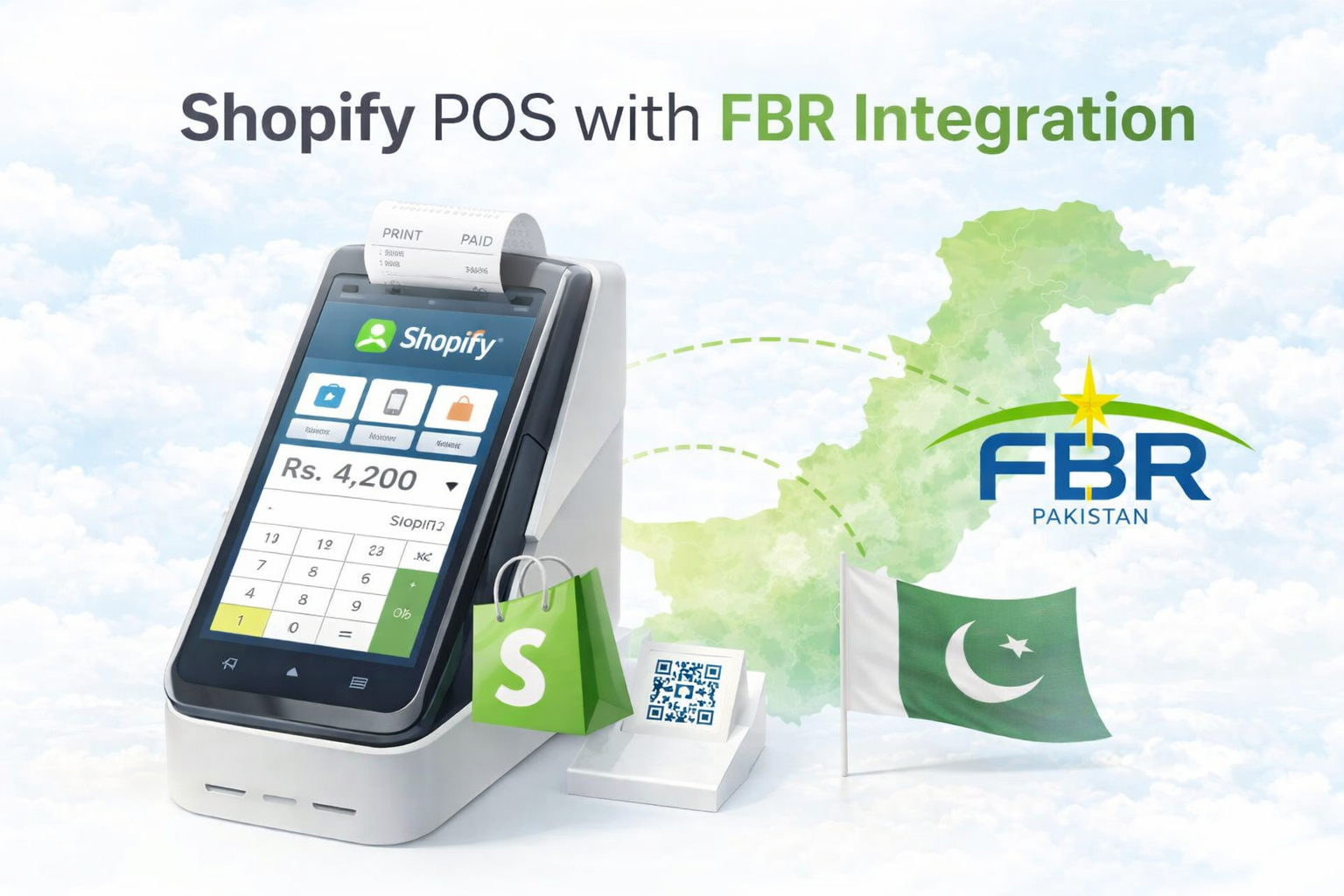
FBR POS integration connects your billing system directly to the Federal Board of Revenue's centralised real-time monitoring system. Every sale you process at a branch counter generates an invoice that is immediately transmitted to FBR through a secure API connection.
FBR receives the invoice data, verifies it, and returns a unique Invoice Reference Number along with a QR code. That QR code is printed on the customer's receipt. The customer can scan it to verify the invoice is genuine and FBR-registered.
The entire process happens in seconds and is invisible to the customer. From the retailer's side, it means every sale at every counter is automatically reported to FBR in real time without any manual step.
This is the core of what FBR integration requires. A sale happens. The invoice goes to FBR. FBR confirms it. The receipt prints with the QR code.
Who is required to integrate
FBR's integration requirement originally applied to Tier-1 retailers — businesses meeting specific turnover and operational criteria under the Sales Tax Act.
That scope has expanded significantly. Under SRO 288(I)/2026, issued in February 2026, the list of businesses required to integrate now includes retailers of all kinds, manufacturer-cum-retailers, wholesaler-cum-retailers, importer-cum-retailers, online sellers, online marketplaces, courier and cargo services, private schools and colleges, chartered accounting firms, diagnostic laboratories, private hospitals, beauty salons, gyms, and more.
For most Pakistani retailers running a Shopify store with physical branches, the requirement almost certainly applies. If your business sells goods or services and issues invoices, the safest assumption is that FBR integration is required.
The legal consequences of non-compliance are serious. Retailers who fail to generate invoices with a QR code and FBR invoice number face tax assessments based on unaccounted sales. Input tax adjustment can be disallowed by sixty percent under Section 8B(6) of the Sales Tax Act. FBR's Inland Revenue Enforcement Network conducts nationwide inspections and can seal business premises for non-compliance.
What a compliant FBR invoice must include
Under the current rules, every invoice generated through a POS system must include specific information for it to be considered FBR-compliant.
The invoice must carry a unique FBR invoice number. This number is assigned by FBR when your system transmits the sale data. It cannot be generated locally or manually.
The invoice must carry a verifiable QR code that allows customers and FBR officers to confirm the invoice's authenticity by scanning it. The QR code links back to FBR's system and confirms the sale was reported in real time.
The invoice must include the retailer's tax registration details, a description of the goods or services sold, the applicable sales tax rate, the tax amount, and the total amount charged.
For product categories, FBR requires HS codes, UOM codes, TX codes, and SRO codes to be mapped against each product or category. These codes tell FBR exactly what type of goods were sold and what tax treatment applies.
This last requirement — product category code mapping — is one of the most time-consuming parts of FBR integration for retailers with large catalogs. A fashion retailer may have thousands of product variants across dozens of categories, and every category needs the correct FBR codes assigned before compliant invoicing can begin.
The product category code problem
For most retailers, the hardest part of FBR integration is not the technical connection. It is the product categorization.
FBR requires that every product sold through an integrated POS has the correct category codes assigned. These codes determine what sales tax rate applies and how the transaction is reported. Getting them wrong creates compliance errors. Not having them at all means invoices cannot be generated correctly.
For a retailer with a large Shopify catalog — hundreds of products, thousands of variants across multiple categories — assigning FBR codes to each product manually is an enormous task. It requires understanding which HS code applies to each product category, which UOM code is correct, and which TX and SRO codes are relevant.
Most retailers either get stuck at this step, skip it and remain non-compliant, or hire someone specifically to map their entire catalog before they can go live with FBR integration.
iSmartSync solves this at the category level. Instead of requiring retailers to map FBR codes product by product, iSmartSync allows you to assign FBR codes to an entire product category in a single click. Every product in that category inherits the correct codes automatically. When a new product is added to that category in Shopify and imported into iSmartSync, it picks up the correct FBR codes without any additional step.
For a retailer with a catalog across apparel, footwear, accessories, and home goods, this turns a multi-day manual task into a few minutes of configuration.
To learn more about how product categorization works inside the system, see POS Product Categorization and Hierarchy.
What happens when an order is placed
Once FBR codes are correctly mapped to your product categories, the invoicing process becomes fully automatic.
A customer walks into your branch and buys two items. The staff member scans the barcodes, applies any discount, processes the payment, and completes the sale. At the moment of sale, iSmartSync generates the invoice, transmits it to FBR in real time, receives the FBR invoice number and QR code, and prints the receipt with all required information.
The staff member does nothing differently. There is no separate FBR step, no manual upload, and no end-of-day reconciliation required. The compliance layer runs silently in the background.
For Shopify online orders fulfilled through the POS, the same workflow applies when a branch processes the fulfillment. The FBR invoice generates at the point of physical dispatch, aligned with when inventory actually moves.
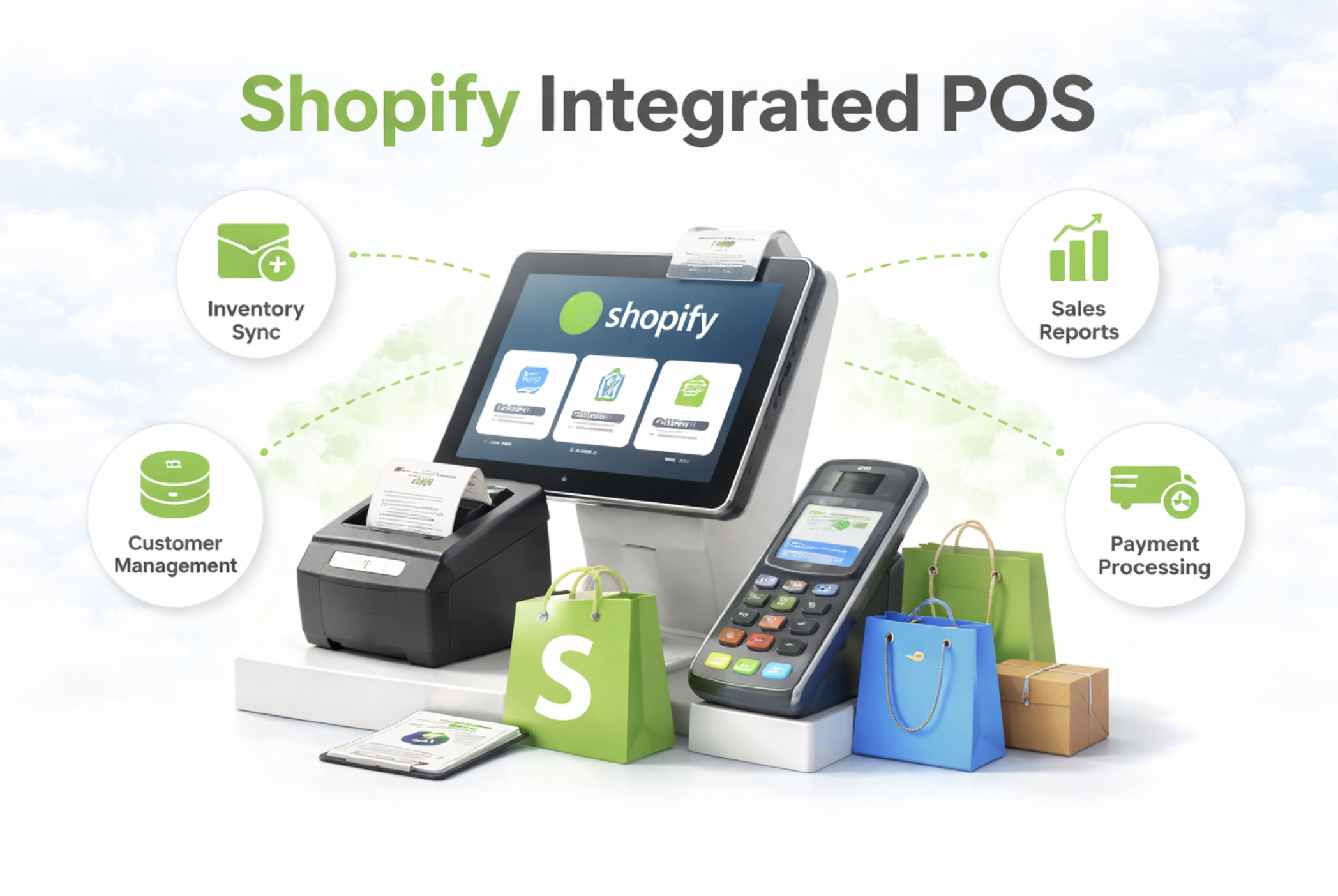
For more on how the billing screen handles this in practice, see Counter-Wise Billing and Checkout and Shopify Integrated POS Point of Sale.
What happens when an order is returned or refunded
Returns and refunds have their own FBR requirement that many retailers overlook.
When a customer returns a product and receives a refund, the original FBR invoice needs a corresponding credit note. A credit note is an FBR-verified document that cancels or partially reverses the original invoice. Without it, the original sale remains in FBR's system as completed even though the goods came back and the money was returned.
For retailers handling significant return volumes — which in Pakistan often means COD returns and refused deliveries — manually creating FBR credit notes for each return is not sustainable. It falls behind quickly, creates compliance gaps, and leaves the business exposed during audits.
iSmartSync generates FBR credit notes automatically when a return is processed through the POS. The credit note links to the original invoice, records the returned items and refunded amount, and transmits the data to FBR in real time. No separate step is required.
This is particularly important for Shopify retailers with COD operations. A refused delivery that is processed correctly through the POS generates a clean FBR credit note automatically, keeps inventory accurate, and maintains a full compliance trail without any manual intervention.
For a deeper look at how returns work inside the system, see Inventory RMA Management System.
FBR integration across multiple branches
For retailers with a single branch, FBR integration is relatively straightforward. One counter, one FBR connection, one stream of invoices.
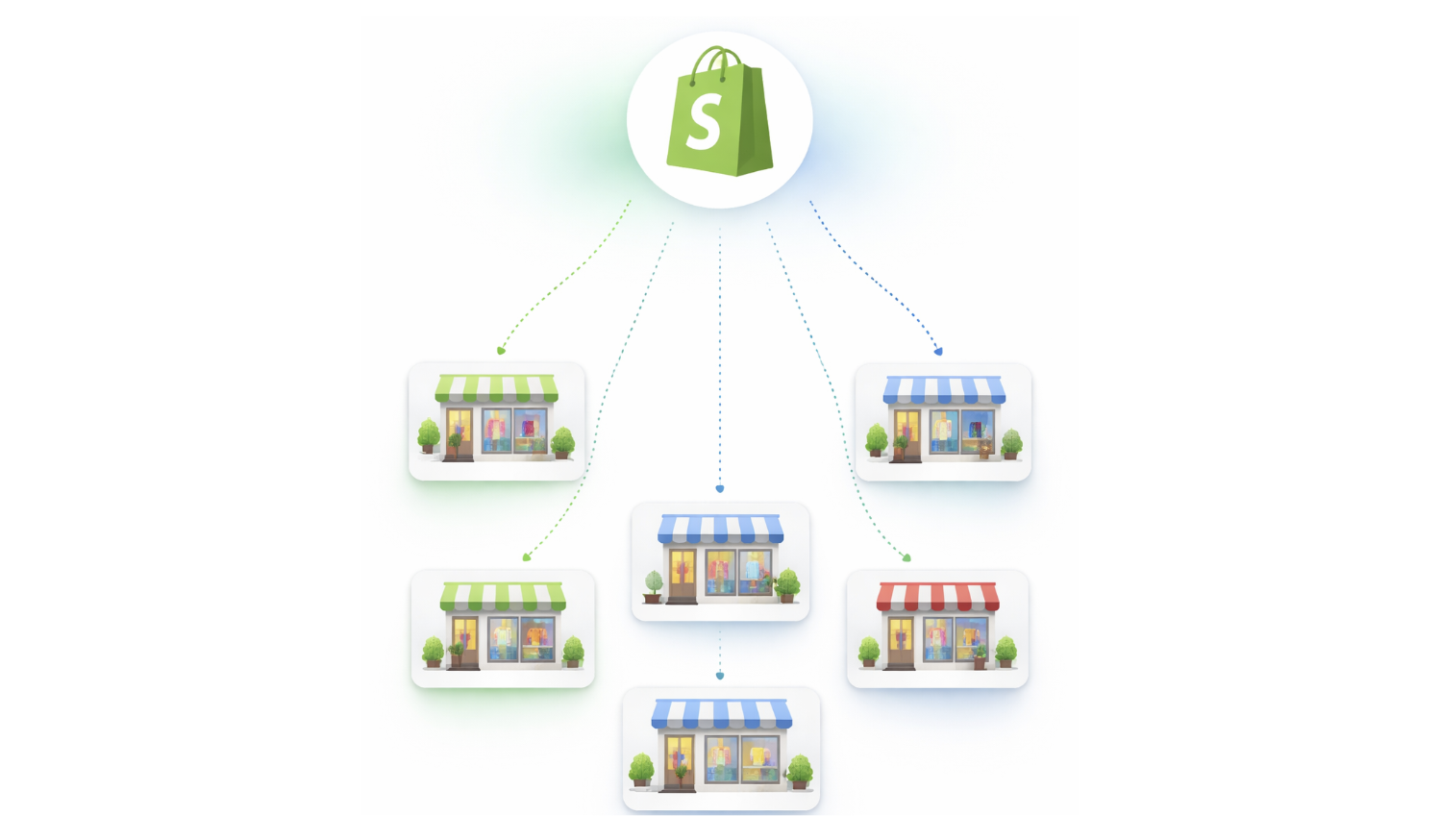
For retailers with multiple branches, FBR integration needs to work at every counter across every location simultaneously.
Under FBR's rules, each counter at each branch needs to be registered and connected. Every sale at every counter generates its own FBR invoice. The retailer's FBR profile reflects the combined sales activity across all outlets in real time.
iSmartSync handles this at the counter level. Each counter in each branch is connected to FBR independently. Sales at Branch A generate FBR invoices from Branch A's registered counter. Sales at Branch B do the same from Branch B. The compliance trail is clean, branch-specific, and fully traceable — which matters significantly during FBR inspections and audits.
FBR integration in iSmartSync is available as a per-counter add-on, not bundled into a flat plan. This is an important distinction for multi-branch retailers.
Most POS systems either include FBR for all users at a higher flat price, or exclude it entirely and require a separate integration. Neither model fits how Pakistani retail actually operates. A business may have five branches but only three of them are active billing counters requiring FBR invoicing. Another business may start with one FBR counter and expand to four as it grows.
The per-counter add-on model means you activate FBR only on the counters that need it and pay only for those. If your business has three branches with two counters each, you add FBR to each counter independently. When you open a new branch, you add a new counter and activate FBR on it without changing your plan or renegotiating pricing.
This keeps compliance costs proportional to actual operations and removes the common situation where retailers either overpay for FBR coverage they do not need or delay integration because the pricing model does not match their branch structure.
To understand how counters and branches are structured in the system, see Counter-Wise Billing and Checkout and Multi-Branch Inventory and Order Management.
What FBR enforcement looks like in practice
FBR's enforcement approach has become significantly more active since 2025.
FBR has established an Inland Revenue Enforcement Network specifically to conduct inspections at retail outlets. Enforcement teams visit business premises to verify whether electronic invoicing software is properly integrated and whether invoices are being reported in real time.
If a non-integrated system is found, the enforcement team reports it to the Commissioner of Inland Revenue, who can recover applicable tax based on estimated unaccounted sales. Business premises can be sealed for non-compliance.
Under the rules, if an integrated retailer fails to generate an invoice with a QR code and FBR invoice number, Inland Revenue officials assess and recover unpaid taxes based on those unaccounted transactions.
The enforcement is not a theoretical future risk. Inspections are happening across Pakistan in retail areas. For a business with multiple branches, non-compliance at any counter is a liability.
What retailers often get wrong about FBR integration
The most common mistake is treating FBR integration as a one-time technical task.
Connecting to FBR's API is the beginning, not the end. Ongoing compliance requires that every sale generates a correct invoice, every return generates a correct credit note, product category codes are kept accurate as the catalog grows, new counters are registered when branches expand, and the system remains connected and reporting in real time.
The second common mistake is mapping FBR codes incorrectly or incompletely. A product sold under the wrong category code generates an invoice that appears compliant but reports the wrong tax treatment to FBR. This creates discrepancies that appear during audits even if the retailer believed they were fully integrated.
The third mistake is not covering the full invoice lifecycle. Handling sales invoices but not credit notes on returns leaves gaps in the FBR record. During an audit, those gaps become questions.
The fourth mistake is not accounting for counter-level registration. Some retailers integrate one counter and assume the others are covered. FBR integration is counter-specific. Every active billing counter needs its own registered connection.
Final thoughts
FBR integration is one of the non-negotiable operational requirements for Pakistani retailers in 2026. The requirement has expanded, the enforcement is active, and the consequences of non-compliance are significant enough that treating it as optional is no longer realistic.
For Shopify retailers running multiple branches, the challenge is not just connecting to FBR. It is making sure the integration works correctly across every counter, covers the full invoice lifecycle including returns, handles product category codes accurately for large catalogs, and runs automatically without adding operational steps to every transaction.
Getting this right from the start — with correct category code mapping, automatic credit notes on returns, and counter-level integration across branches — removes a significant compliance burden from daily operations and keeps the business protected during inspections.
If your Shopify store has physical branches and you are not yet FBR integrated, the time to act is now.
To learn more about how iSmartSync handles FBR integration, visit FBR Integrated POS Point of Sale System.