Cash on delivery is how most of Pakistan shops online. Across fashion, footwear, cosmetics, and home goods, COD orders make up the majority of online transactions for most Pakistani Shopify retailers. Some businesses report COD at sixty to eighty percent of total online order volume.
That is not a problem by itself. COD works well for Pakistani consumers and it drives real sales volume for retailers.
The problem is what COD does to inventory when a Shopify store is not set up to handle it correctly.
Every refused delivery, every returned parcel, every cancelled COD order leaves a trace in the system. And in most Shopify setups, that trace is an inventory number that is now wrong. Over days and weeks, those wrong numbers accumulate. Stock that the system shows as sold is physically still sitting in a branch. Stock that should be available is showing as committed to an order that never completed.
This is one of the most common and least discussed inventory problems in Pakistani retail. It does not announce itself loudly. It builds slowly and quietly until the numbers stop making sense.
What actually happens when a COD order is placed
To understand the problem, it helps to understand exactly what most systems do when a COD order comes in.
A customer browses a Shopify store, adds items to their cart, and places an order on cash on delivery. From the customer's perspective, the order is placed. From the retailer's perspective, nothing has actually happened yet. No payment has been made. No commitment to deliver has been confirmed. No item has moved from any shelf.
But in most default Shopify setups, that order immediately reduces inventory.
The system sees an order and treats it the same way it would treat a prepaid credit card order. It marks the stock as committed and reduces the available quantity. If you had ten units before the order, you now show nine.
For a prepaid order, that behaviour is defensible. The customer has paid. Fulfillment is expected. Reducing stock in anticipation of dispatch makes some sense.
For a COD order in Pakistan, it is almost always wrong.
Why COD orders behave differently in practice
A prepaid order from a Pakistani consumer has a high completion rate. The customer has already transferred money. They are expecting the product. The order is very likely to result in a delivered parcel.
A COD order follows a completely different journey.
The order is placed. The retailer prepares it for dispatch. The courier picks it up. The courier attempts delivery. The customer may or may not be available. The customer may or may not accept the parcel. The customer may change their mind at the door. The customer may reject it because of a damaged box, a wrong size, or simply because they found a better price elsewhere.
In Pakistan, courier return rates on COD orders range from fifteen to forty percent depending on the category. For some fashion and apparel businesses, it is even higher.
Every one of those returned or refused orders is an item that left the branch, came back, and now needs to be back in stock. But if the system reduced inventory when the order was placed, and then did not correctly restore it when the order was refused, the numbers are now wrong.
And that is exactly what happens in most Shopify setups without a proper POS integration.
How the damage builds over time
A single refused COD order may not seem like a big problem. The retailer adjusts the count manually, fixes the Shopify inventory, and moves on.
But that manual fix takes time. It requires someone to notice the discrepancy, trace it back to a specific order, and make the correction in the right place. In a business processing fifty, a hundred, or two hundred orders a day, that process quickly becomes unmanageable.
The corrections start falling behind. Some refused orders get fixed. Others do not. The gap between what the system shows and what is physically in the branch grows a little every day.
After two weeks, the business may have dozens of units sitting in the branch that the system thinks are committed to COD orders that were refused three days ago. At the same time, Shopify may be showing low stock or out of stock for products that are physically available and ready to sell.
The retailer starts losing online sales because Shopify shows a product as unavailable when the branch has stock. Staff start fielding customer complaints about orders that were accepted but cannot be fulfilled from the right branch. The operations team spends hours every week chasing numbers that should have been accurate automatically.
This is the real cost of COD inventory mismanagement. It is not just wrong numbers. It is lost revenue, wasted time, and a team that has stopped trusting the system.
The branch-level dimension of the problem
For retailers with a single Shopify store and a single branch, the COD inventory problem is difficult but manageable. The numbers are wrong, but at least they are wrong in one place.
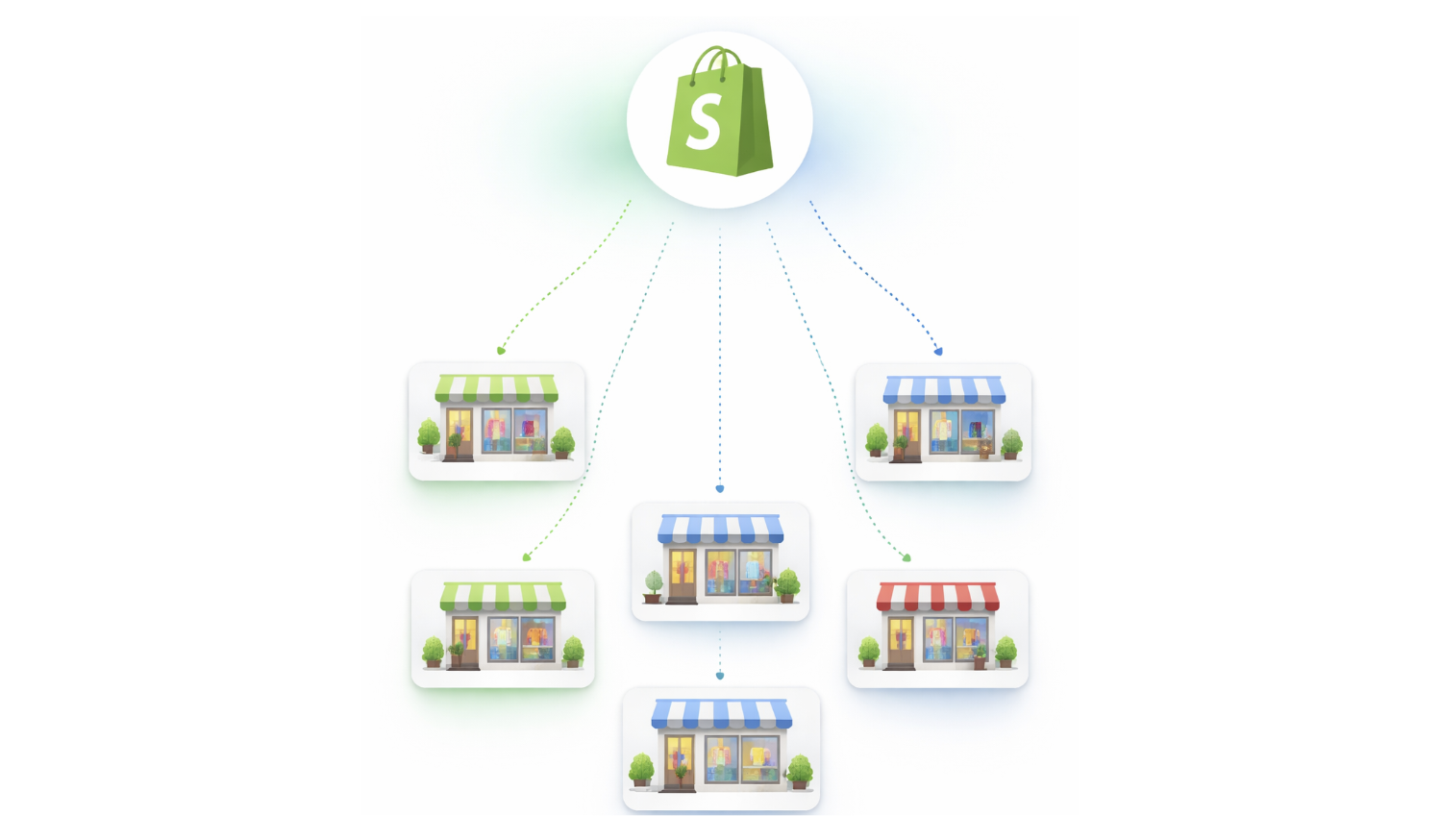
For retailers with multiple branches, the problem multiplies.
A COD order comes in. The retailer decides to fulfill it from Branch A because that branch has stock. The item is picked and packed. Stock is reduced from Branch A specifically. The courier collects it.
Three days later, the customer refuses delivery. The parcel comes back. But it does not come back to Branch A. It comes back to a central returns point or to a different branch depending on how the courier handles it.
Now Branch A is showing one fewer unit than it physically has. The returns location has one extra unit that is not recorded anywhere. And the system may or may not have reversed the original stock reduction depending on how the return was processed.
Multiply this across twenty or thirty COD returns in a week and the branch-level stock picture becomes almost impossible to trust without a full physical count.
For more on how branch-level inventory should work across multiple locations, see Multi-Branch Inventory and Order Management and Multi-Location Inventory Management.
What the right approach looks like
The correct way to handle COD inventory is straightforward in principle, even if most systems do not implement it correctly.
Stock should not change when a COD order is placed. The order exists in the system. It can be visible to staff. It can be queued for fulfillment. But the inventory numbers should not move until something physically moves.
Stock should reduce from a specific branch when staff pick the item and prepare it for dispatch. That is the moment of real commitment. The item has left the shelf. It is in the hands of the courier. That is when the inventory number should change.
If the order is refused or returned, stock restores to the correct branch automatically. Because nothing changed at the time of order creation, there is nothing complicated to reverse. The return is simply a new physical movement that adds the item back to the branch where it arrived.
This approach means that COD returns do not leave wrong numbers behind. It means that refused deliveries do not require manual correction. It means that the inventory numbers in the system always reflect what is physically in each branch.
It also means that Shopify availability is accurate. Products that are physically in stock show as available. Products that have genuinely been picked and dispatched show as committed. The online store reflects reality rather than a mix of real sales and pending COD orders that may or may not complete.
For a closer look at how this applies to Shopify fulfillment workflows, see Shopify Order Fulfillment Through POS and Shopify Retail POS Integration.
What happens with returns and FBR when COD orders come back
COD returns also have a compliance dimension that Pakistani retailers often overlook.
When an order is returned, the original FBR invoice needs a corresponding credit note. If the POS does not generate FBR credit notes automatically on returns, the retailer either skips the compliance step or creates it manually. Both create audit exposure.
For a business handling a significant volume of COD returns, manual FBR credit note creation is not a sustainable process. It either falls behind or gets skipped entirely.
A properly connected POS should generate the FBR credit note automatically when a return is processed and stock is restored. The compliance workflow should be part of the return workflow, not a separate step that depends on someone remembering to do it.
For more on how FBR integration fits into the full retail workflow, see FBR Integrated POS Point of Sale System.
The spreadsheet trap that many retailers fall into
When the system cannot handle COD accurately, most Pakistani retailers fall into the same pattern.
They create a spreadsheet to track COD orders separately. Someone is responsible for updating it when orders come in, when parcels are dispatched, when returns arrive, and when refusals are confirmed. That person updates Shopify inventory manually based on the spreadsheet.
This feels like a solution. In practice, it is a second job that creates its own problems.
The spreadsheet is one person's responsibility. When that person is unavailable, updates fall behind. When two people update it at the same time, entries conflict. When the spreadsheet grows large, errors are harder to spot. When the business opens a second or third branch, the spreadsheet becomes impossible to maintain accurately.
The spreadsheet is a symptom of a system that cannot handle COD correctly. It is not a fix.
The fix is a POS that understands when inventory should and should not change, and handles COD orders differently from prepaid orders at the workflow level.
How iSmartSync handles COD inventory
iSmartSync is built around a single principle: inventory only changes when goods actually move.
When a COD order arrives from Shopify, it appears inside iSmartSync as a fulfillment task. Stock does not change. The order is visible to the team, it can be queued, and staff can see which branches have the required items. But no inventory numbers move.
When staff pick the items from a specific branch and confirm the dispatch, stock reduces from that branch at that moment. Not before. The Shopify inventory updates immediately to reflect the real situation.
If the order is refused at delivery or returned by the courier, stock restores to the correct branch with a clear movement record. An FBR credit note generates automatically. The whole cycle is traceable and clean without any manual intervention.
This means that COD return rates, however high, do not accumulate as inventory errors. Each return is a discrete, correctly handled event. The system stays accurate regardless of how many COD orders complete or fail.
For retailers running multiple branches, every stock movement is branch-specific. Branch A shows what is physically in Branch A. The returns point shows what has come back. Nothing is mixed, merged, or guessed.
To see how this fits into the full POS billing and checkout flow, visit Counter-Wise Billing and Checkout and Track Sales and Orders in Real Time.
Final thoughts
COD is not a problem for Pakistani retail. It is the reality of how Pakistani consumers shop and it drives real sales volume for Shopify retailers across the country.
The problem is what COD does to inventory when the system is not built to handle it correctly. Stock reduces on order creation instead of on physical dispatch. Returns and refusals leave wrong numbers behind. Branch-level counts drift slowly until they stop reflecting reality. The team starts making decisions based on numbers they no longer trust.
The fix is not a better spreadsheet or a more disciplined team. The fix is a system where inventory only changes when something physically moves — and where every movement, whether outgoing or returning, is handled correctly and automatically.
For Pakistani retailers running on Shopify with meaningful COD volume, getting this right is one of the highest-leverage improvements available. It removes a daily operational burden, keeps Shopify availability accurate, and gives the team numbers they can actually rely on.