Shopify has become the dominant ecommerce platform for retail businesses in Pakistan. Fashion brands, footwear chains, cosmetics labels, electronics vendors, and general retailers have built their online presence on Shopify — and a growing number of them are now looking for a POS system that connects to it properly.
The phrase "Shopify integrated POS" gets searched often. But what it actually means, what real integration looks like in practice, and why so many available options fall short — that part is rarely explained clearly.
This guide covers what Shopify POS integration actually involves for Pakistani retailers, what separates genuine integration from surface-level connectors, and what to check before committing to any system.
What Shopify integrated POS actually means
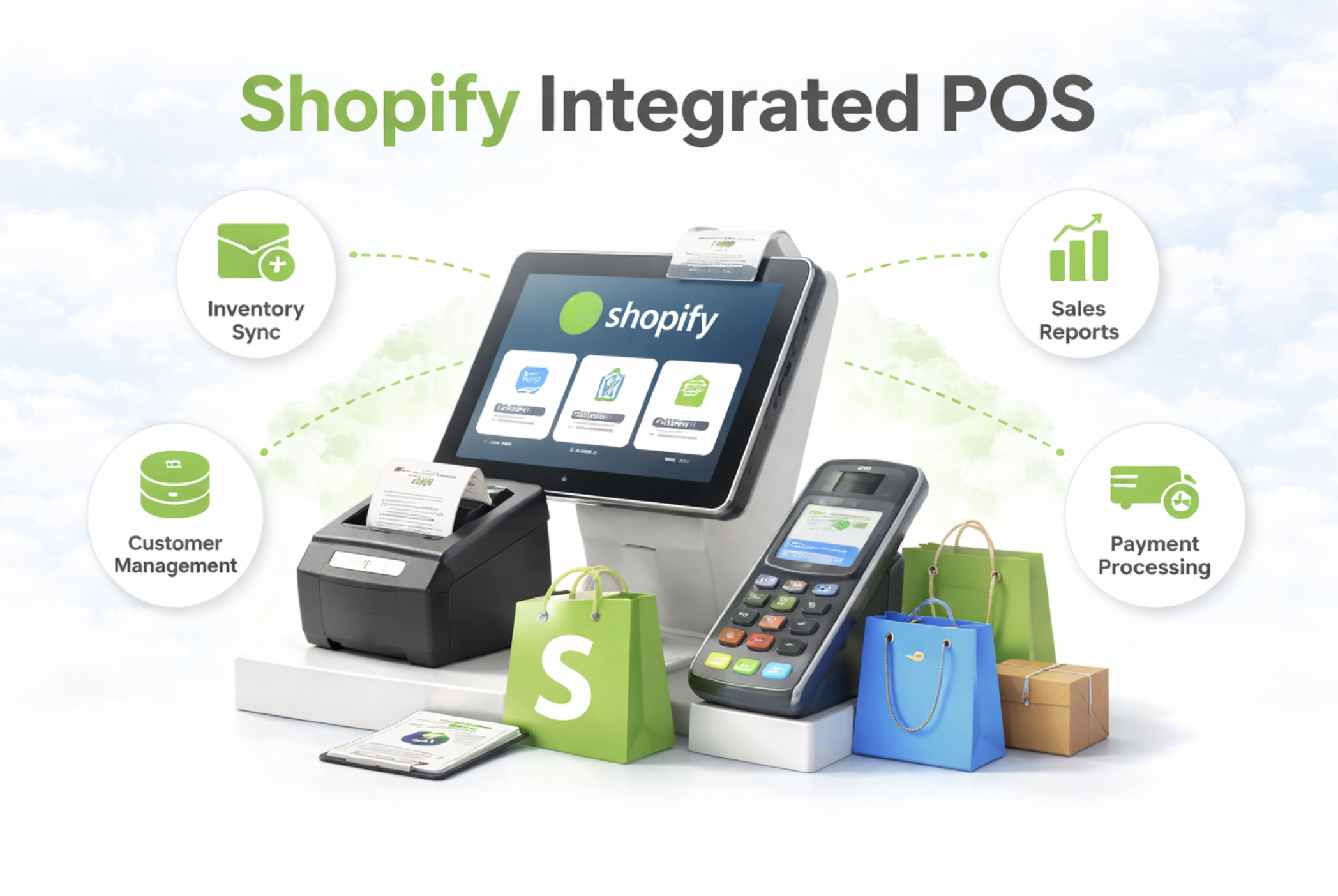
A Shopify integrated POS is a point of sale system that connects your physical retail operations — billing, inventory, returns, staff — directly to your Shopify store.
The idea is straightforward. Your products live in Shopify. Your online orders come through Shopify. When a customer walks into your branch and buys something, that sale should update Shopify inventory immediately. When a Shopify online order needs to be fulfilled from a branch, the POS should handle it without requiring manual steps in two separate systems.
In practice, most systems that call themselves Shopify integrated do not work this cleanly. Some sync products from Shopify into the POS but do not push inventory updates back. Some update Shopify every few hours rather than in real time. Some require staff to manually update stock in both systems after every sale. Some break entirely when a return or exchange happens.
Genuine Shopify integration means every event — sale, return, transfer, fulfillment, adjustment — reflects in Shopify immediately and accurately without any manual intervention.
Why Pakistani retailers need Shopify integration more than most
Pakistani retail has characteristics that make a properly integrated Shopify POS more important here than in most other markets.
The first is COD. Cash on delivery is the dominant payment method for online orders in Pakistan. Most POS systems treat a COD order the same as a paid order and reduce inventory the moment the order is placed. But a COD order is not confirmed until it is delivered and accepted. If the customer refuses, the stock reduction that happened at order creation needs to be reversed. If that reversal does not happen cleanly, inventory drifts from reality.
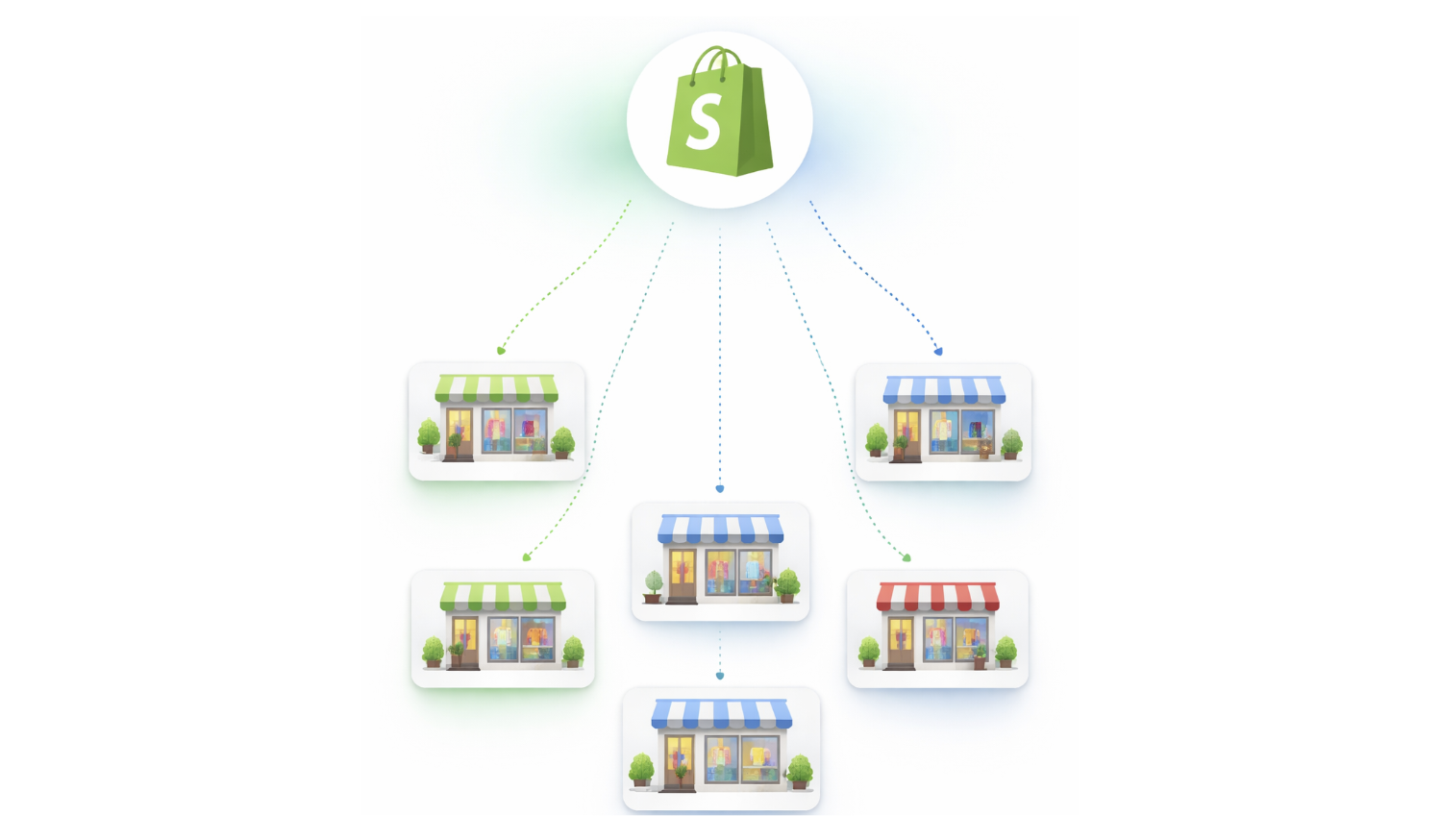
The second is multi-branch retail. Pakistani retail brands grow by opening physical branches across cities — Lahore, Karachi, Islamabad, Faisalabad. Managing stock across multiple outlets from one Shopify store requires branch-level visibility, not just total inventory counts. Without it, fulfillment decisions are based on incomplete information.
The third is FBR compliance. The Federal Board of Revenue requires retailers to issue verified invoices with QR codes at the point of sale. A POS that does not handle FBR Integration natively creates tax and audit liability. This cannot be patched in after the fact without cost and disruption.
The fourth is double entry. Without real Shopify integration, staff update products in Shopify and again in the POS. That doubles the workload, creates mismatches, and builds manual correction cycles into daily operations.
The difference between a connector and real integration
Most POS systems available in Pakistan offer Shopify integration through a connector — a plugin or middleware layer that sits between the POS and Shopify and attempts to keep them in sync.
Connector-based integration has real limitations. It typically runs on a schedule rather than in real time. A sale at a branch may take several minutes or longer to reflect in Shopify. During that gap, the same item can be sold online, creating an oversell.
Connectors also tend to handle straightforward cases well and break on edge cases. Returns, exchanges, partial fulfillments, and multi-branch stock transfers are the operations that expose the limits of connector-based integration.
Real integration means the POS and Shopify share the same inventory logic. A sale at the POS is also a Shopify inventory event. A return at the branch is also a Shopify inventory restoration. The two systems do not need to be kept in sync because they are not separate to begin with.
For Pakistani retailers running significant online and offline volume, the difference between connector integration and real integration shows up in daily operations within weeks of going live.
What two-way sync actually requires
Shopify integration is sometimes described as two-way sync. What that means in practice is worth unpacking.
One direction is products flowing from Shopify into the POS. Product names, variants, pricing, and images import from Shopify so that staff at the branch sell from the same catalog without duplicate entry. This is the easy direction and almost all systems handle it.
The other direction is inventory flowing from the POS back into Shopify. Every sale, return, adjustment, and transfer at the branch level needs to update Shopify inventory immediately. This is the direction that most systems handle poorly.
For a retailer with one branch, delayed or incomplete sync in this direction creates manageable problems. For a retailer with three or more branches all selling the same products online and in-store, it creates the kind of inventory chaos that requires daily manual correction to manage.
The test of real two-way sync is simple. Make a sale at the branch. Check Shopify inventory immediately. If it has not updated, the integration is not real-time. Make a return. Check Shopify. If the stock has not been restored, the return workflow is not properly connected.
Branch-level stock versus total stock
One of the most important questions to ask about any Shopify integrated POS in Pakistan is whether it shows branch-level stock or just total stock.
Total stock tells you how many units exist across all locations. Branch-level stock tells you exactly where each unit is.
For reporting purposes, total stock is useful. For operational decisions — which branch should fulfill an online order, which outlet needs replenishment, which location is running low on a specific size — branch-level stock is what matters.
Most POS systems that integrate with Shopify manage total inventory reasonably well. Fewer handle branch-level stock accurately enough for multi-location retailers to rely on.
Branch-level accuracy requires that every inventory event — sale, return, transfer, adjustment — records against a specific branch rather than a general pool. A sale at the DHA branch reduces DHA stock. A transfer from Johar Town to Emporium Mall moves stock from one specific location to another with a clear record at both ends.
Without this level of precision, retailers end up with accurate totals and inaccurate locations. The practical effect is that stock appears available when it is actually in the wrong place, and fulfillment decisions based on that information create problems downstream.
To understand how branch-level inventory management works in practice, see Multi-Branch Inventory and Order Management and Multi-Location Inventory Management.
FBR integration and why it must be native
FBR compliance is a legal requirement for Tier-1 retailers in Pakistan. It is also a feature that many POS systems in Pakistan claim to offer but implement incompletely.
Complete FBR integration means three things. Sales invoices are generated automatically with a verified QR code at the point of sale. Credit notes are generated automatically when a return or refund is processed. The system handles the full FBR workflow without requiring manual steps from branch staff.
Incomplete FBR integration typically means one of two things. Either sales invoices are generated but credit notes are not, leaving refund transactions outside the compliance trail. Or FBR submission requires a separate manual step that branch staff must remember to complete after each sale.
For retailers doing significant volume, both versions of incomplete FBR integration create compliance gaps and audit exposure. The only reliable approach is FBR integration built natively into the billing workflow so that compliance happens automatically as part of normal operations.
See FBR Integrated POS for a detailed look at what complete FBR compliance requires at the POS level.
What happens when the sync fails
Network reliability in Pakistan varies. Power outages, ISP disruptions, and slow connections are operational realities for retail branches across the country. Any Shopify integrated POS needs a clear answer to the question of what happens when the sync fails.
The worst case is a system that loses the local sale when connectivity drops. If the POS requires a live connection to record a transaction and Shopify sync fails mid-sale, the transaction may be incomplete on both sides. Staff may not know whether the sale was recorded or not.
A better approach is for the POS to record the sale locally regardless of connectivity, and queue the Shopify sync for retry when the connection is restored. The local sale is always preserved. The inventory update to Shopify happens as soon as it is possible.
The best approach adds visibility — staff can see the sync status for every transaction and know which ones are pending, which succeeded, and which failed and need attention.
For Pakistani retailers where connectivity cannot be taken for granted, sync failure handling is not an edge case. It is a core reliability requirement.
What a working Shopify integrated POS workflow looks like
A properly integrated Shopify POS for Pakistani retail should produce a workflow that looks something like this.
Products are managed in Shopify. One import brings them into the POS with all variants, pricing, and images. Staff at any branch sell from the same catalog without any parallel data entry.
A walk-in customer buys at a branch. The sale records at the counter, stock reduces from that branch specifically, and Shopify inventory updates immediately. The customer receives a printed or digital receipt with an FBR QR code.
A Shopify online order arrives. It appears inside the POS as a task. Staff can see branch-level stock across all locations and select the appropriate fulfillment branch. When the item is picked and packed, stock reduces from that branch. The Shopify order updates to fulfilled. An FBR invoice is generated.
A COD order is placed online. Stock does not change at order creation. When the item is physically picked and dispatched, stock reduces. If the order is refused at delivery, no stock reversal is needed because none was made.
A branch transfer is initiated. The sending branch logs an outgoing movement. The receiving branch confirms receipt. Stock moves between locations with a traceable record at both ends.
A return arrives. Stock restores to the correct branch. An FBR credit note generates automatically. The Shopify inventory reflects the restoration immediately.
This is what genuine Shopify integration produces in practice — an operational flow where the system handles what used to require daily manual correction.
For a closer look at specific parts of this workflow, see Shopify Order Fulfillment Through POS and Multi-Location and Branch Inventory Transfer.
How iSmartSync approaches Shopify integration
iSmartSync is built specifically for Pakistani retailers running Shopify stores with physical branches. The integration is not a connector layer added to a standalone POS. Shopify is the commerce foundation, and iSmartSync handles everything that happens on the physical side.
Every inventory change in iSmartSync is a Shopify inventory event. There is no separate sync to maintain, no schedule to wait for, and no manual step required to keep the two systems aligned.
The core principle governing all inventory behaviour is that stock changes only when goods physically move. A COD order being placed does not change stock. A status update in Shopify does not change stock. Only a physical event — a completed sale, a confirmed fulfillment, a transfer confirmation, a processed return — changes stock. That single principle keeps inventory accurate across branches and Shopify without requiring daily correction.
Branch-level execution is built into every part of the system. Sales record against specific branches. Fulfillment assigns to specific branches. Transfers move stock between named locations with confirmation at both ends. Every inventory event has a clear origin and a traceable record.
FBR integration runs as part of the billing workflow. Invoices and QR codes generate at the point of sale. Credit notes generate on refunds. The compliance layer requires no separate action from branch staff.
When Shopify sync fails, the local sale is preserved and the sync retries automatically using the stored payload. Staff can see the sync status for every transaction.
Pricing starts at $29 per month and scales per location with add-ons available for additional branches, counters, and features as the business grows.
To explore the full feature set, start with Shopify Integrated POS Point of Sale.
Final thoughts
Shopify integrated POS is a widely used phrase in Pakistani retail conversations. What it actually means varies significantly between systems — from a basic product import connector to a fully native integration where every physical event updates Shopify in real time.
For a retailer running one branch with low online volume, a basic connector may be sufficient. For a retailer running multiple branches, handling significant COD volume, and operating under FBR compliance requirements, the difference between surface-level and genuine integration becomes a daily operational concern.
The right question to ask before choosing any Shopify POS in Pakistan is not whether it integrates with Shopify, but how it integrates — what events trigger inventory changes, how branch-level stock is handled, what happens when the sync fails, and whether FBR compliance runs automatically or requires manual steps.
Getting these answers before committing saves Pakistani retailers from switching costs, inventory cleanup projects, and compliance problems that come from getting the integration wrong the first time.
Explore how iSmartSync handles Shopify integration for multi-branch retailers at ismartsync.com.