iSmartSynciSmartSync
iSmartSync • Blog

How to Reconcile Shopify Sales, POS Sales, and Cash at the End of the Day

Learn how retailers can reconcile Shopify sales, POS sales, payments, and cash drawers at the end of the day without relying on guesswork.

RetailBy iSmartSync Team•11/12/2026•8 min read
How to Reconcile Shopify Sales, POS Sales, and Cash at the End of the Day

End-of-day reconciliation is where many retail teams discover that their business has more than one version of the truth.

Shopify shows one set of numbers. The POS shows another. The cash drawer has its own reality. Card and bank payments settle separately. COD orders may still be in transit. Refunds and exchanges complicate everything further.

On paper, these should all line up neatly.

In real retail operations, they often do not.

That does not always mean theft, error, or system failure. Quite often, it means the business is comparing numbers that represent different things at different stages of the sales lifecycle.

The key to clean reconciliation is understanding which numbers should match, which numbers should not match yet, and what process the business should follow every day before the branch closes.

Why one retail day can produce multiple totals

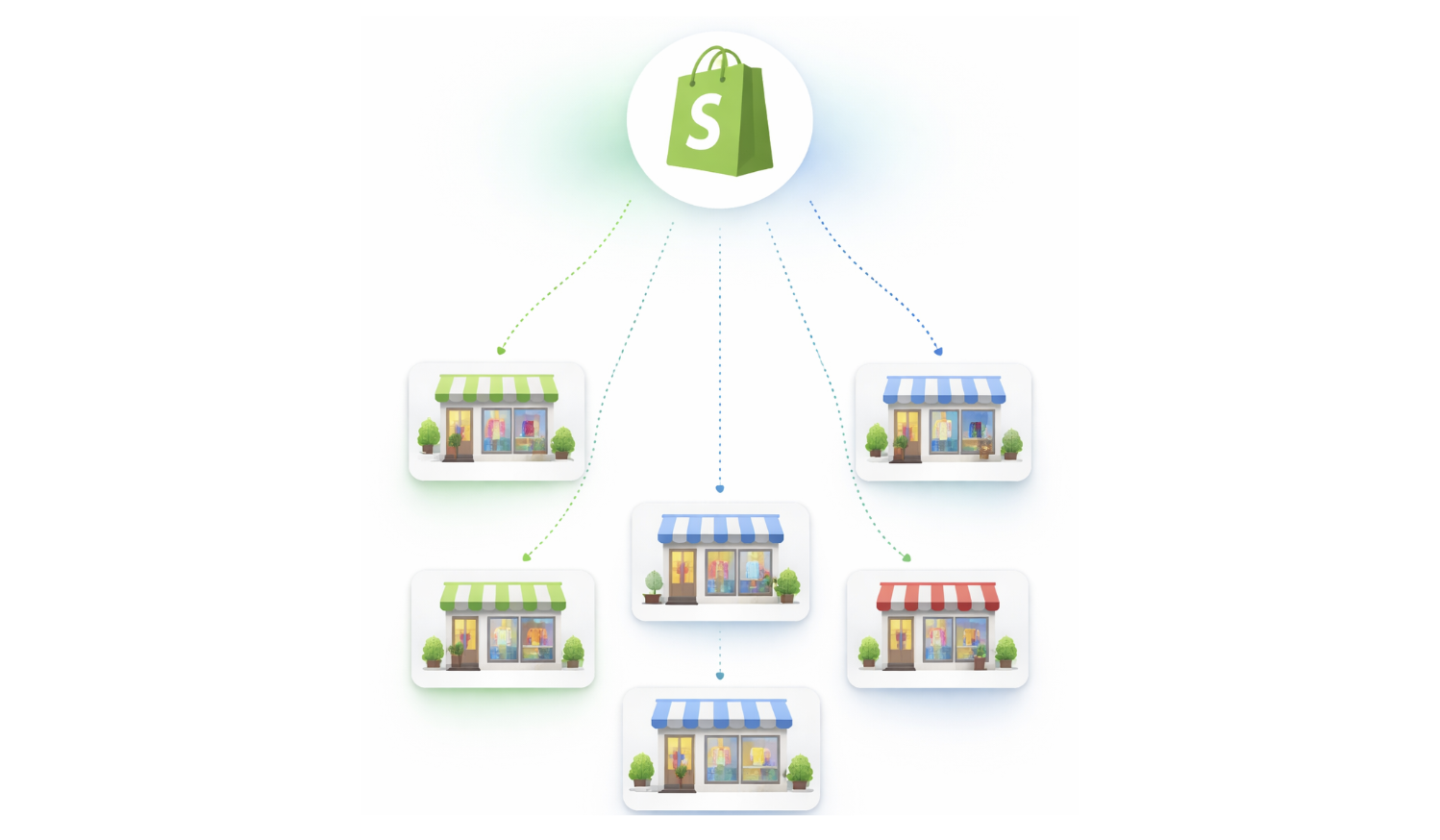
A retailer running Shopify and physical branches is dealing with several transaction layers at once.

There is the order layer. This includes online orders created in Shopify and local sales created in the POS.

There is the payment layer. This includes cash collected, card payments, bank transfers, and any split-tender combinations.

There is the fulfillment layer. Some Shopify orders may be placed today but not dispatched today. Some may be fulfilled from one branch while the payment arrives later because the order is COD.

There is the register layer. The branch cash drawer reflects only what physically moved through that register, including opening cash, cash sales, cash refunds, expenses, and closing balance.

There is the settlement layer. Card and bank transactions may be authorized today but settle in a different reporting cycle.

If a business compares all these layers as if they are the same number, the end-of-day report will always feel broken.

That is why reconciliation depends on stronger pos analytics and reporting and a clearer understanding of how retail events relate to one another.

The four numbers retailers most commonly confuse

The confusion usually starts with four specific totals.

Sales total

This is the value of sales recorded during the day. It is an order number, not necessarily a cash number.

Payment total

This is the total value actually collected through cash, card, bank, or other tenders.

Cash drawer total

This is the physical cash position at the counter after considering opening float, cash sales, expenses, refunds, cash in, and cash out.

Shopify order total

This is the value of ecommerce orders created or updated in Shopify during the period being reviewed.

These numbers are related, but they do not always match exactly on the same day.

For example, a COD Shopify order created today may reduce online availability today, appear in Shopify sales today, and be prepared for shipment today, but the cash may not be collected until delivery several days later.

That is why businesses need to reconcile each bucket to the right source rather than trying to force a single number to explain everything.

Why cash is only one part of reconciliation

Many retailers still treat reconciliation as a cash-counting exercise.

Cash counting matters, especially in Pakistan where cash and COD are still common, but it is only part of the picture.

A branch can have perfectly counted cash and still have broken reconciliation overall.

That happens when:

  • Shopify orders were fulfilled but not matched to the right branch activity
  • card and bank payments were posted to the wrong payment type
  • refunds were processed without clear tender reversal
  • exchanges changed sales value without clean documentation
  • manual edits in Shopify changed order totals after the original sale

This is why strong pos payment types control matters. When cash, card, and bank are mixed casually, the reporting layer becomes harder to trust even if the actual sales were valid.

Common reasons Shopify sales and POS sales do not match

Retail teams often assume that Shopify sales for the day should equal branch POS sales for the day.

In most connected retail environments, that assumption is wrong.

Here are some of the most common reasons.

Online orders are created before branch fulfillment happens

Shopify may count the order today, but the branch may not touch it until later.

COD orders separate order creation from cash collection

The sale exists operationally, but the money has not yet been collected.

Walk-in sales never appear as Shopify online orders

They are valid retail sales, but they belong to the local POS channel, not the ecommerce order channel.

Returns and exchanges shift the value after the original sale

An order may have been valid yesterday and partially refunded today. The timing matters.

Card and bank payments settle differently from cash

The branch sale is complete, but the bank-side reporting may follow a different timeline.

Order edits happen after placement

A customer changes size, removes an item, or adds another item. Shopify totals can change after the original order event.

This is why retailers benefit from track sales and orders in real time. The team needs visibility into order state changes, not just end totals.

What should actually be reconciled at the end of the day

A cleaner end-of-day process breaks the work into separate checks.
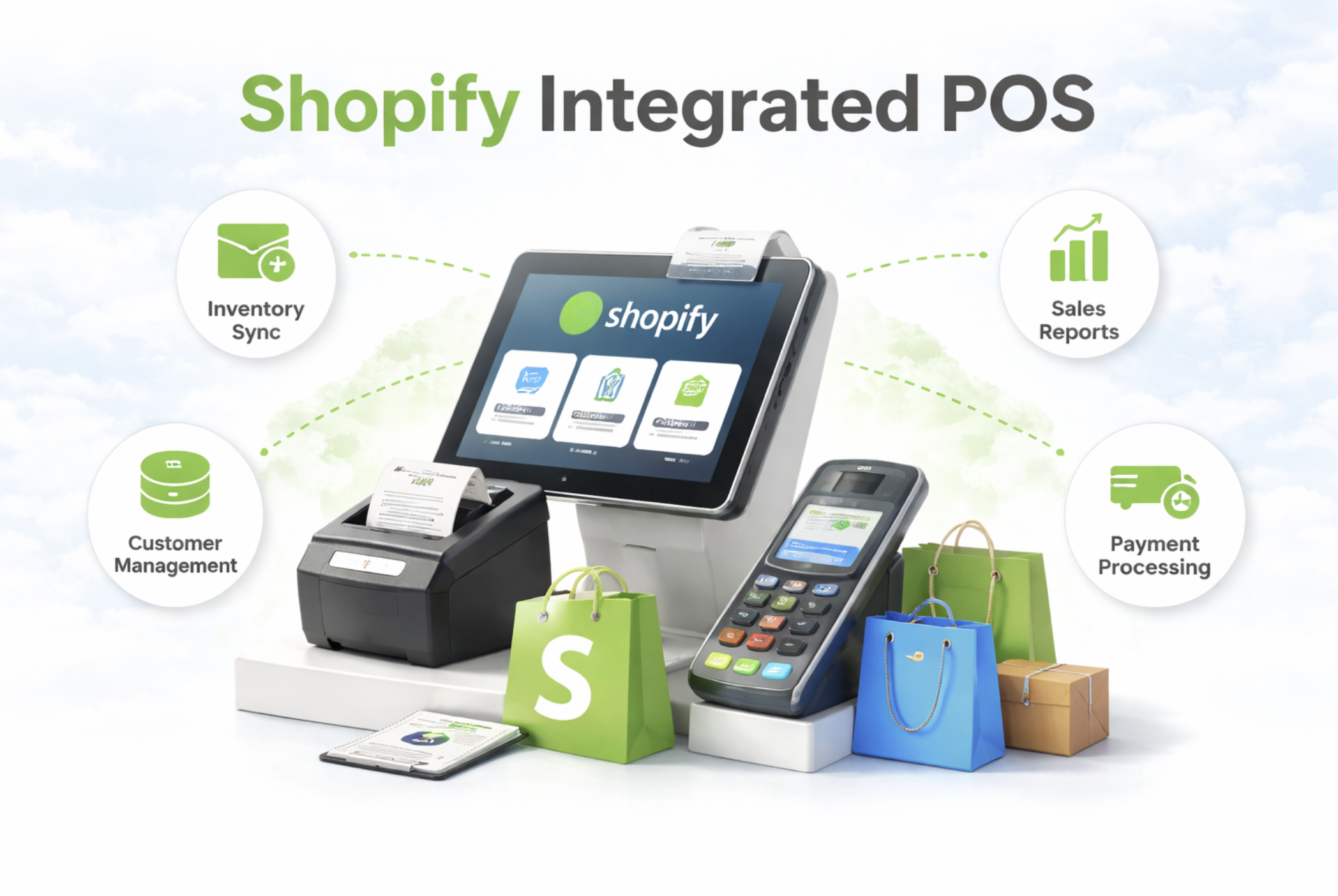
One POS for your Shopify store and every branch, with stock kept in sync.

Start 7-day free trial No card needed · Set up in minutes

1. Reconcile the register

The branch should verify opening float, cash sales, cash refunds, expenses, cash in, cash out, and expected closing cash.

This is where cash register and shift cash management becomes important. Cash should tie back to the staff shift and the register activity, not to rough memory.

2. Reconcile payment mix

The business should confirm how much of the day's collected value came through cash, card, and bank.

If split tenders are allowed, the system should already separate these correctly. Manual separation at closing time is where avoidable mistakes start.

3. Reconcile local sales activity

The branch should review completed local POS orders, refunds, voids, and exchanges for the day.

This is the operational sales record for that branch. It should be traceable through billing history, not reconstructed from receipts and screenshots.

For that reason, point of sale billing history matters more than many retailers realize.

4. Reconcile Shopify order activity separately

The ecommerce team or branch manager should review which online orders were created, fulfilled, returned, or edited during the same period.

That is not the same thing as branch cash.

It is a separate sales and fulfillment view that should later connect to dispatch, delivery, refund, and inventory activity.

5. Review unresolved exceptions

Any manual order edits, failed sync attempts, pending branch corrections, or unusual refunds should be reviewed before the day closes.

Most reconciliation problems do not come from the main workflow. They come from the exceptions no one looked at.

A practical end-of-day reconciliation workflow

A retailer does not need a finance team of ten people to do this well.

A disciplined daily workflow is usually enough.

  1. Close or review each active cashier shift and confirm expected tender totals.
  2. Count physical cash and compare it to expected drawer balance.
  3. Verify card and bank totals using the payment-type breakdown from the POS.
  4. Review refunds, exchanges, and voids separately instead of mixing them into normal sales.
  5. Check Shopify order activity for new, fulfilled, edited, and returned orders.
  6. Review any discrepancy items or sync exceptions before the team leaves.

The goal is not only to confirm that today's numbers are acceptable. The goal is to stop small discrepancies from carrying into tomorrow.

Once a retail team postpones reconciliation for three or four days, investigating the cause becomes much harder. Staff memory weakens, order edits pile up, and branch-level context disappears.

Why spreadsheets are not a real reconciliation system

Many businesses still export totals into Excel and try to "make the numbers agree" there.

That may help with presentation, but it does not solve the operational problem.

A spreadsheet cannot tell you:

  • which cashier shift created the discrepancy
  • which branch processed the refund
  • whether a card payment was misclassified as cash
  • whether a Shopify order was edited after placement
  • whether an exchange changed both payment value and stock movement

A spreadsheet summarizes. It does not explain.

For a growing retailer, reconciliation needs records that remain connected to the original sale, payment type, shift, branch, and order history.

How iSmartSync helps retailers reconcile with more confidence

iSmartSync keeps local sales, payment breakdowns, register activity, order history, and reporting inside one connected operational system.

That means the business is not trying to reconcile disconnected tools at the end of the day with only partial context.

Cash activity ties back to shifts and register controls. Payment types remain separated for reporting. Local billing records stay visible with refunds and exchanges. Shopify-linked operational activity remains traceable through the same environment rather than living as an isolated ecommerce total.

This makes reconciliation less about forcing numbers to match and more about understanding why each number exists.

To explore the related workflows, see POS Analytics and Reporting, POS Cash Register Management System and Track Sales and Orders in Real Time.

Final thoughts

Shopify sales, POS sales, and cash are connected, but they are not interchangeable.

Retailers run into trouble when they expect one total to explain all three.

A better reconciliation process treats sales records, payment records, register activity, and ecommerce order activity as related layers of the same day. Each layer should reconcile to the right source. Each exception should be reviewed while it is still fresh. Each branch should close with a clear picture of what happened locally and what still belongs to the online order pipeline.

Retailers who build that habit gain cleaner reporting, better staff accountability, and much faster problem detection.

Retailers who do not usually end up discovering reconciliation problems days later, when the context needed to solve them has already disappeared.

Keep reading

Want to see it with your own products? Start your 7-day free trial. No card needed.

One POS for your Shopify store and every branch, with stock kept in sync.

Start 7-day free trial No card needed · Set up in minutes