Shopify POS is a good starting point for one shop. Things change when you open a second or third branch. Stock gets harder to trust, cash needs checking per cashier, and costs that are charged per location start to add up.
This guide covers what a multi-branch retailer should look for in a Shopify POS alternative, and how to judge any system before you switch.
When the built-in option starts to feel small
Most retailers start looking for something else when they hit one of these:
- Two shops share one Shopify location. For example, a warehouse location that feeds two counters. You need stock per shop, but Shopify only sees one total.
- Cash doesn't add up at closing. You know the drawer is short, but not which shift or cashier caused it.
- Counters run on PCs. Your shops already have desktops, barcode scanners and thermal printers, and you don't want to buy tablets for every counter.
- Costs grow with every branch. Per-location pricing is fine for one shop and expensive for five.
- Back office lives in spreadsheets. Transfers between branches, purchase orders and staff commission are tracked outside the POS.
If two or more of these sound familiar, it is worth comparing options.
What a multi-branch POS needs
1. Stock per branch, synced with Shopify
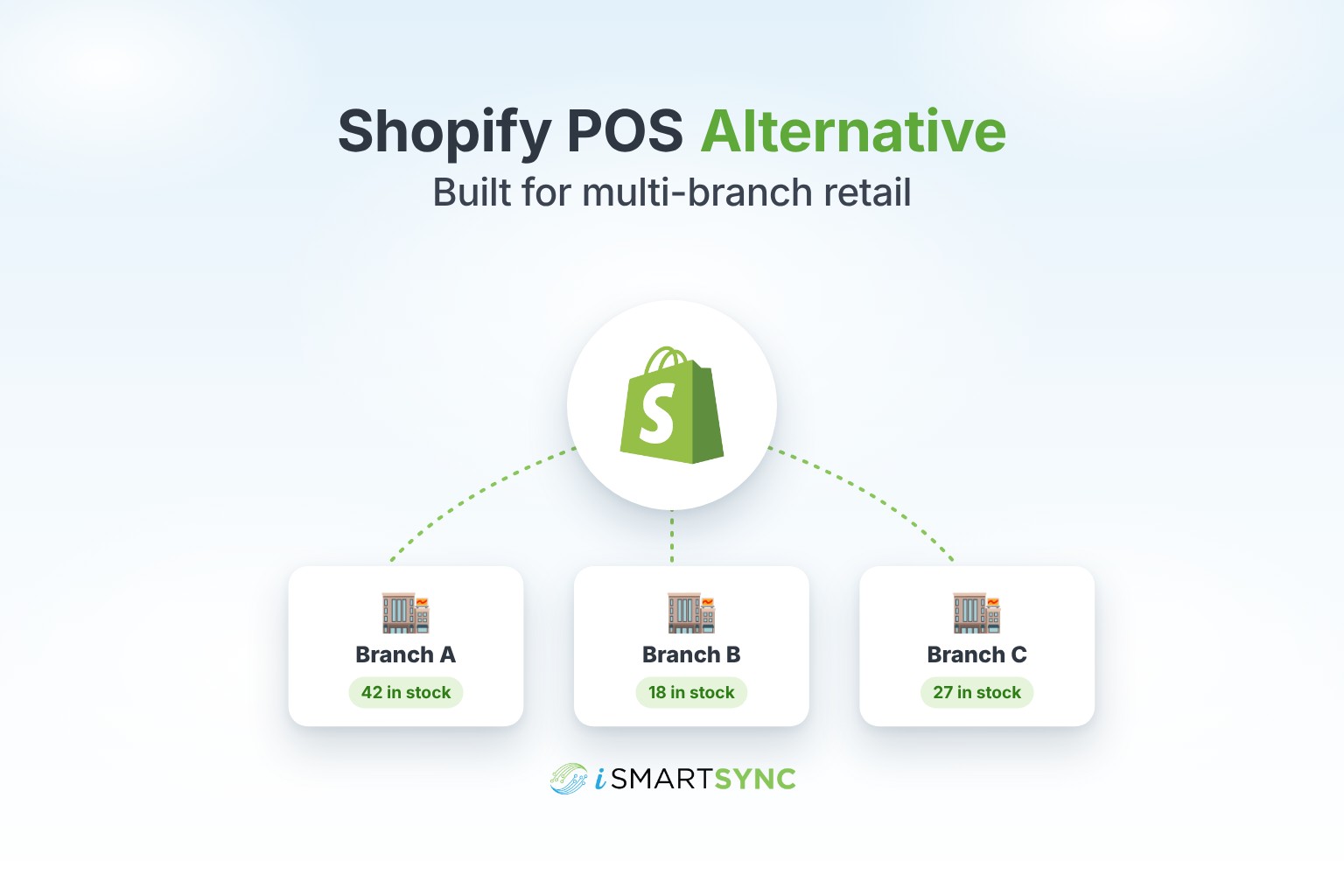
Every branch should have its own stock. A sale at Branch A should reduce Branch A only, and Shopify should update right after. Transfers between branches should move stock in one step, with a record of who sent what and what arrived.
Ask: can two branches sit under one Shopify location and still have separate stock? Many systems can't do this.
2. Sales that keep working when the internet or Shopify has a problem
A checkout queue can't wait for an outside service. The sale should complete in your POS, and Shopify should catch up afterwards with automatic retries.
3. Cash control by register and shift
Look for opening float, cash in, cash out and a counted closing amount per shift. The system should show expected cash next to counted cash, so a shortage is linked to one shift instead of a whole day. See how shift-based cash management works in iSmartSync.
4. Works on the hardware you have
A browser-based POS runs on any PC or laptop, with your existing barcode scanner and thermal printer. Tablets are a bonus, not a requirement.
5. Staff roles that match real jobs
Cashiers should bill and not edit prices. Branch managers should see their branch, not every branch. Owners see everything. Commission per salesperson should be calculated for you.
6. Online orders handled from the branch that ships them
If your branches also pack online orders, the POS should let staff pack, book the courier and fulfill the Shopify order from the same screen, taking stock from the right branch. See pack first, then book for why the order of those steps matters.
7. Reports you can filter by branch, counter and staff
Sales, profit, refunds, payment types and stock movement, all filterable and exportable. See the POS analytics and reporting features.
8. Pricing that doesn't punish growth
Compare the total monthly cost for your real setup: number of branches, counters and staff. A plan with a fixed price per tier is easier to budget than one that adds a fee for every location.
Questions to ask any POS before you switch
- Can I import products, variants and locations from Shopify without retyping anything?
- Does each branch keep its own stock, even under one Shopify location?
- What happens to a sale if Shopify is down for ten minutes?
- Can I see cash differences per shift and per cashier?
- Will it run on my current PCs, scanners and printers?
- Can I set roles so cashiers can't change prices or see other branches?
- What will I pay per month with all my branches and counters?
- Is there a free trial I can test with my own products?
How iSmartSync fits
iSmartSync is a separate point of sale that connects to your Shopify store. It is not the Shopify POS app, and you don't need Shopify POS hardware.
- Each branch keeps its own stock, and one Shopify location can hold several branches.
- Sales deduct branch stock first, then update Shopify. If Shopify is unreachable, the sale still completes and syncs later with retry.
- Registers and shifts track opening float, cash logs and counted closing cash.
- It runs in the browser on PCs and laptops, and tablets are supported too.
- Online orders can be packed, booked with a courier and fulfilled from the branch.
- Plans start at $29 a month with a fixed price per plan. Extra branches are an add-on on higher plans.
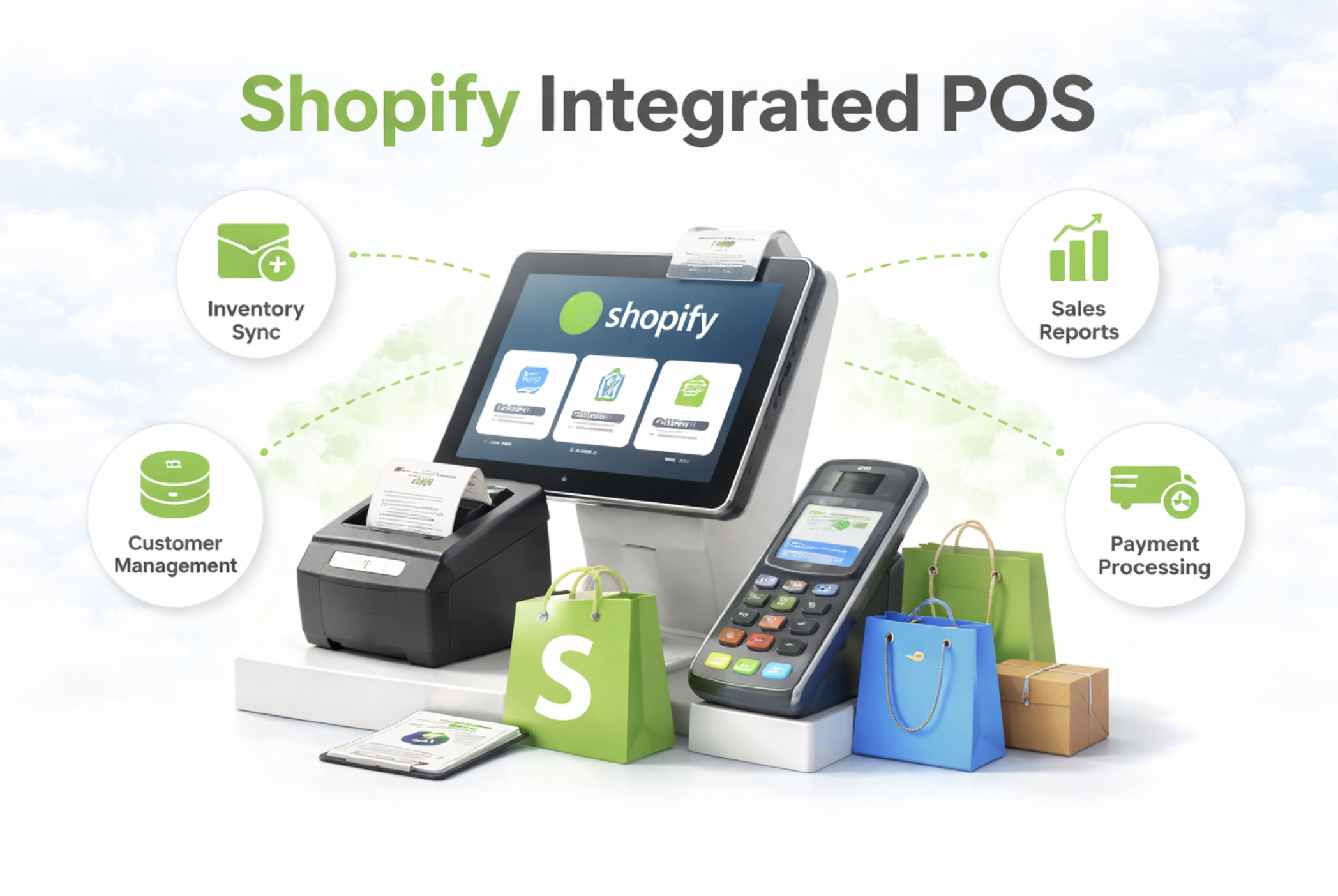
Compare the plans on the pricing page, or see how the Shopify integrated POS works. Thinking of switching? Book a 30-minute fit review and we'll check how your branches, products and stock would move over.
Common questions
Is iSmartSync the same as Shopify POS? No. iSmartSync is its own POS that connects to Shopify. Your products, stock and orders stay in sync with your Shopify store.
Can I use it for a single shop? Yes. The Air plan is built for one branch, and you can add more as you grow.
Do I have to re-enter my products? No. Products, variants and locations are imported from Shopify.
Does it work offline? No. iSmartSync is a cloud-based POS and needs an internet connection at the counter. If Shopify itself is having a problem, sales still complete and Shopify stock syncs later.