Most POS systems come with dozens of reports. Most owners open two of them. The rest is noise until something goes wrong.
You don't need every report. You need a short routine: a few numbers every day, a few more every week, and a deeper look once a month. This guide lists the seven reports that matter for a retail business, especially one with more than one branch.
Daily: three reports, five minutes
1. Sales summary by branch
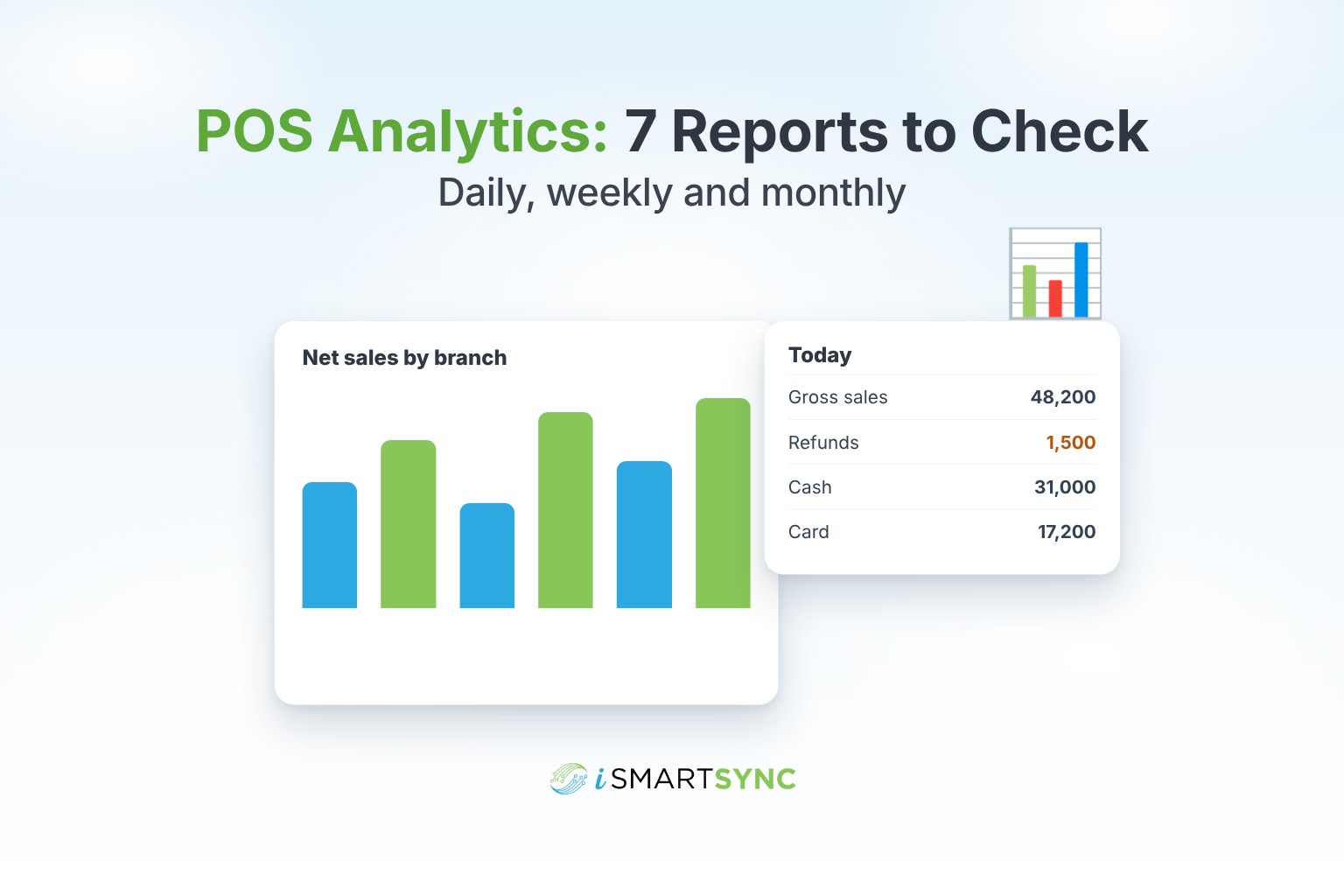
Gross sales, refunds and net sales for yesterday, split by branch and counter.
What to look for: a branch that is far below its usual day. One slow day is normal. Three in a row means something changed: staff, stock, footfall or a problem at the counter.
2. Payment types (tender summary)
How much came in as cash, card, bank transfer and other methods.
What to look for: cash that doesn't match what was banked, or a sudden drop in card payments, which can mean a terminal problem. Compare this with your shift cash report.
3. Refunds and exchanges
Every refund with the item, amount, cashier and reason.
What to look for: one cashier with many more refunds than the others, or refunds just after closing time. Most refunds are honest. A pattern is worth a conversation.
Weekly: three more
4. Products report
Best sellers and slow movers by quantity, sales and profit.
What to look for: best sellers that are running low at one branch while another branch has plenty. That is a transfer, not a purchase. Slow movers that have sat for a month are candidates for a discount.
5. Staff and commission
Sales per salesperson and the commission each one earned.
What to look for: who is selling, not just who is busy. If you pay commission, the report should calculate it for you instead of someone adding it up at month end.
6. Stock movement
Every stock change: sales, transfers in and out, returns, adjustments and purchases.
What to look for: adjustments with no clear reason, and transfers sent but not received. Missing items in a transfer should become an RMA record, as explained in RMA management.
Monthly: one deeper look
7. Profit by branch and product
Sales minus cost, by branch and by product or category.
What to look for: branches or categories that sell a lot but earn little. That usually means discounts are too deep or cost prices are missing. A profit report is only as good as your product costs, so make sure every product has one.
Dashboard or reports?
You need both, for different jobs.
- A live dashboard shows today at a glance: sales, refunds, payment mix and recent orders. Managers use it during the day.
- Reports are for checking and proving: filters, date ranges, exports and print. Owners and accountants use them.
What good POS reporting should let you do
- Filter by branch, counter, staff, payment method, status and date.
- Export to Excel, CSV or PDF.
- Compare branches side by side.
- Click from a total down to the single order behind it.
- Use your store's own currency and local day, so "yesterday" means your yesterday.
How iSmartSync does it
iSmartSync includes a live dashboard and a full set of reports: sales and order summaries, refunds, tender summary, products, staff and commission, inventory movement and audit, customers and loyalty. Every report can be filtered by branch, counter, staff, payment method and date, and exported or printed.
See the POS analytics and reporting page and the live dashboard, or start your 7-day free trial. No card needed.
Common questions
How often should I check POS reports? Sales, payments and refunds daily. Products, staff and stock movement weekly. Profit monthly.
What is a tender summary? A breakdown of how customers paid: cash, card, bank transfer and so on. It is the report you match against the money you banked.
Why is my profit report wrong? Usually because some products have no cost price. Add costs, then run the report again.
Can I see reports for one branch only? Yes. Filter by branch, or by a single counter inside a branch.