A good promotion brings people into the shop. A badly controlled one gives away margin on sales you would have made anyway. The difference is usually not the offer itself, but the rules around it.
This guide covers the types of discounts a shop uses and the limits that keep them under control.
Three kinds of in-store discount
Coupons
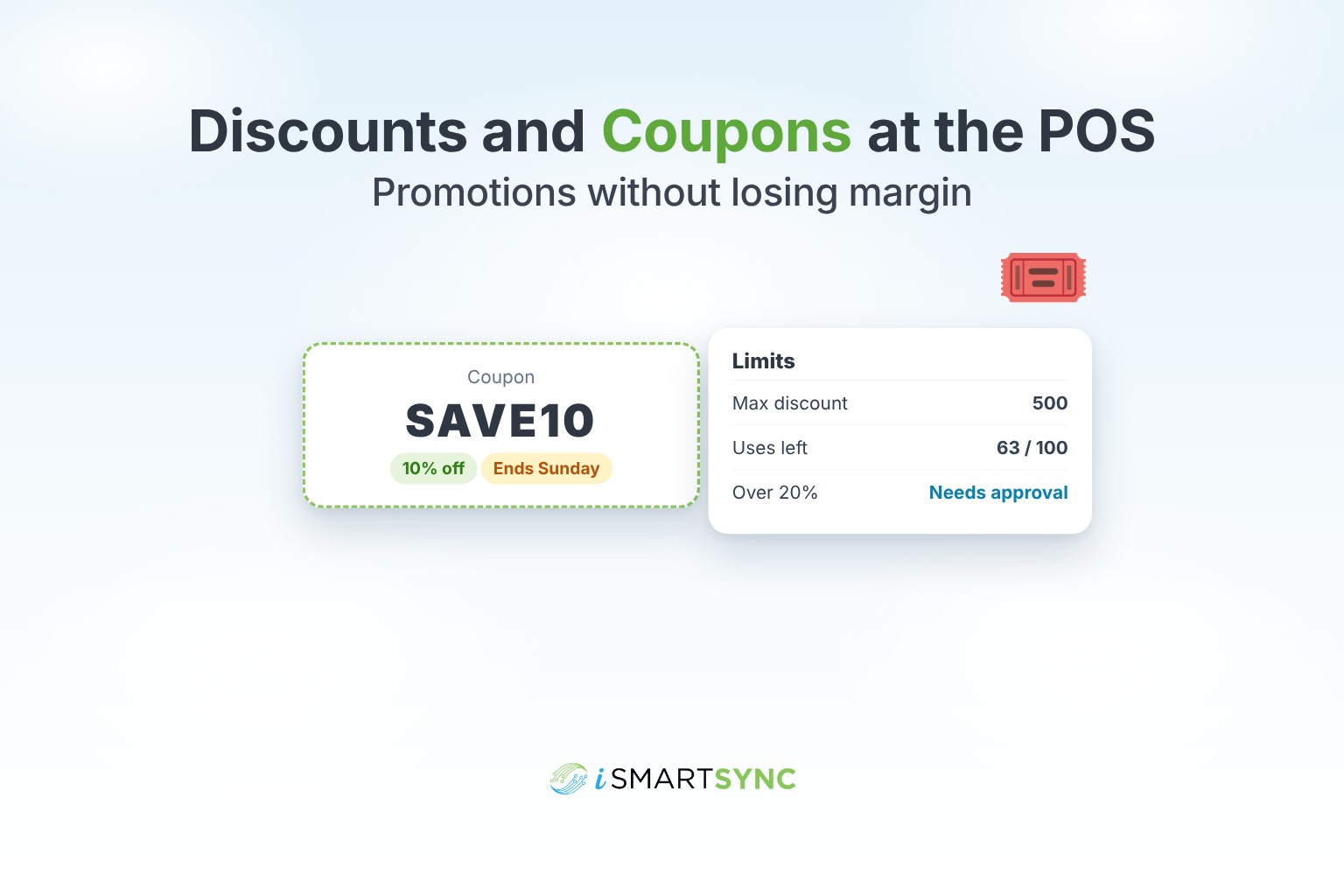
A code the customer brings, for example SAVE10. Coupons have rules: how much, how many uses, start and end dates. Good for campaigns you want to track.
Custom discounts
Applied by staff without a code, for example 10% off for a regular customer or a storewide weekend offer. Fast, but they need limits.
Shop prices
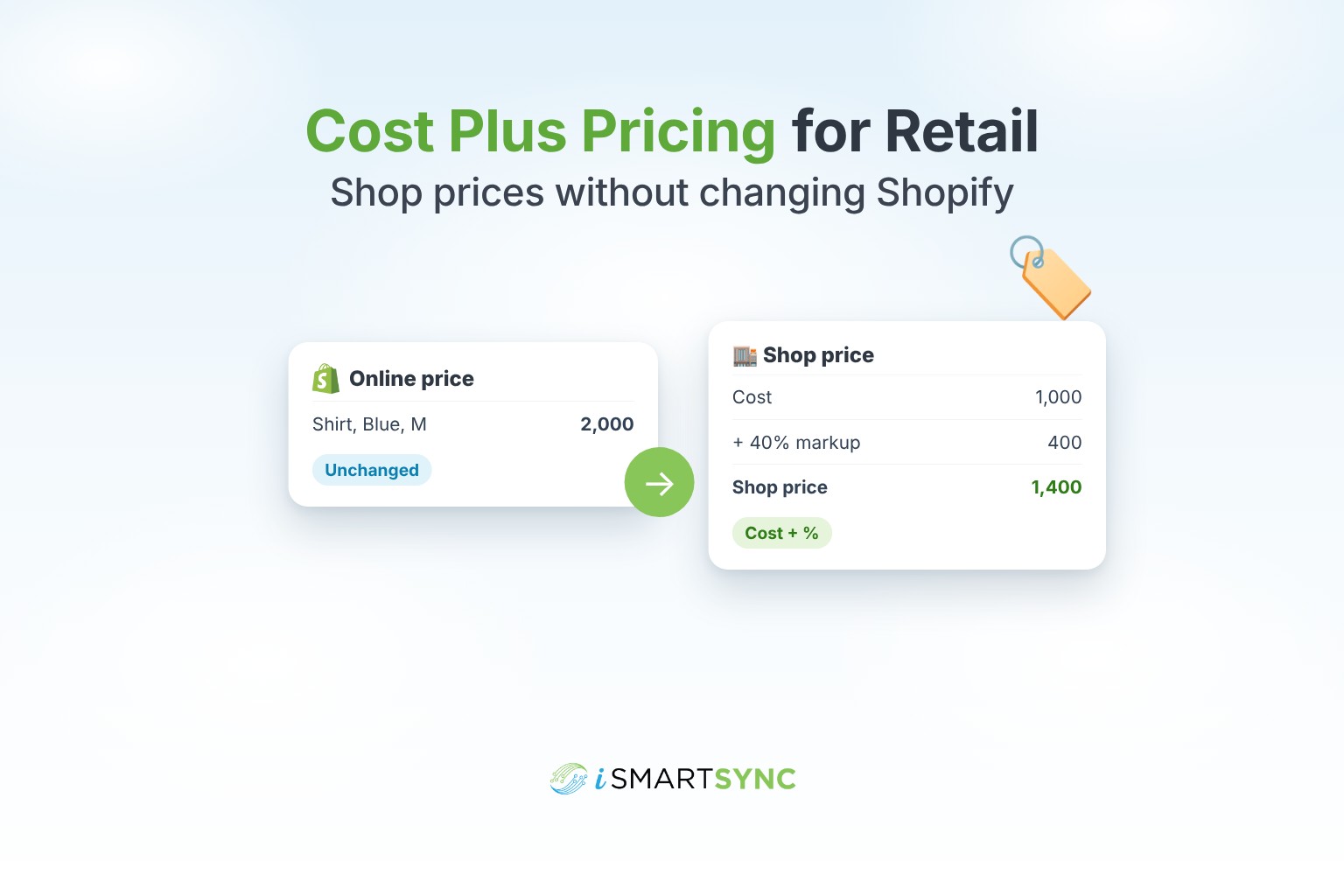
A standing in-store price, different from your online price, for example 10% below the website or cost plus a margin. See cost plus pricing for retail.
Set limits before you launch
- Caps. Limit how much a discount can take off, as a percentage or a flat amount.
- Usage limits. A coupon for the first 100 customers should stop at 100.
- Dates. Every promotion should end automatically.
- Approvals. Large discounts need a supervisor. See staff roles and permissions.
- Stacking rules. Decide whether a coupon can be used on top of a sale price, and be consistent.
Keep online and in-store offers aligned
If your website runs a promotion, customers will ask for it in the shop. Use the same discount codes in both places, or say clearly that an offer is online only.
Show the discount on the receipt
Customers like to see what they saved. List each discount on its own line. It also makes returns simpler, because staff can see what the customer really paid. See what to put on a thermal receipt.
Measure the result
After each promotion, check:
- sales during the promotion compared with a normal week;
- profit, not just sales;
- how many coupons were used, and by whom;
- discounts by cashier, to spot unusual patterns.
How iSmartSync does it
iSmartSync lets you create coupon codes and custom discounts that cashiers apply at the till, with a panel showing which promotions fit the current cart. You can set percentage or flat caps, usage limits, start and end dates, and approvals for sensitive overrides. Shopify discounts can be imported to keep online and in-store promotions aligned. Shop price rules set a separate in-store price, and cashier discounts can stack on top, each shown clearly on the receipt.
See discount and coupon management, or start your 7-day free trial. No card needed.
Common questions
What is the difference between a coupon and a discount? A coupon is a code with rules like limits and expiry. A discount is applied by staff, usually without a code.
Can I use my Shopify discount codes in the shop? In iSmartSync, yes. Import Shopify discounts to use them at the till.
How do I stop staff giving too much discount? Set caps and require supervisor approval above a set amount.
Should a coupon work on top of a sale price? It's your choice, but decide once and apply it everywhere, so customers and staff know the rule.