Your online price and your shop price don't always have to match. Many retailers want a different price at the counter: a little lower to bring people into the shop, or set from cost so every sale earns the same margin.
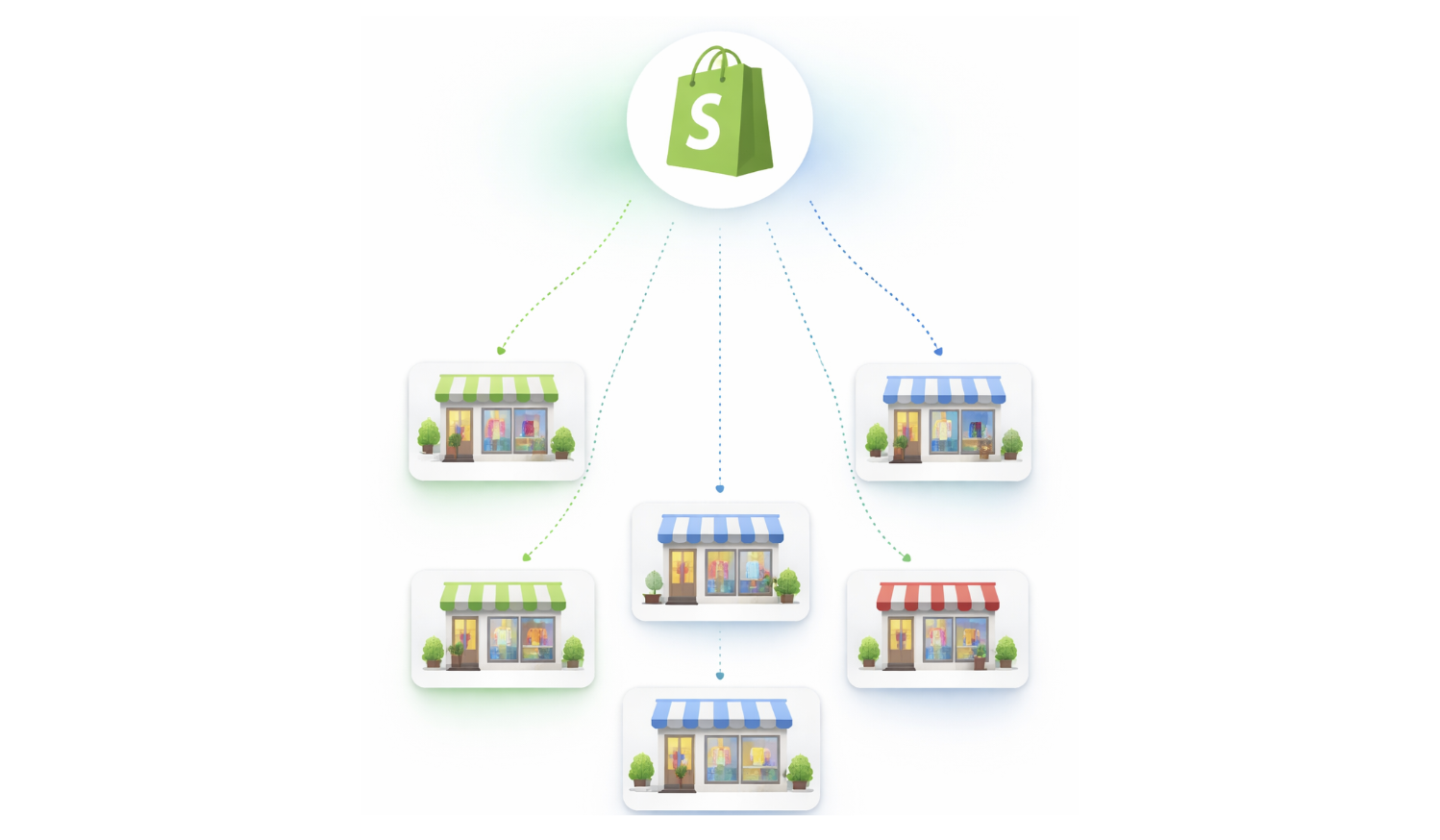
Changing prices in Shopify for that would change your website too. A shop price rule solves it. Shopify keeps its price, and your counters use the shop price.
Four ways to set a shop price
1. Discount off the Shopify price
The shop price is the online price minus a percentage. Example: a shirt is 2,000 online. With 10% off, the shop price is 1,800.
2. Cost plus a fixed amount
The shop price is your cost plus the same amount on every unit. Example: cost 1,000 plus 300 = 1,300.
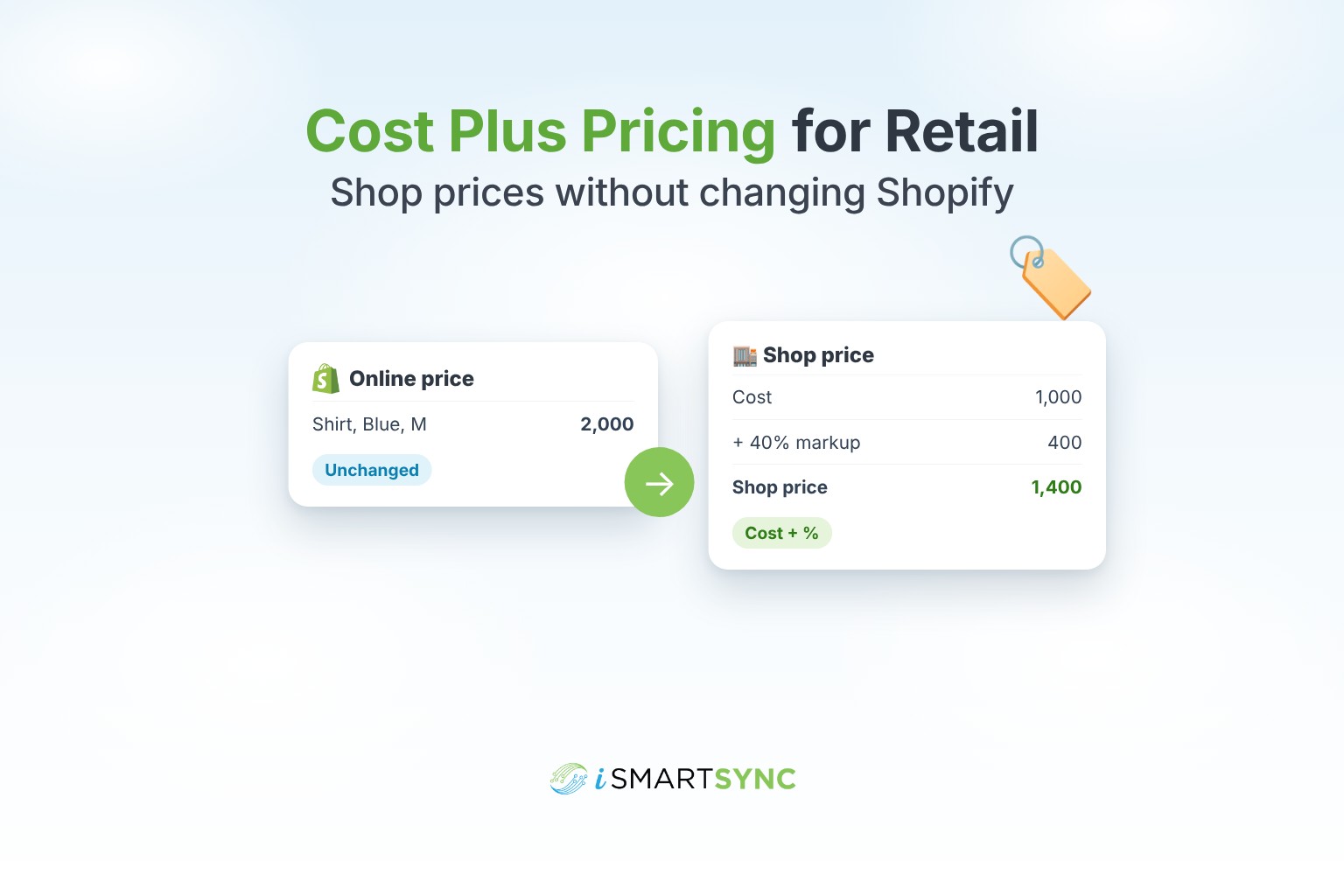
3. Cost plus a percentage (markup)
The shop price is your cost plus a percentage of cost. Example: cost 1,000 plus 40% = 1,400.
4. A fixed price
You type the exact shop price. Example: the shirt is 1,750 in the shop, whatever the online price is.
Markup or margin? Know the difference
People mix these up all the time.
- Markup is profit as a percentage of cost. Cost 1,000, price 1,400: markup is 40%.
- Margin is profit as a percentage of price. Same shirt: 400 ÷ 1,400 = about 28.6% margin.
A 40% markup is not a 40% margin. If you think in margins, convert before you set a markup rule.
Where tax fits
Calculate the markup on the price before tax, then add tax on top. Cost 1,000 plus 40% is 1,400. With 5% sales tax, the customer pays 1,470. Your profit is still 400, because tax isn't income.
Rules of thumb
- Keep costs up to date. Cost-based rules need a cost on every product. A product with no cost can't use them.
- Don't round silently. If the rule gives 1,467.50, that is the price. Round on purpose, not by accident.
- Let staff discount on top. A shop price is a starting point. Cashier and order discounts can still apply, and the receipt should show each one.
- Apply in bulk. Set one rule for a whole category or collection instead of product by product.
- Watch for prices below cost. A discount rule plus a cashier discount can dip under cost. Check your profit report weekly. See POS reports to check.
How iSmartSync does it
iSmartSync shop price rules offer all four modes: discount off the Shopify price, cost plus a fixed amount, cost plus a percentage, and a fixed price. One rule applies to a product across all branches, Shopify prices stay unchanged, and cashier discounts can stack on top. Products with no cost are flagged, with a button to re-import the cost from Shopify. Rules can be applied in bulk.
See discounts and pricing, or start your 7-day free trial. No card needed.
Common questions
Does a shop price change my Shopify price? No. Shopify keeps its price. The shop price is used only at your counters.
What is cost plus pricing? Setting the selling price as your cost plus a fixed amount or a percentage, so each sale earns a planned profit.
Is markup the same as margin? No. Markup is based on cost and margin is based on price. A 40% markup is about a 28.6% margin.
Can I use different rules for different products? Yes. Each product can have its own rule, and you can apply one rule to many products at once.