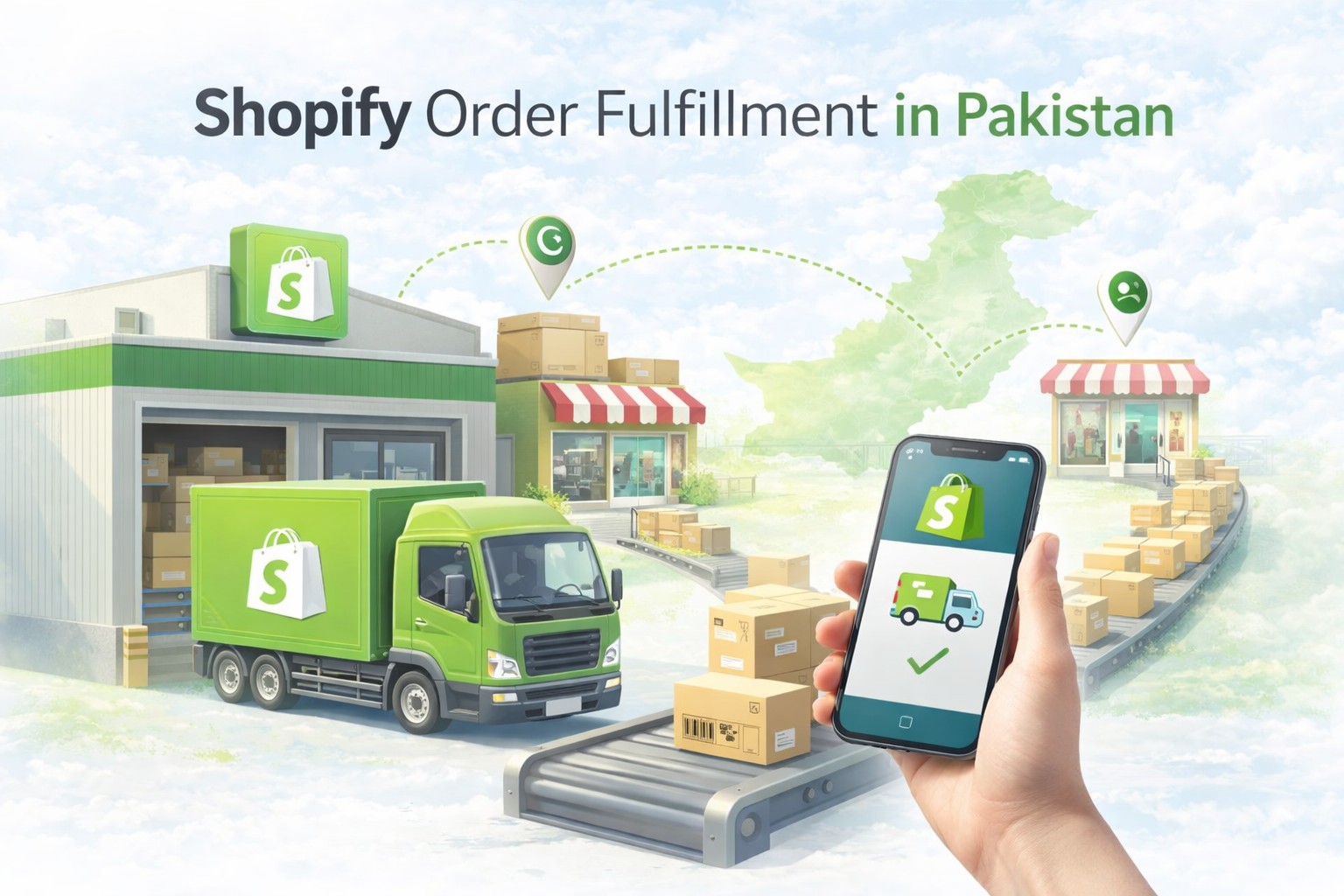
Most guides about Shopify order fulfillment are written for retailers in the US or UK. They assume Shopify Payments, integrated shipping labels, and automatic fulfillment workflows that handle themselves.
Pakistani retailers work differently.
Orders are mostly COD. Customers need to be called or messaged on WhatsApp before shipping to confirm the order is genuine and the address is correct. Shipments are booked manually through courier portals like TCS, Leopards, or M&P. Tracking numbers are added back into the system manually. Exchanges happen frequently — sometimes before the order ships, sometimes after the customer receives it.
None of this is complicated. But it requires a clear workflow that connects Shopify, the courier portal, and branch-level inventory in a way that keeps everything accurate and traceable.
What makes Pakistani retail operations more nuanced is that not every staff member works the same way. Some teams are comfortable in Shopify and prefer to manage fulfillment from there. Others prefer to work entirely inside their POS. Some branch staff are not technical at all and simply need to record what went out and deduct stock without touching Shopify.
iSmartSync supports all three of these realities through three distinct fulfillment workflows. This guide explains each one — how it works, when stock moves, how Shopify is updated, and which type of team it suits best.
What happens when a Shopify order is placed
Regardless of which fulfillment workflow a retailer uses, the starting point is always the same.
A customer places an order on the Shopify store. Shopify records the order and reduces inventory according to its own location settings. The order appears in Shopify admin as unfulfilled.
At the same time, iSmartSync picks up the same order and displays it in the Smart Orders page. The order appears with full details — customer name, phone number, items ordered, sizes, quantities, total amount, and payment status.
From the Smart Orders page, staff can call the customer directly or open a WhatsApp conversation with a single click to confirm the COD order before preparing any shipment. This confirmation step — checking items, size, address, and delivery expectation — is standard practice for Pakistani retailers and significantly reduces return rates from unconfirmed or incorrect orders.
Once the order is confirmed, the team moves to fulfillment. Which workflow they use depends on how their team operates.
Workflow one — Branch Sync (fulfillment led from Shopify)
Branch Sync is for retailers whose staff fulfill orders directly from Shopify admin. This is usually the case for more tech-savvy teams who are already comfortable in Shopify and prefer to manage the fulfillment process from there.
The staff member opens the order in Shopify, books the shipment through TCS or another courier portal externally, and adds the tracking number back into Shopify. When the order is marked as fulfilled in Shopify, iSmartSync detects the fulfillment event automatically and updates the Smart Order status to Branch Sync.
Branch Sync is the step where iSmartSync connects the Shopify fulfillment to actual branch-level inventory. Shopify has already reduced inventory from its location records, but it does not know which physical branch the item came from. Branch Sync solves this.
When the order reaches Branch Sync status, iSmartSync shows the team exactly which branches have the required items in stock at that moment. For each item in the order, the screen shows how many units are ordered and how many are available at the selected branch. Items that are in stock show clearly. Items where the selected branch has low or zero stock are flagged immediately so the team can select a different branch before confirming.
Once the correct branch is confirmed, iSmartSync deducts inventory from that specific branch. The movement is recorded with the branch name, items, quantities, order reference, and timestamp.
This workflow suits teams that prefer Shopify as their primary working environment and only need iSmartSync to handle the branch-level inventory piece that Shopify cannot do on its own.
Workflow two — Smart Fulfillment (fulfillment led from iSmartSync)
Smart Fulfillment is for retailers whose staff prefer to manage the entire fulfillment process from inside iSmartSync without needing to work in Shopify admin at all.
When a Shopify order arrives in Smart Orders, the staff member creates a fulfillment directly inside iSmartSync. They add the courier name and tracking number inside iSmartSync. The fulfillment moves through a clear progress workflow: Pending, Packed, Dispatched, and Delivered.
The key moment for inventory is Packed. When the staff member marks the fulfillment as Packed, iSmartSync deducts inventory from the assigned branch at that point. The item has been physically prepared for dispatch. That is the moment the stock count changes.
When the fulfillment is marked as Dispatched, iSmartSync updates Shopify automatically. The Shopify order is marked as fulfilled with the tracking number. The customer receives their shipping notification from Shopify as usual.
From inside iSmartSync, the team can also mark the shipment as Delivered when the courier confirms delivery, or initiate a Return if the shipment comes back. Both actions update the fulfillment record and handle the inventory implications correctly.
Smart Fulfillment also supports partial fulfillment. If an order contains multiple items and only some of them are ready to ship from a specific branch, the team can create a fulfillment for those items only and handle the remaining items in a separate fulfillment later. Each fulfillment is a separate shipment record with its own courier, tracking number, and progress workflow.
This workflow suits teams that prefer to work entirely inside iSmartSync, want the fulfillment progress tracking built in, or need partial fulfillment capability for multi-item orders.
For more on how fulfillment and branch stock work together, see Shopify Order Fulfillment Through POS and Multi-Branch Inventory and Order Management.
Workflow three — Manual Fulfillment (record keeping without Shopify linking)
Manual Fulfillment is for branch staff who do not have access to Shopify and do not need to interact with it at all. It is designed for non-technical team members who simply need to record what went out and deduct the correct stock from their branch.
When a Shopify order is placed, the branch staff member creates a Manual Fulfillment inside iSmartSync for that order. They record the items, quantities, and branch. iSmartSync deducts inventory from the branch as a clean operational record.
Importantly, Manual Fulfillment does not create or update any fulfillment record in Shopify. The Shopify order remains as it is. Manual Fulfillment is purely for internal branch-level stock management and record keeping.
This is the right workflow when the business has already handled the Shopify side — perhaps a head office team manages Shopify fulfillment centrally — and the branch team simply needs to record the physical stock movement at their end without duplicating what has already been done in Shopify.
It is also the right workflow for operations where non-technical staff are responsible for inventory accuracy at the branch level. They do not need Shopify access, do not need training on Shopify admin, and do not risk making changes in Shopify they did not intend. They work entirely inside iSmartSync, record what moved, and the branch inventory stays accurate.
This workflow suits retail operations with a clear separation between the team managing Shopify and the team managing physical branch stock — or any situation where branch staff need a simple, non-technical way to keep their inventory records clean.
How the three workflows compare
Each workflow solves the same core problem — keeping branch-level inventory accurate after a Shopify order is fulfilled — but from different starting points and for different types of teams.
Branch Sync starts in Shopify. The fulfillment happens there first, and iSmartSync handles the branch inventory assignment afterwards. It suits teams already comfortable in Shopify who want iSmartSync to fill in the branch-level gap.
Smart Fulfillment starts in iSmartSync. The entire fulfillment process — courier, tracking, progress, Shopify update — is managed from inside iSmartSync. It suits teams who prefer one system for their daily operations and want built-in progress tracking and partial fulfillment support.
Manual Fulfillment stays in iSmartSync entirely and does not touch Shopify at all. It suits non-technical branch staff who need to record stock movements and maintain inventory accuracy without any interaction with Shopify.
All three workflows result in the same outcome: branch inventory is deducted correctly, the movement is recorded cleanly, and the stock picture at each branch reflects what actually happened.
What happens when a customer wants to exchange an item
Exchanges are one of the most common post-order events in Pakistani retail, particularly for fashion and footwear. A customer calls after placing an order and wants a different size, a different colour, or a completely different item.
When this happens, the staff member goes to Shopify and edits the order directly — removing the original item and adding the replacement. Shopify updates the order with the new line items.
iSmartSync detects the order edit and automatically updates the Smart Order status to reflect the exchange. The order shows the original items alongside the replacement items with a clear record of what changed.
iSmartSync then guides the team through the inventory and payment implications. If the replacement item costs more than the original, the additional amount to collect is shown. If it costs less, the refund amount is shown. If the items are equal in value, the exchange proceeds with no payment adjustment.
The inventory effect is handled correctly at the branch level. The original item is returned to stock at the appropriate branch. The replacement item is deducted from the branch that will fulfill it. Both movements are recorded and traceable.
This means exchanges do not create silent inventory errors. Every item that goes back into stock is recorded. Every item that goes out is deducted. The branch-level picture stays accurate even when multiple exchanges happen across multiple branches on the same day.
For more on how exchange and return workflows operate, see Inventory RMA Management System.
What happens if fulfillment happened outside iSmartSync
Sometimes a fulfillment happens directly in Shopify without going through any iSmartSync workflow — for example during a busy period when staff fulfill quickly through Shopify admin without completing the Branch Sync step.
When this happens, Shopify inventory is reduced but the branch-level inventory inside iSmartSync is not updated. The order sits in Smart Orders without a branch assignment.
iSmartSync handles this with a Fix Branch Stock workflow. The team opens the affected order, selects which branch the item was actually dispatched from, and sets the correct quantities. iSmartSync adjusts the branch-level inventory to reflect what actually happened, with a traceable record of the correction.
This means that even when the standard workflow is not followed, branch stock can be corrected cleanly rather than left as an untracked discrepancy.
Final thoughts
Pakistani Shopify retailers operate in a fulfillment environment that is genuinely different from global ecommerce norms. COD confirmation calls, manual TCS bookings, non-technical branch staff, and frequent exchanges are not exceptions. They are the daily reality.
Having three distinct fulfillment workflows — one for Shopify-led teams, one for iSmartSync-led teams, and one for non-technical branch staff — means every type of team member can participate in the fulfillment process in a way that suits how they actually work, without compromising branch inventory accuracy.
For Pakistani retailers running multiple branches on Shopify, that flexibility is what makes clean operations possible across teams with different levels of technical comfort and different working preferences.
To explore how iSmartSync handles the full order and fulfillment lifecycle, visit Track Sales and Orders in Real Time and Shopify Integrated POS Point of Sale.