The drawer is short at closing. Was it the morning cashier, the evening cashier, a wrong change, or a cash payment to a supplier that nobody wrote down? If you only count once a day, you will never know.
Counting per shift fixes that. Each cashier starts with a counted float and ends with a counted drawer, and every cash movement in between is logged. A shortage then belongs to one shift, not to the whole day.
Register and shift: two different things
- Register: the counter's session for the day, from opening to closing.
- Shift: one cashier's working period inside that session, with its own opening and closing count.
One register can have several shifts. That is how you can tell the morning from the evening.
The expected cash formula
At the end of a shift, the system should work out what the drawer ought to hold:
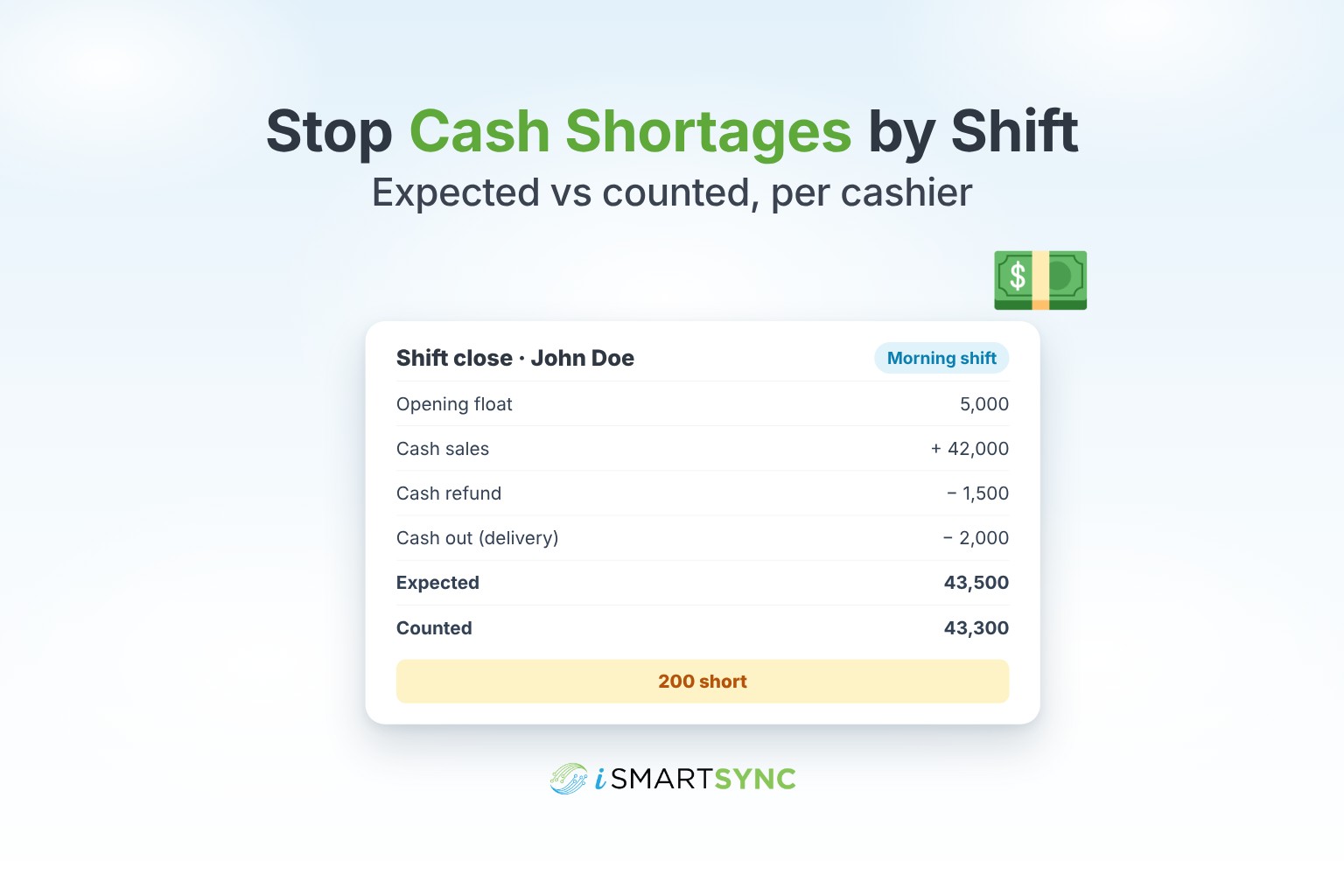
Opening float + cash sales − cash refunds ± cash in and out = expected cash
Then the cashier counts the drawer. The difference between expected and counted is the shortage or overage for that shift.
Example: John Doe opens with a float of 5,000. He takes 42,000 in cash sales, gives one cash refund of 1,500, and pays 2,000 for a delivery from the drawer, which he logs as cash out. Expected cash is 5,000 + 42,000 − 1,500 − 2,000 = 43,500. He counts 43,300, so the shift is 200 short. You know the exact shift and cashier.
Log every cash in and cash out
Most "shortages" are unrecorded cash movements: a supplier paid from the drawer, petty cash for supplies, or money taken to the bank mid-day. Make it a rule that any cash leaving or entering the drawer outside a sale is logged with an amount and a reason.
A simple routine for every counter
- Open the shift with a counted float. The system should suggest the amount left by the last shift.
- Log cash in and out as it happens, with a reason.
- Close the shift with a blind count. The cashier enters what they counted before seeing the expected amount.
- Review differences daily. Small ones happen; repeated ones need a conversation.
- Hand over the drawer balance so the next shift starts from the right amount.
Rules that prevent problems
- One active register per counter at a time, so two sessions never mix their totals.
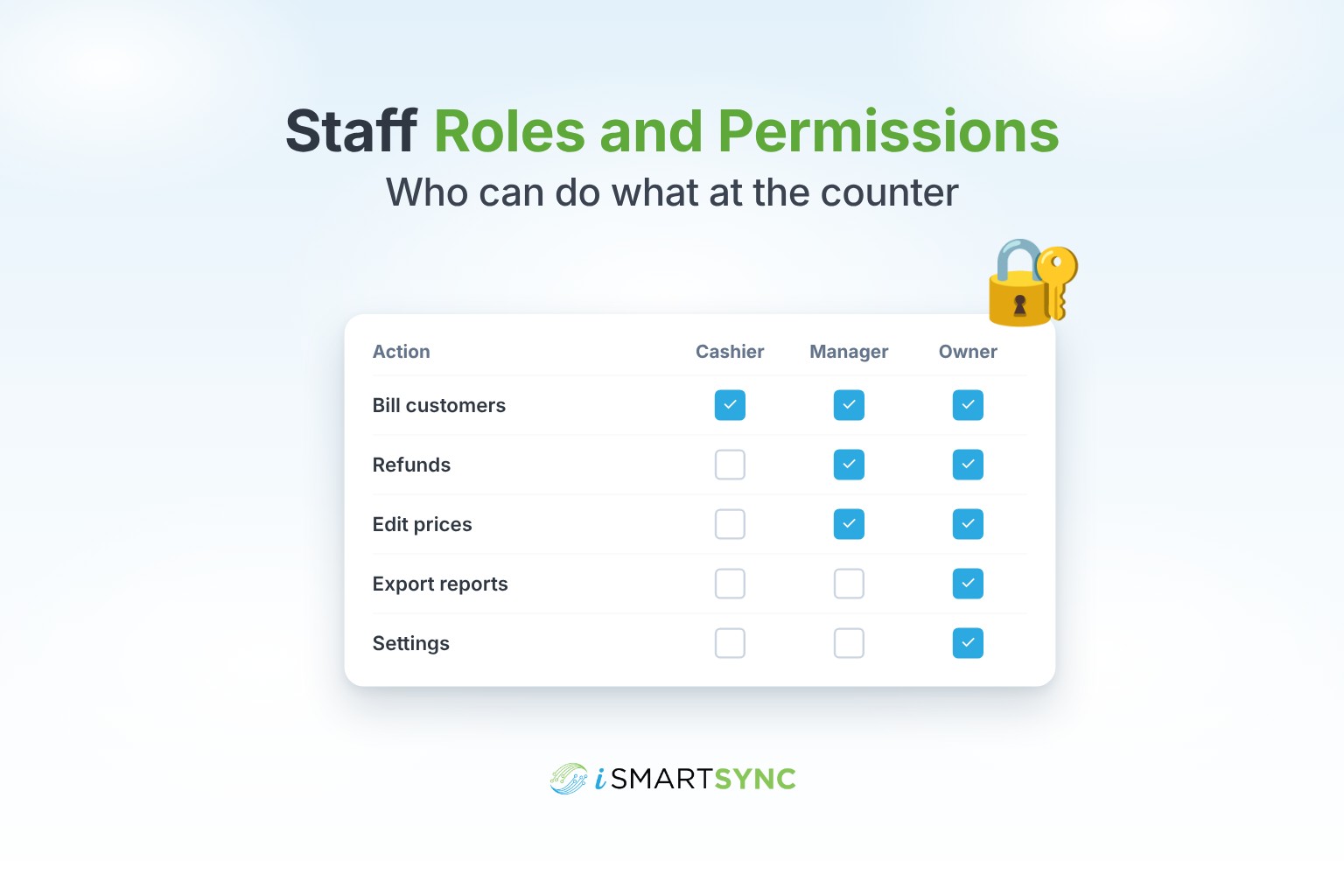
- Each cashier signs in with their own login. See staff roles and permissions.
- Refunds in cash need supervisor approval.
- Shifts can only open during your shop's set hours.
What to look for in reports
- Shortages and overages by shift, cashier and branch.
- Cash logs with reasons.
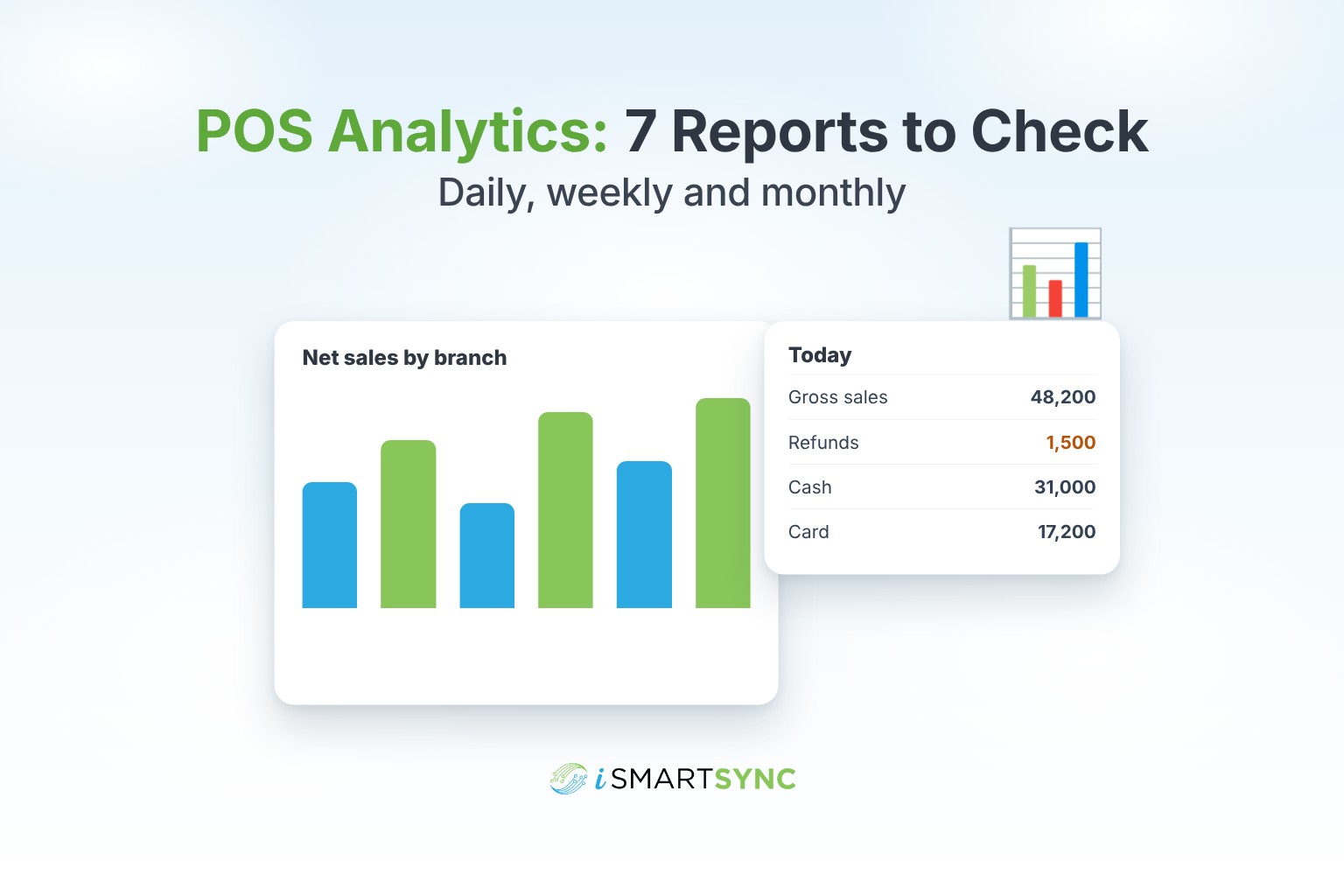
- Payment mix per shift, so you can see cash next to card and bank. This links to the daily routine in POS reports to check every day.
How iSmartSync does it
iSmartSync records opening float, cash sales, cash in, cash out and counted closing cash for every shift, and shows the difference between expected and counted per shift and cashier. It blocks two registers from running on the same counter, and the shift close carries the drawer balance forward to the next cashier. You can view totals by shift, counter and branch.
See cash register and shift cash management, or start your 7-day free trial. No card needed.
Common questions
What is a cash float? The cash in the drawer at the start of a shift, used to give change.
How often should I count the drawer? At the start and end of every shift. Counting only at day end hides which shift caused a difference.
What is a blind count? The cashier counts the drawer without seeing the expected amount, so the count is honest.
Is a small difference normal? A small difference now and then is normal. The same cashier being short again and again is not.